















One day, my SD card decided to give me issues and died on me. Some videos were corrupted and some pictures were gone. There was nothing I can do to recover it. While I was still able to make something out of what was left, we are going to highlight the Stellar Photo Recovery Tool here to show you that you can easily avoid our unfortunate fate.
Then comes the desperation of trying to get my files back. However, there is a myriad of different software that promises to do just that. Here, we are highlighting one software in particular – the Stellar Photo Recovery tool. It can recover your lost photo, audio, and video and also to repair corrupted pictures and videos.
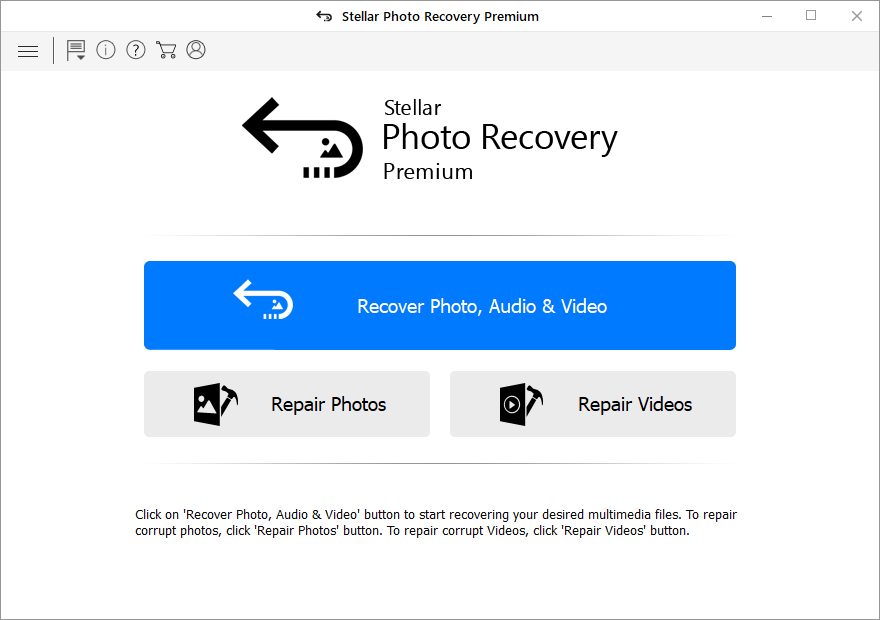
Let us go through each of them and see what it can actually do.
Recovering photos,videos, and audio files
Firstly, to recover my photos, videos, and audio files. For that, I plugged in my very own DSLR’s SD card. I have formatted it countless times and rewrite data (pictures and videos) on it so it’s interesting to see how the Stellar Photo Recovery tool will perform.
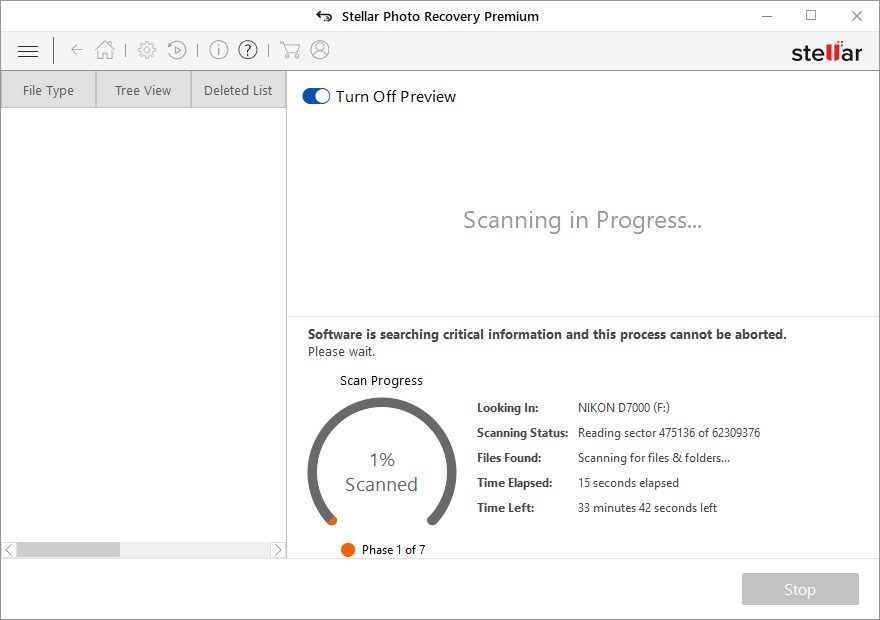
I started a quick scan on my SD card and it took about 15 minutes to complete. Obviously, this scanning time depends on your card reader’s speed and also the card’s capacity. Mine is a 32GB card that is reading off of a USB 2.0 card reader.
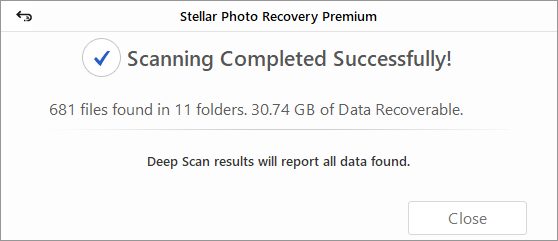
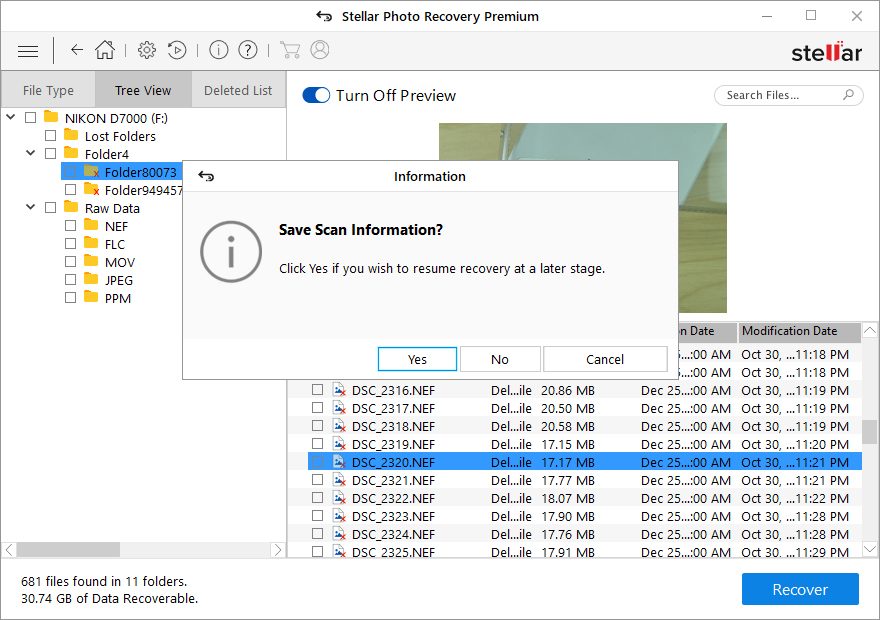
Once the scan is complete, I was presented with a menu that is very intuitive to use. From there, I navigate through folders and select the files I want to recover. There is also a preview section whereby I can see my lost pictures and videos before recovering them.
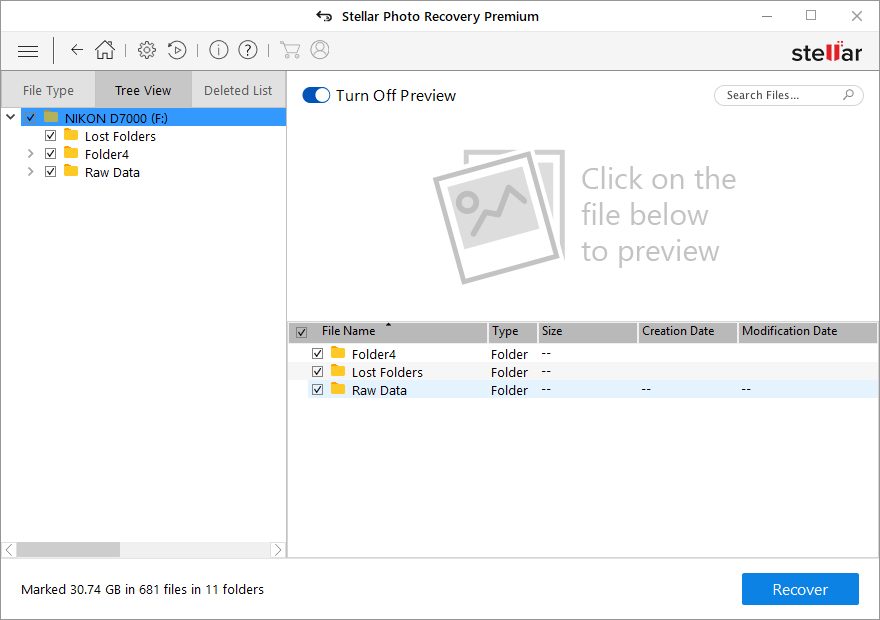
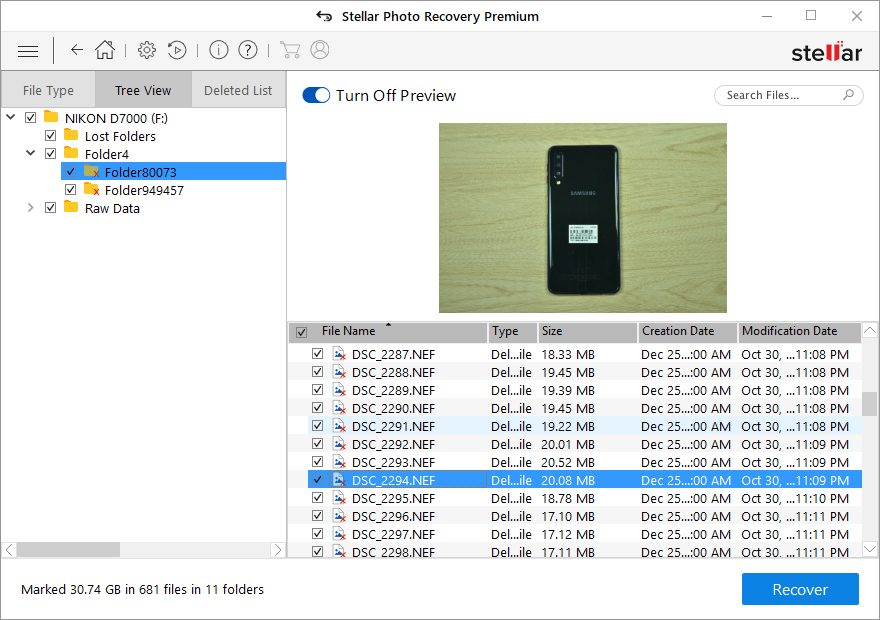
For videos, a media player appears. This is very convenient indeed.
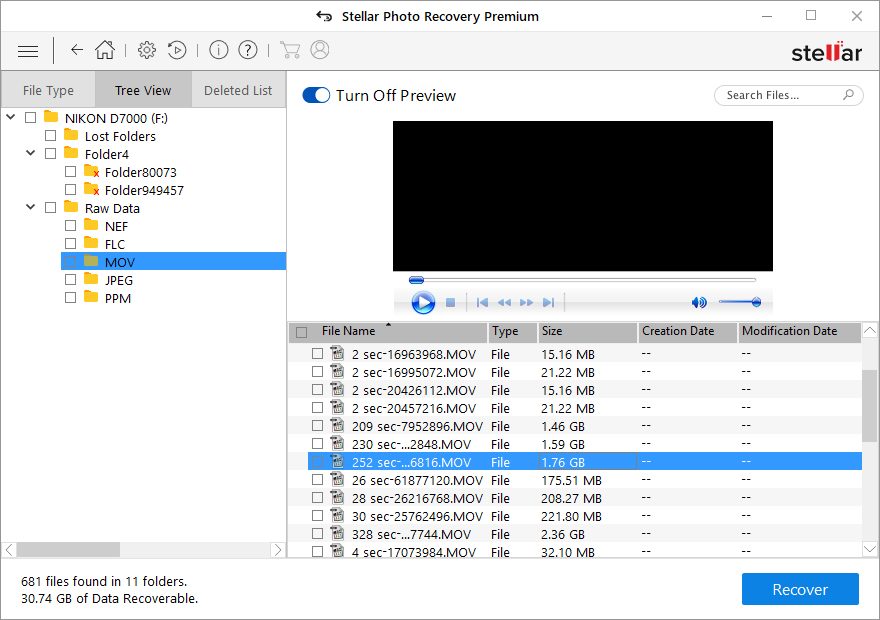
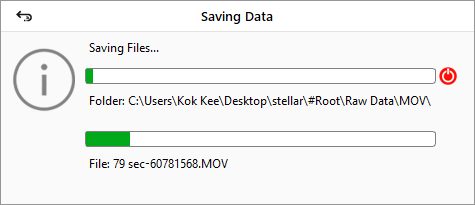
Once I have selecting the files I want to recover, I got my files back. My RAW images were perfect and had no issues. My video works fine either – though your mileage may vary depending on the file size of your video – which brings us nicely to the next section.
Repairing files
Photo and video corruption might happen randomly and unexpectedly, catching us off-guard. Recovering corrupted photos and videos is a scary process and for me, I do not expect the full entirety of my video to be recovered.
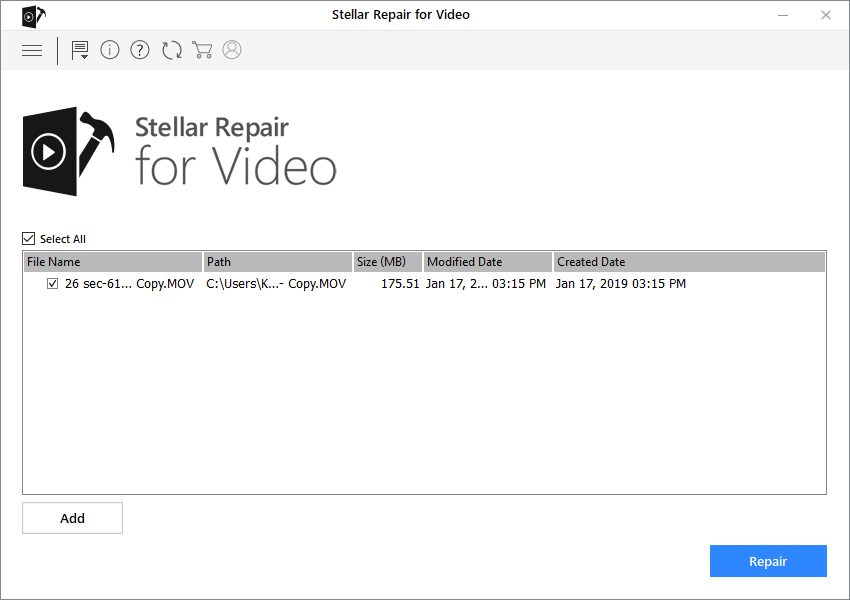
I actually manage to find a video in my SD card that was partially overwritten, making the original video corrupted. The Stellar Photo Recovery tool actually managed to retrieve the visual part of my video – although the audio became gibberish.
Upon exiting the Stellar Photo Recovery tool, I was prompted by a message asking if I would like to save my search result. This feature is extremely useful as I do not need to rerun the scan again if I want to recover some other file next time. What a time saver!
Do you really need a recovery tool?
So the question now boils down to this – do you need Stellar Photo Recovery tool? I personally suggest to have it around. When everything goes down south, you have a safety net ready.
Of course, no one hopes for their files to be corrupted – but it is better to know what to do when something bad happens, even though you hope that you do not need to know such knowledge.
The Stellar Photo Recovery tool is available now starting from USD $39.99 and goes up all the way to USD $149, depending on the type of recovery that you wish to perform.
Click here to learn more. Or click here to learn more about the Stellar Photo Recovery Premium.
Like our Facebook Page here at NasiLemakTech.com for more news and in-depth reviews! Also, join our Facebook Group for insightful information and memes!
Subscribe to our YouTube channel too!