

















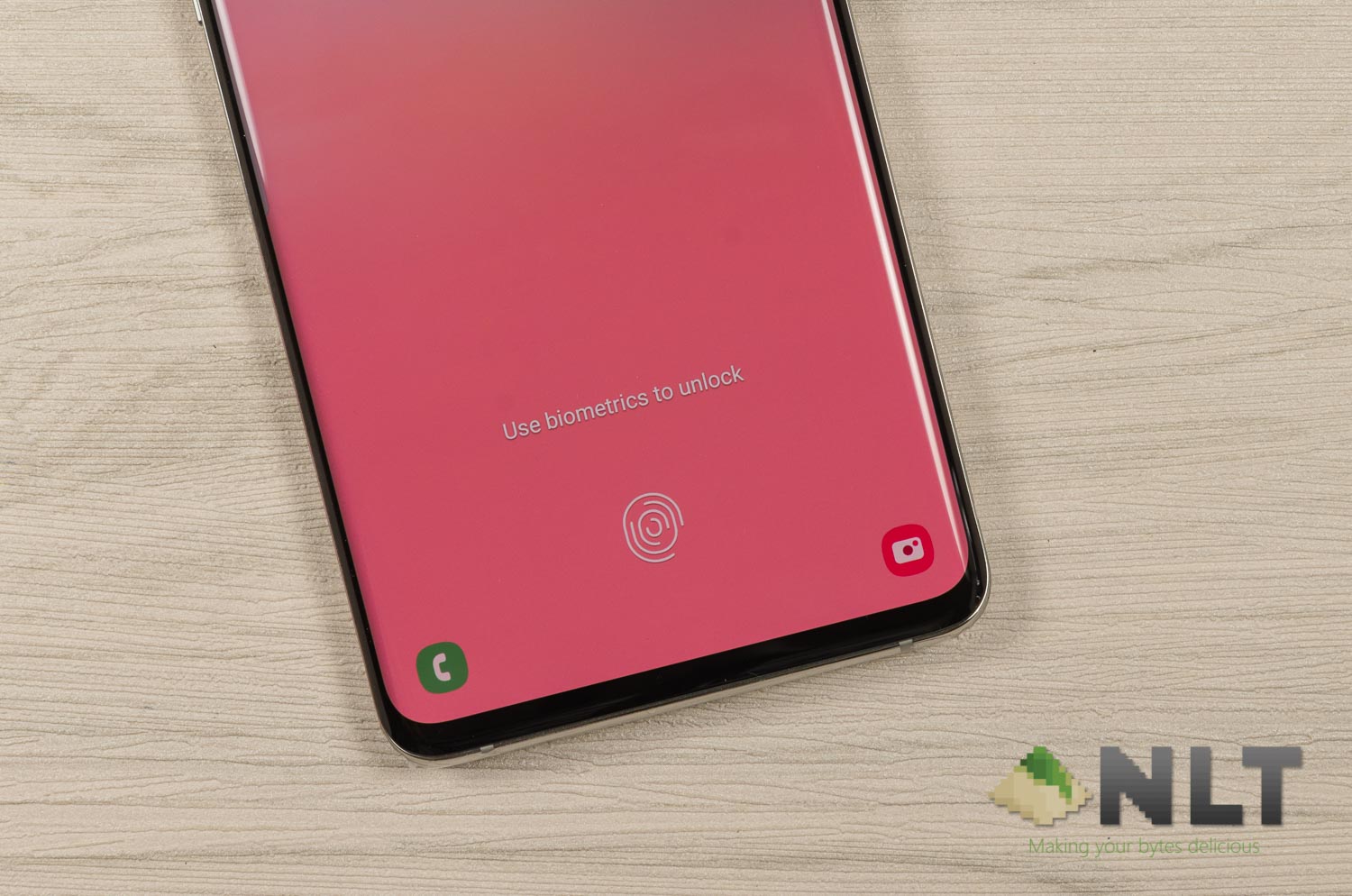

Last week, The Sun published the fingerprint issue of one particular user in the UK. She had a glove-like TPU case for her Samsung Galaxy S10. That glove-like TPU case covers the entire phone from front to back – so even the under-display fingerprint scanner is covered. The user then registered the dotted texture on her Galaxy S10 cover as the fingerprint. Obviously since the cover is registered as the fingerprint, anyone can unlock it.
Despite being not Samsung’s fault in this case, Samsung still promised a fix for it – and they delivered. The Samsung Galaxy S10+ that I’m using just got a push notification for an update to the fingerprint scanner.

This new fingerprint scanner update bumps its firmware version number to v2.0.24.20, with an update size of 4.2MB. You can check your current fingerprint scanner firmware version number by heading to Setting > Biometrics & Security > Biometrics Preferences.
As of now, this update is pushed to the Galaxy S10, Galaxy S10+, Galaxy Note10, and Galaxy Note10+ smartphones. These 4 smartphones from Samsung uses the ultrasonic under-display fingerprint scanner.
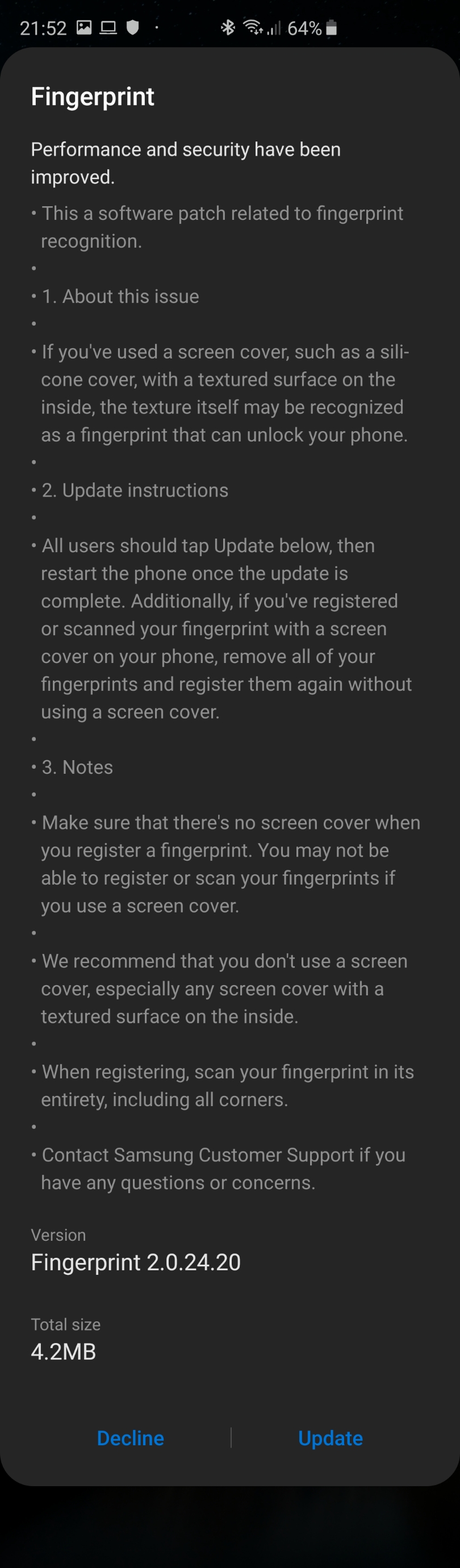
The highlight of this fingerprint scanner update are as follows:
- About the issue
- If you’ve used a screen cover, such as a silicone cover, with a textured surface on the inside, the texture itself may be recognized as a fingerprint that can unlock your phone
- Update instructions
- All users should tap Update below, then restart the phone once the update is complete. Additionally, if you’ve registered or scanned your fingerprint with a screen cover on your phone, remove all of your fingerprints and register them again without using a screen cover.
- Notes
- Make sure that there’s no screen cover when you register a fingerprint. You may not be able to register or scan your fingerprint if you use a screen cover.
- We recommend that you don’t use a screen cover, especially any screen cover with a textured surface on the inside.
- When registering, scan your fingerprint in its entirety, including all corners.
I did all of the following instructions and I personally don’t feel any different at all. I’ve been using a third-party TPU film screen protector (smooth, textureless) ever since I got the device and I never encountered any issue. I deleted all registered fingerprints and enrolled again and it also felt the same.
Currently, we still do not know what Samsung did to change the fingerprint enrolment and detection. Any readers here who encountered this issue and found some differences?
Like our Facebook Page here at NasiLemakTech.com for more news and in-depth reviews! Also, join our Facebook Group for insightful information and memes!
Subscribe to our YouTube channel too!