





Personally, I don’t know what happened with Samsung as they got a big overhaul since the Galaxy S10 series of smartphones. We saw monthly OTA updates and the company is also one of the fastest to push out Android 11 with One UI 3.0 update to its flagship smartphones.
And hey, phones are getting One UI 3.1 right now too. You’ll have a few more improvements over One UI 3.0 too.

One UI 3.1 was made available for other Samsung smartphones on 18th Februrary 2021 and it comes with a lot more new features than what came with One UI 3.0. The new version of this critically-acclaimed Android skin is made with these aspects in mind:
- Focus on the task at hand
- Interact naturally
- Be comfortable to view
- Make things responsive
The final aspect is newly-introduced for One UI 3 because of how One UI now also needs to support foldable devices, regular smartphones, and also tablets. With varying screen sizes, apps need to scale and reposition accordingly to provide the most optimal user experience.
Take the Samsung Notes app as an example, it has to scale between a regular smartphone to a tablet and also for the Galaxy Z Fold when it is folded/unfolded. What Samsung is done is to enable users to access the app menu by pressing the navigation button at the top left side of the screen. But on the Galaxy Z Fold and Tab series, users can take advantage of the larger display by having the entire menu always in view, without having to press anything.
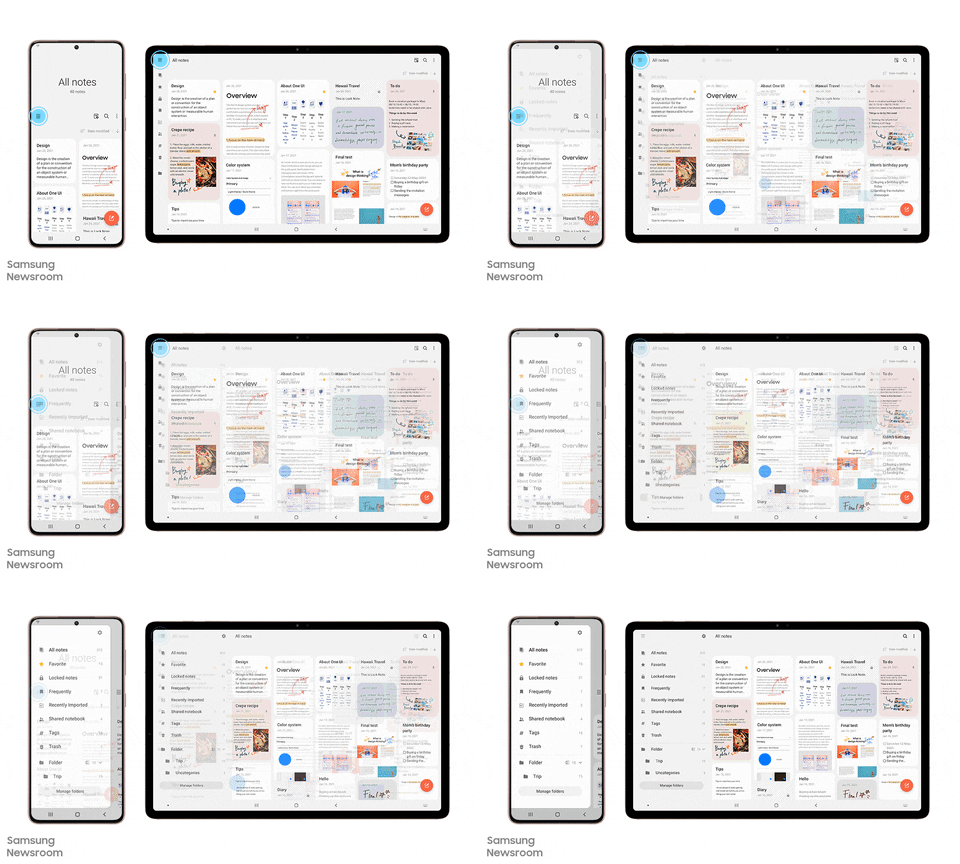
Samsung is also now focused to bring a seamless connection between devices so that they work together. From phones to tablets and laptops, Samsung aims to have them all work in unison.
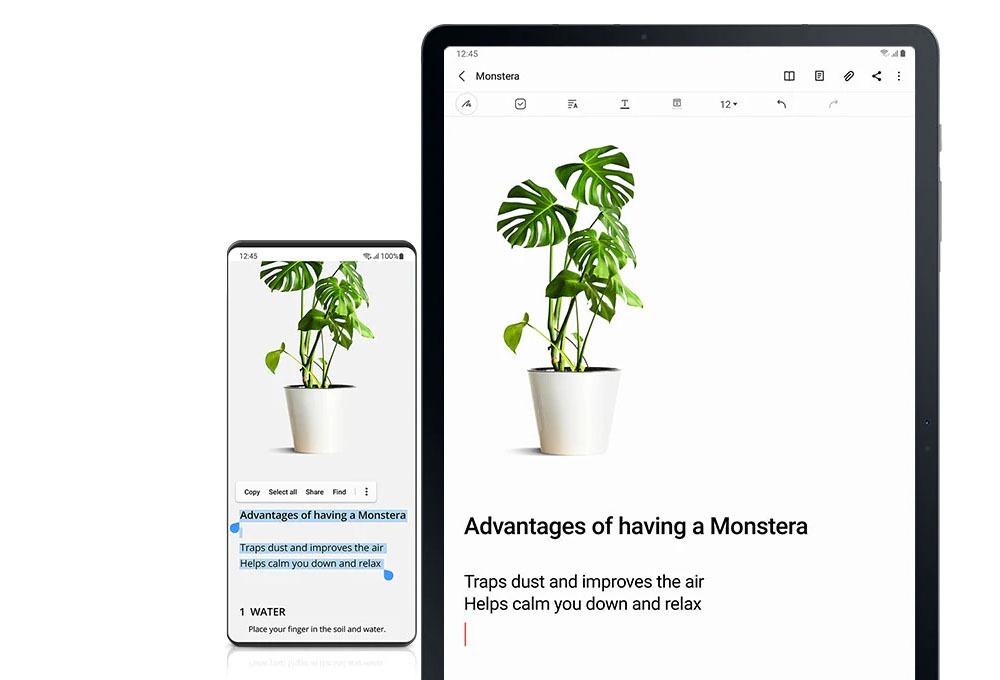
There are already a few apps that enable this. We can now use the feature called “Continue apps on other devices” which literally does what it is said to do – send it to another device and continue working. Even clipboard is synced across devices so you can copy and paste on other devices.
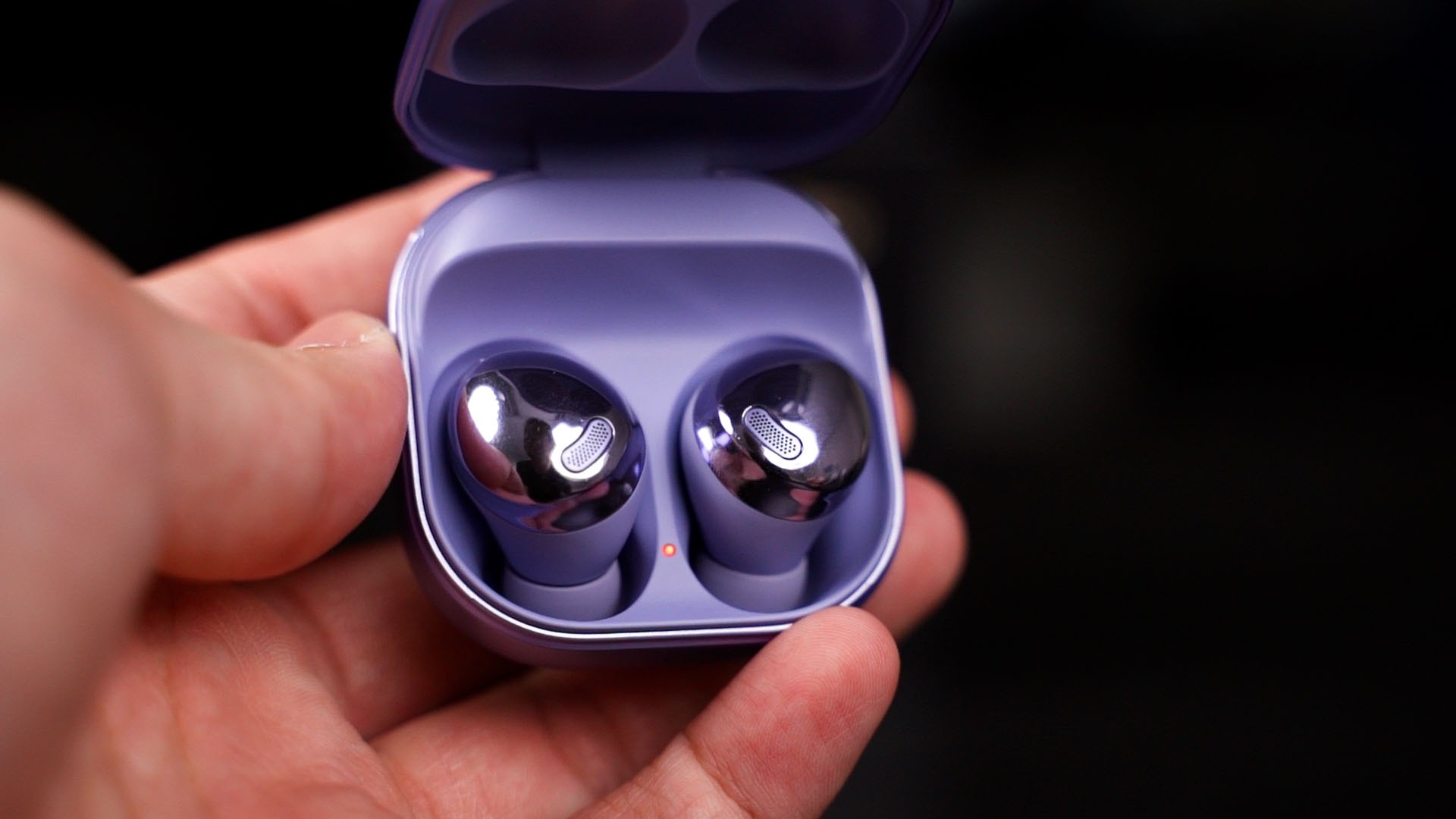
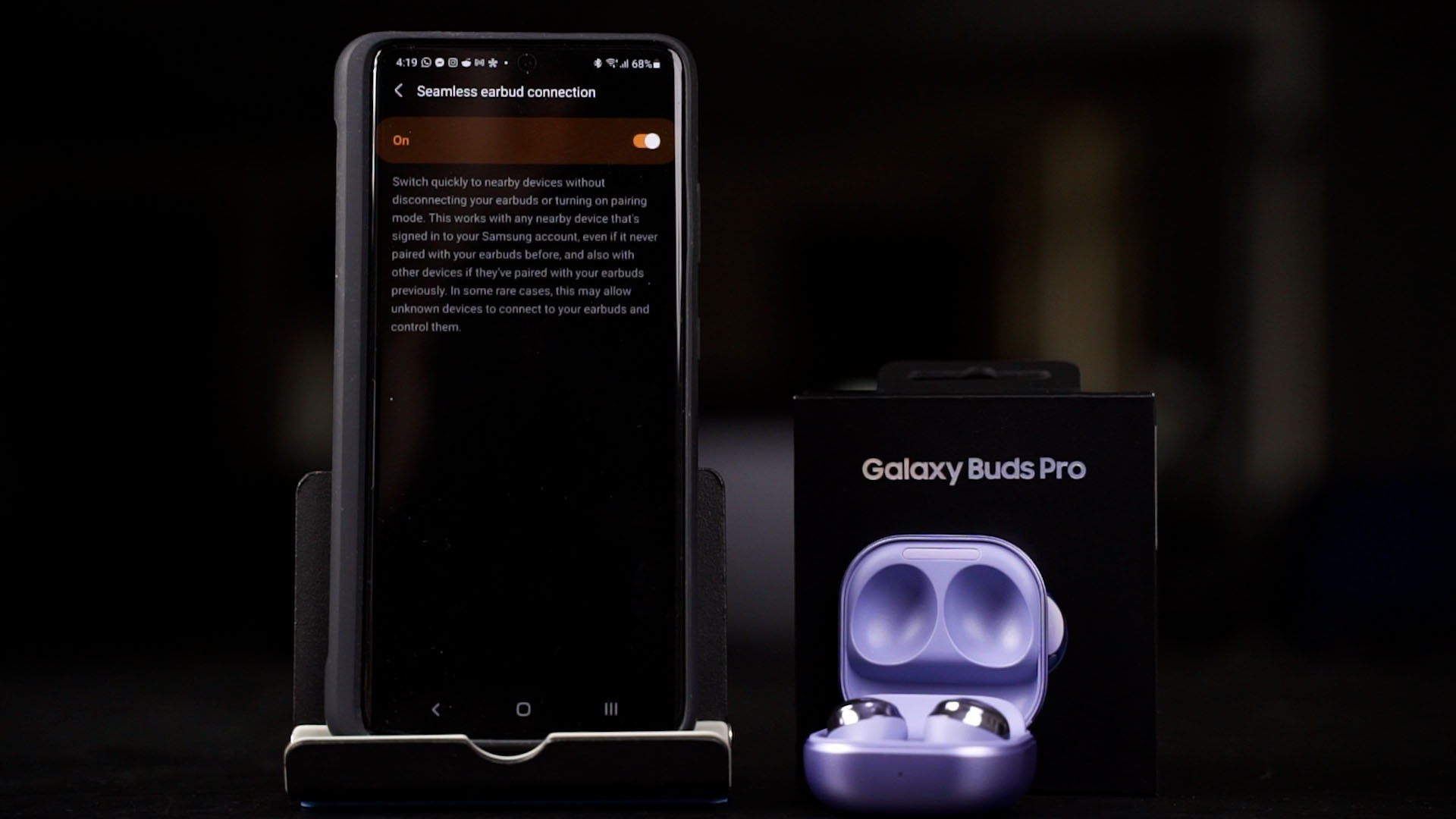
As for the new Galaxy Buds Pro that we also reviewed, it has the feature to connect the Galaxy Buds Pro with multiple Samsung devices that are connected to the same Samsung account. It’ll switch between each other according to which device is playing media.
By the way, with One UI 3.1, you can cast your Google Duo video calls on the TV with just a click, too. So you can use your phone to do something else while you’re on a call.
Some apps are also integrated with each other – for example, the Clock app is working together with the Digital Wellbeing’s Bedtime mode. Opening the clock app, you can go into See More and set your bedtime and wake-up times.

By doing this, it makes the user experience more convenient and interlinking settings that are dealing with the same thing together – and in this example, the clock app is integrated with anything that has to do with time.
These are just a few highlights of Samsung’s One UI 3.1. It is currently available for the Galaxy S21 series of smartphones – and because of Samsung’s great track record in software updates, the Galaxy S20 series, Note20 series, and Galaxy Z Flip series have been updated to One UI 3.1 as well.
So, if you want to learn more about the Galaxy S21 Ultra, we have a few videos here that you can watch and learn more about it.
Like our Facebook Page here at NasiLemakTech.com for more news and in-depth reviews! Also, join our Facebook Group for insightful information and memes!
Subscribe to our YouTube channel too!