


















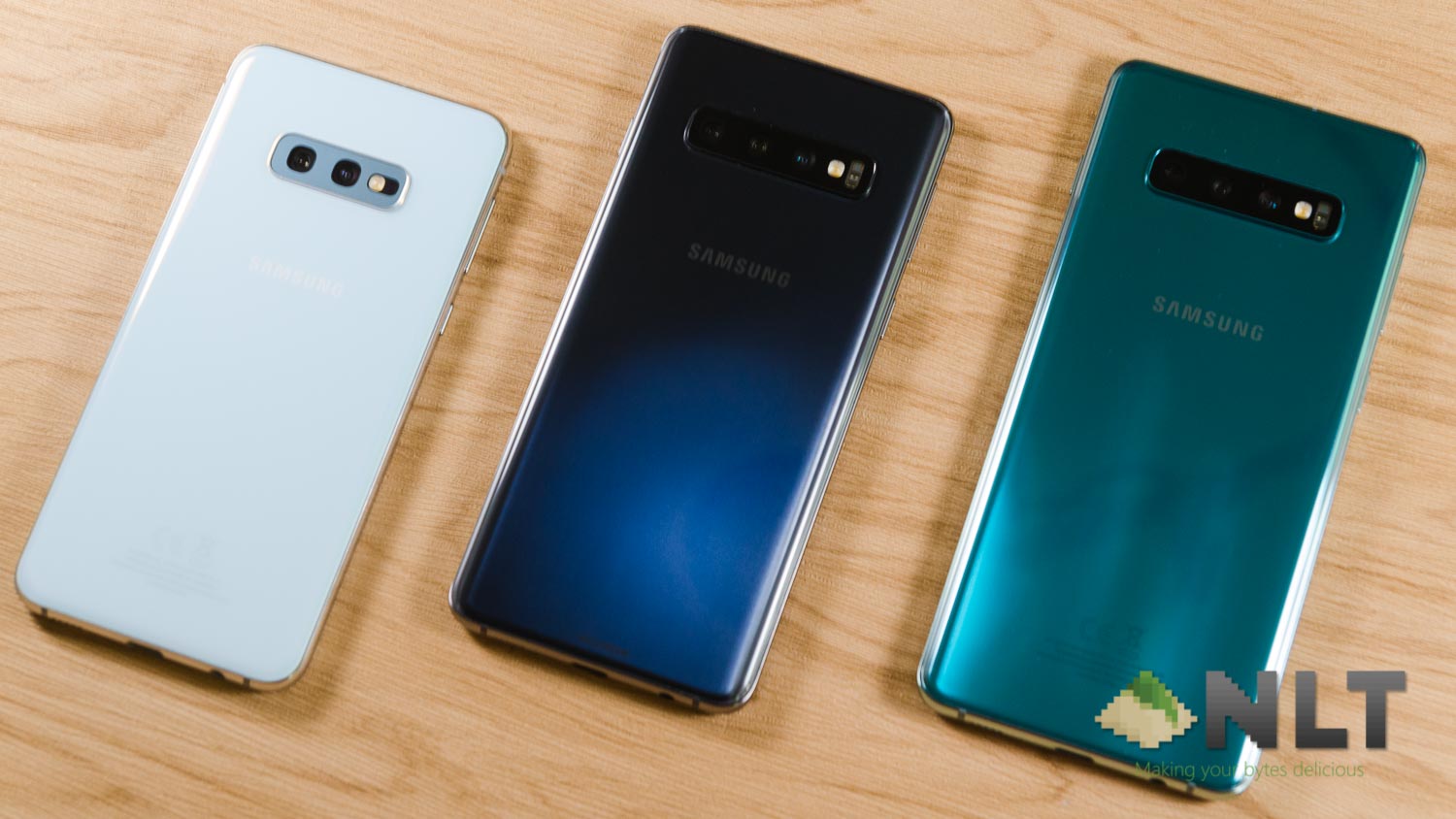

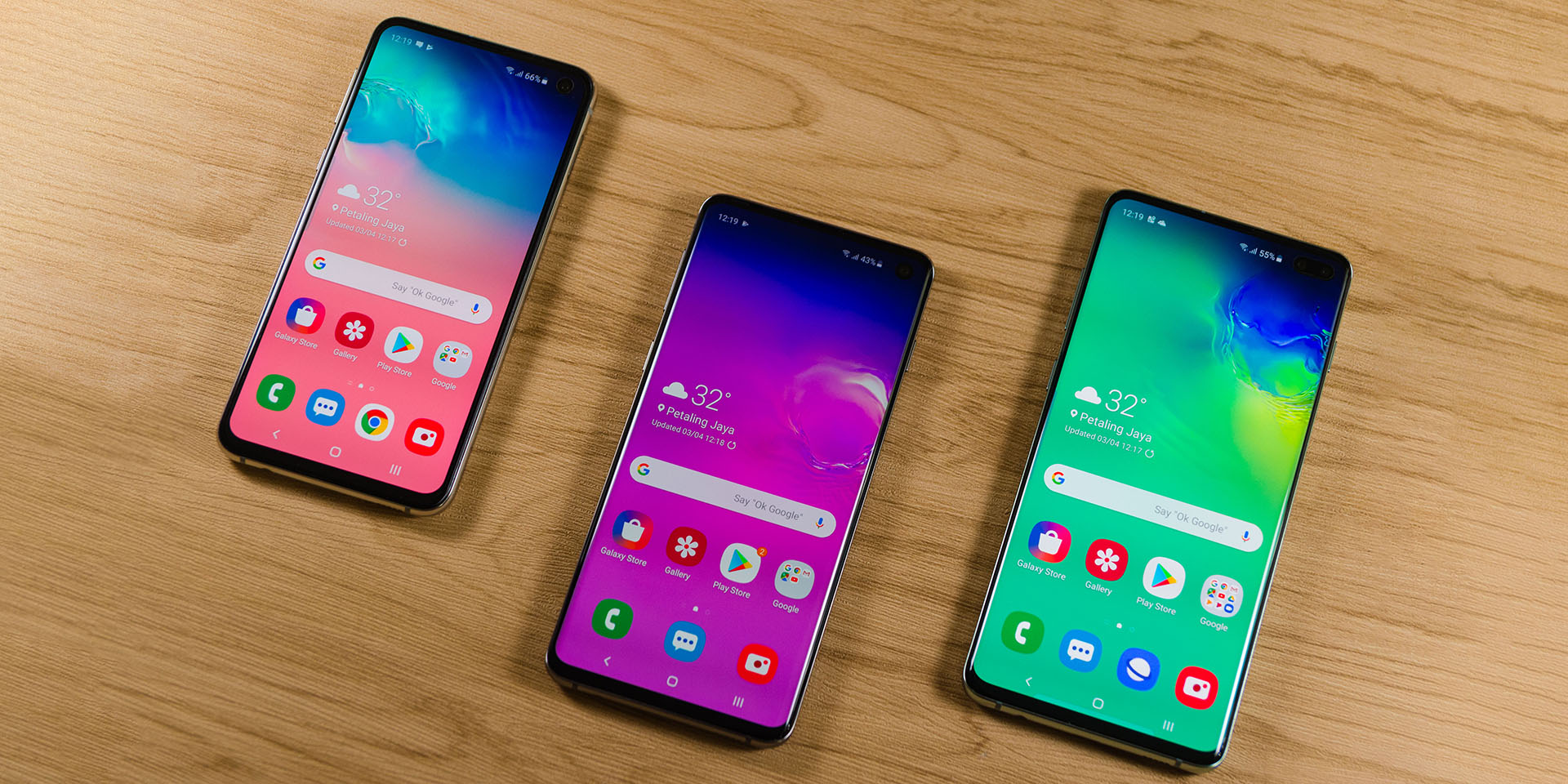
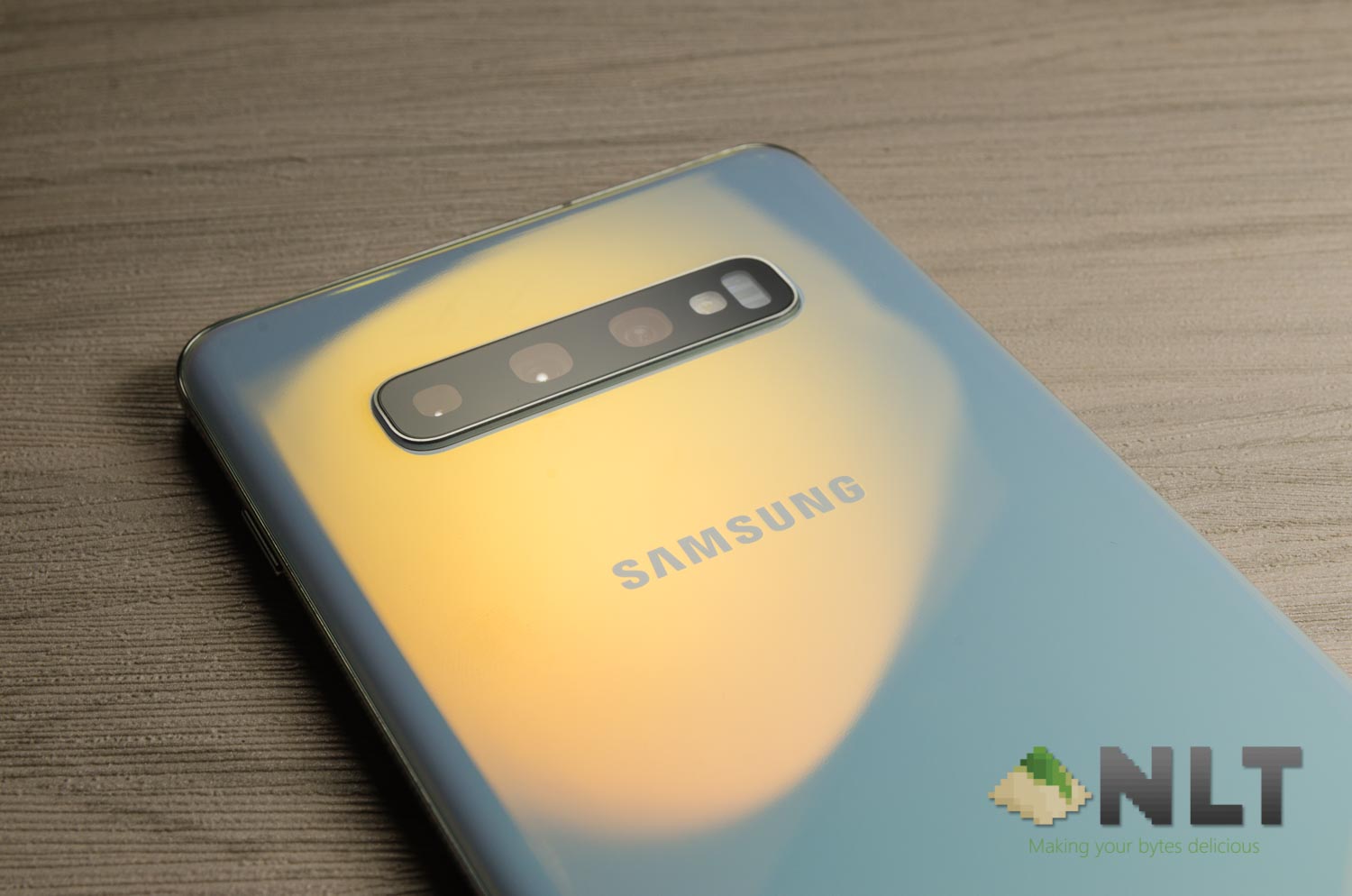
Attention to all Galaxy S10 users! It’s only a week into the month of April and this new update already comes packed with the April security patch level and is heading to your way right now. The latest update comes with a few more features too.
I am a Galaxy S10+ user and this new update is at 1556.12MB. Yeah, that’s a humongous size for an update so maybe download the update before continue reading this article.
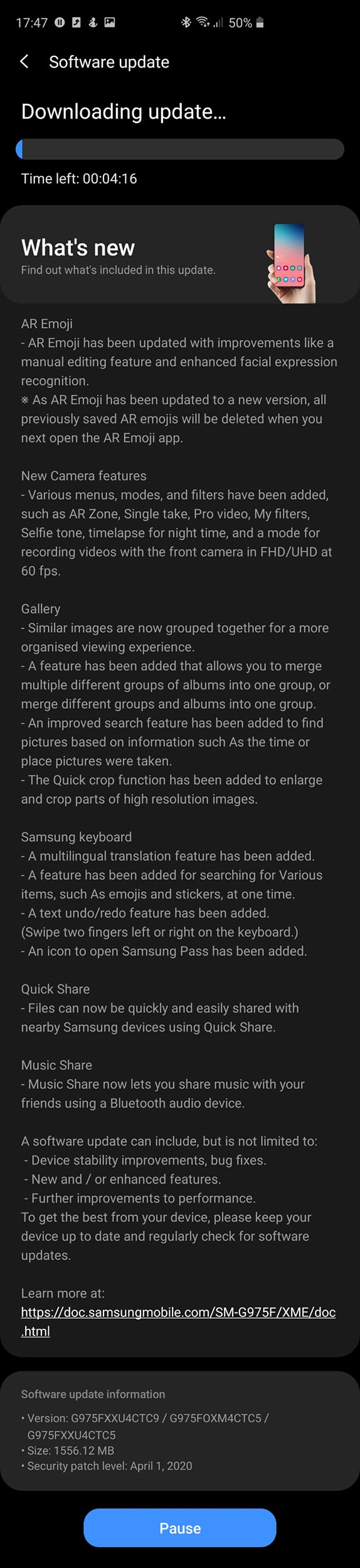
Within the update log, there are a few key highlight features that are included in this update too.
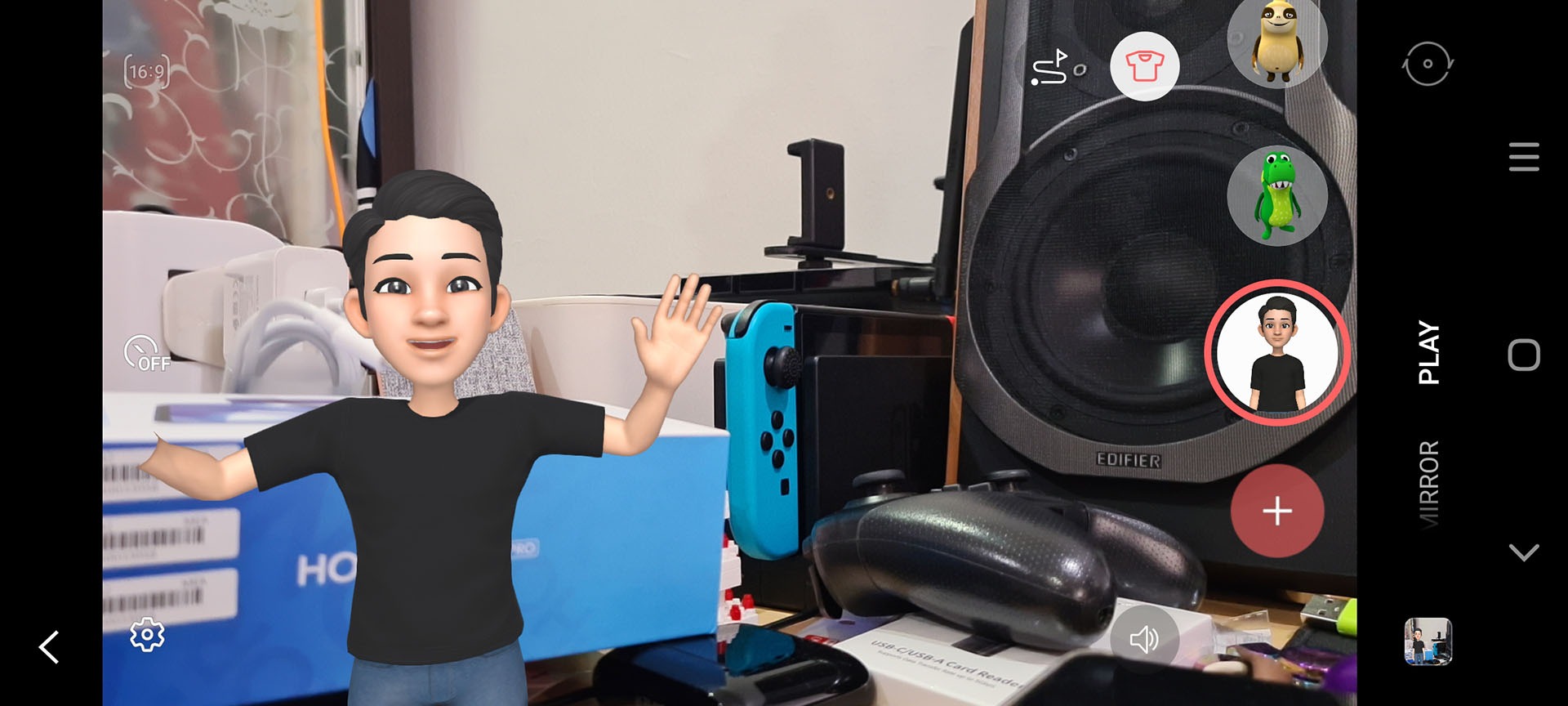
Firstly, the Galaxy S10 series are now equipped with the new AR Emoji. One of the features that came with the Galaxy S20 series is the AR Emoji. Coupled with the new AR Zone feature, we can add caricatures (which are made with our image) into the scene.
Then, there are more camera features baked into the Galaxy S10 series now, too. Re-introducing – Single Take. This new feature is first introduced to the Galaxy S20 series. By pressing the button, it takes multiple pictures or videos with multiple cameras on your phone, apply filters and shows you the best picture. You can have a look and share at all the other pictures or videos that it took, by the way.
Another feature that many people requested is Pro Video. Essentially, it’s manual mode for video. It’s a feature made for smartphone videographers like us – and we can finally have fewer reasons to use other apps like FiLMiC Pro.
Another notable mention is the addition of timelapse for night shots. That is an interesting feature – but most suitable for night scenery shots. Not even for starry night sky shots as the earth rotates and causes the stars to appear smeared in the picture. That’s a topic for another day, though.
Either way, all Galaxy S10 users (at least in Malaysia) can now download and install this update. Just head to the “Settings” menu and scroll all the way down, tap on “Software Update”, and tap on “Download and Install”
Like our Facebook Page here at NasiLemakTech.com for more news and in-depth reviews! Also, join our Facebook Group for insightful information and memes!
Subscribe to our YouTube channel too!