


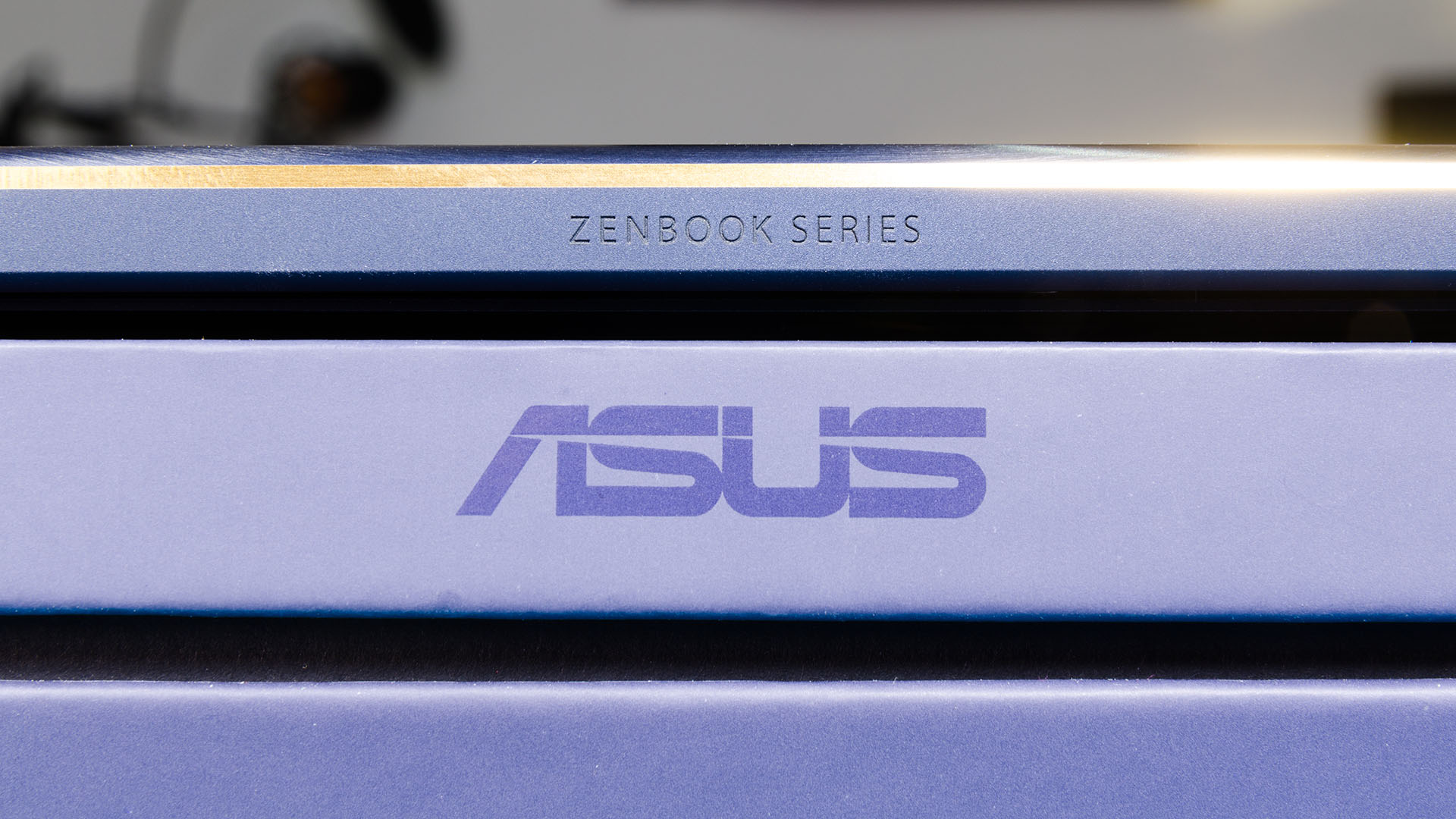

There is a category of fairly powerful laptops in this world that is focused on ultrathin form factor laptops with a durable yet lightweight build and extensive battery life. Intel calls this category of laptops “ultrabook”. The ASUS ZenBook 3 Deluxe falls into that category, as it is a high-end ultrabook that emphasizes on everything that defines an ultrabook.
Is the ZenBook 3 Deluxe worthy of its insanely high price of RM8,299? Let’s take a deep dive into this in-depth review, and find out if it worth the price.
Unboxing
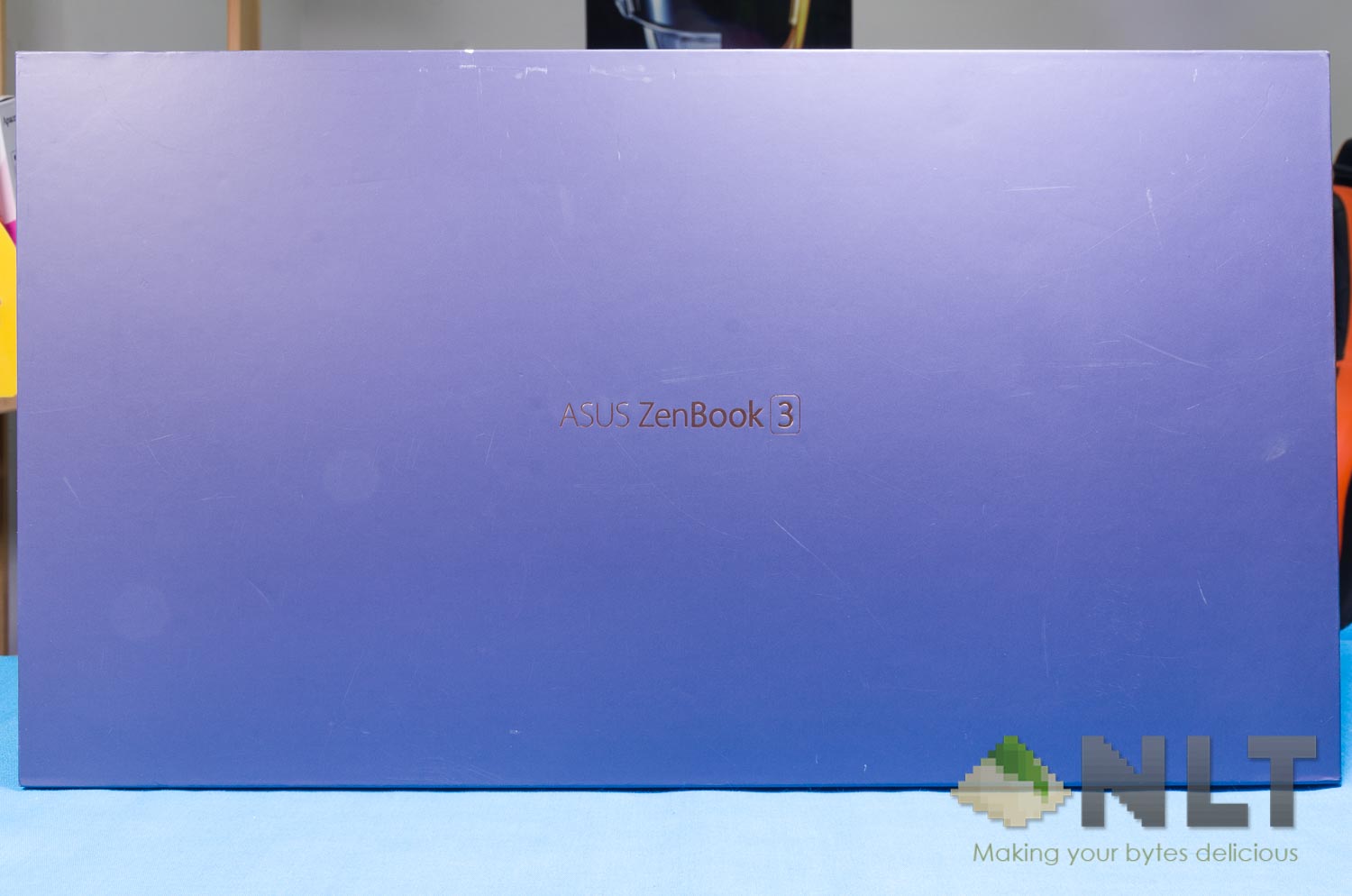
The box itself is pretty simple, actually. Open up and the laptop is right there for you.
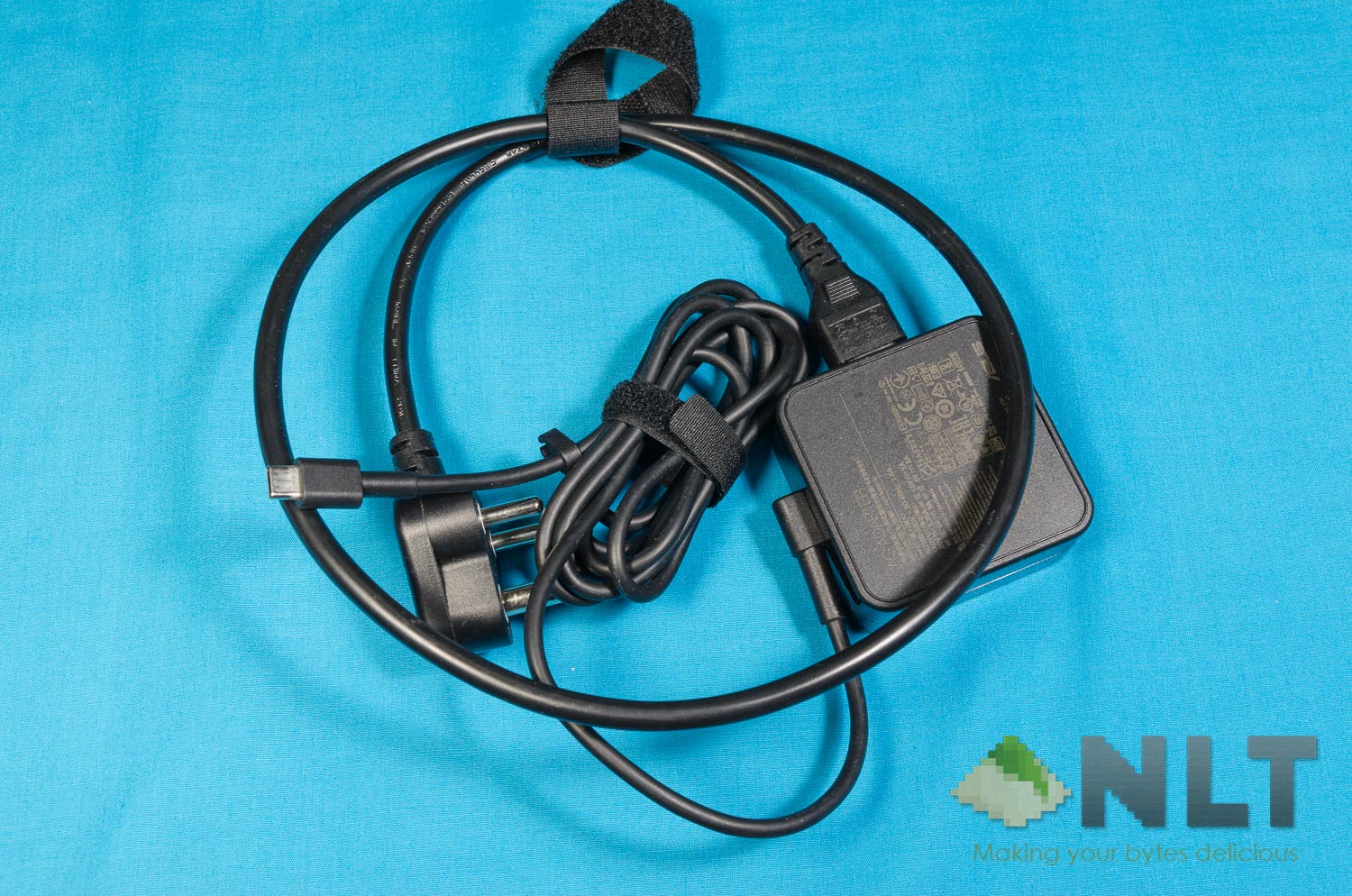
Digging up the left compartment is where you’ll find the power brick and cable to charge the ZenBook 3 Deluxe with.
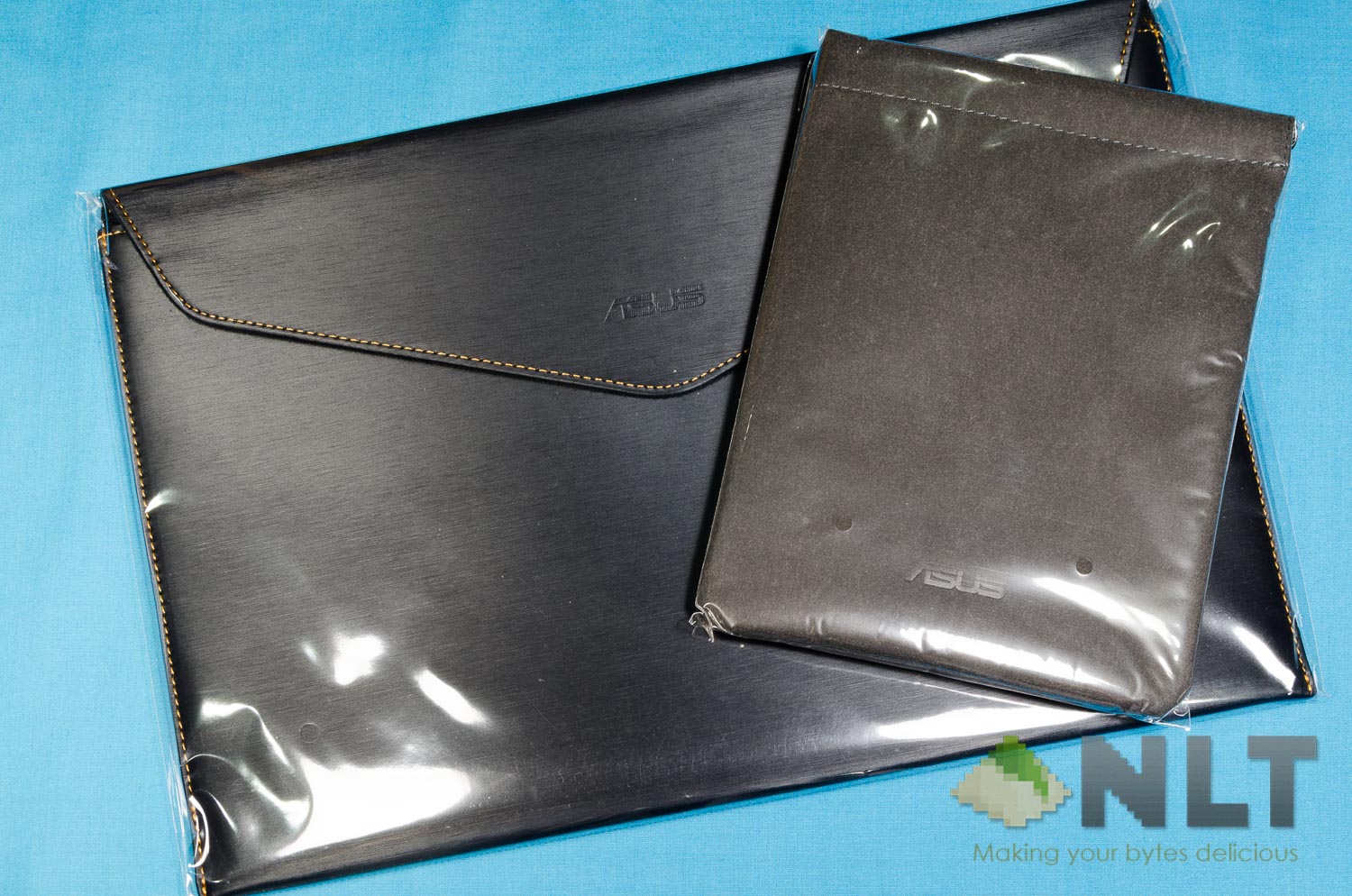
Underneath the laptop’s pedestal is where a laptop sleeve is found. Pretty much in line with what the previous ZenBooks have included within the box. Digging deeper reveals another pouch – this one is made out of velvet, presumably to carry the charger around.
Then there’s another compartment underneath all of it – the one compartment that houses two important dongles – one USB-C to USB-A, and another USB-C to HDMI.
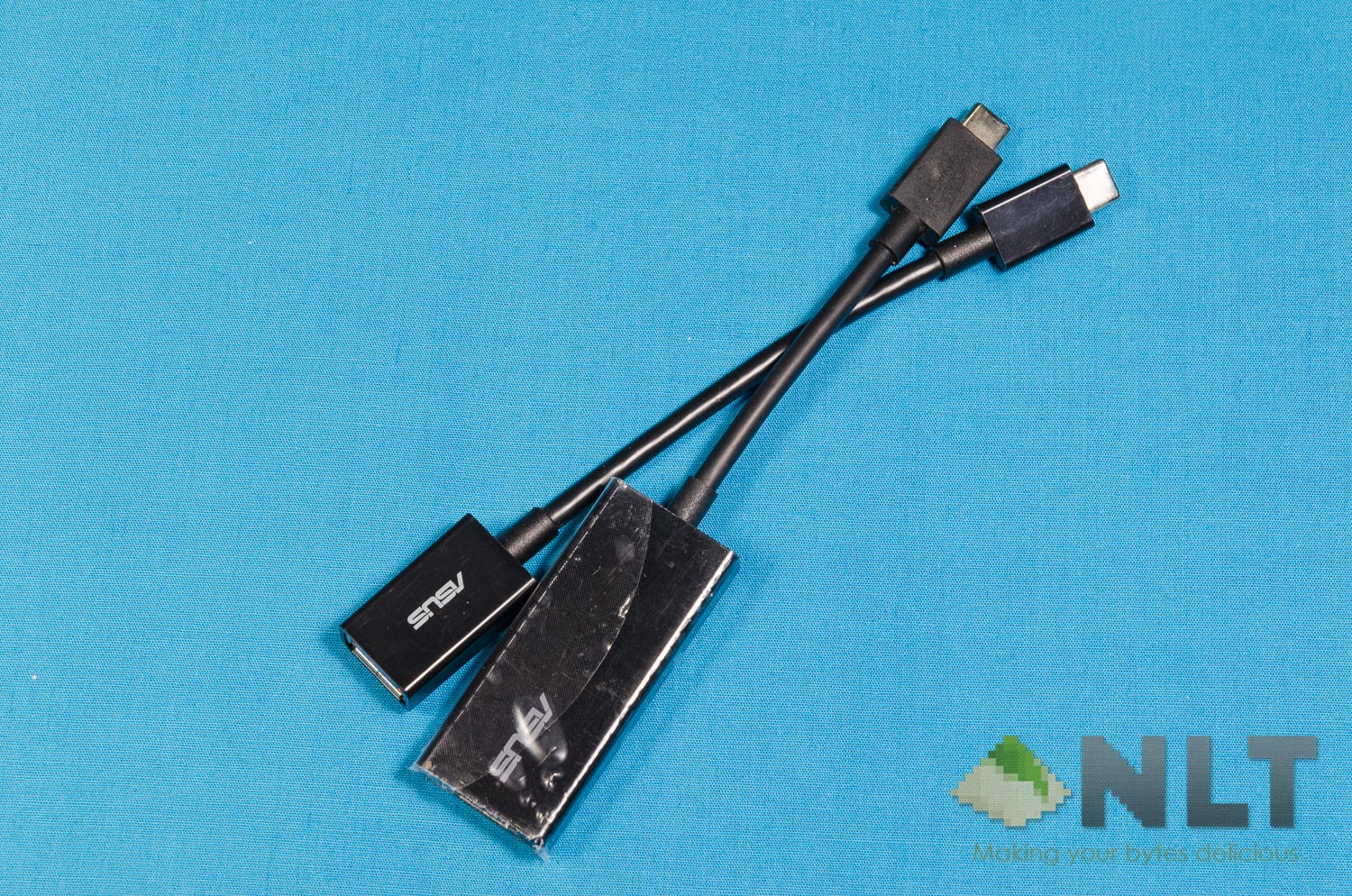
Keep these two dongles in the velvet pouch alongside with the charger, as you’ll definitely need it if you’re a tech mobile warrior, because we’ll talk about why in the next section.
[nextpage title=”Design & Ports”]
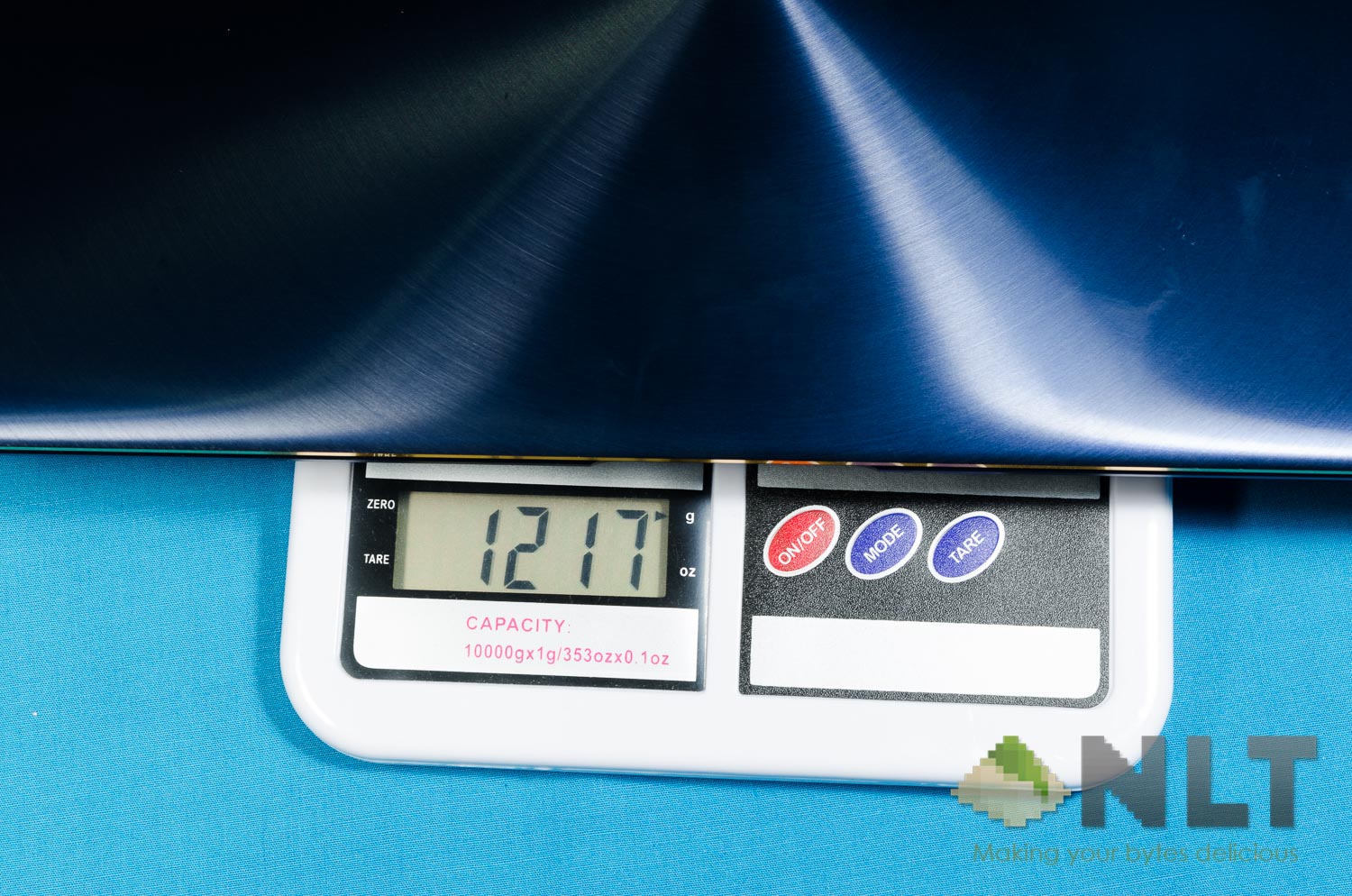
Let’s first talk about the design, As the ZenBook 3 Deluxe is indeed an ultrabook, the laptop is only about 12.9mm thin. It only weighs at 1,217 grams in total.
I have to say, the entire aesthetic design of the ZenBook 3 Deluxe is beautifully sleek. The one I have here is the dark blue colored one, with golden accents all over. From the outside – yes, it looks absolutely gorgeous. The entire ZenBook 3 Deluxe screams luxury.
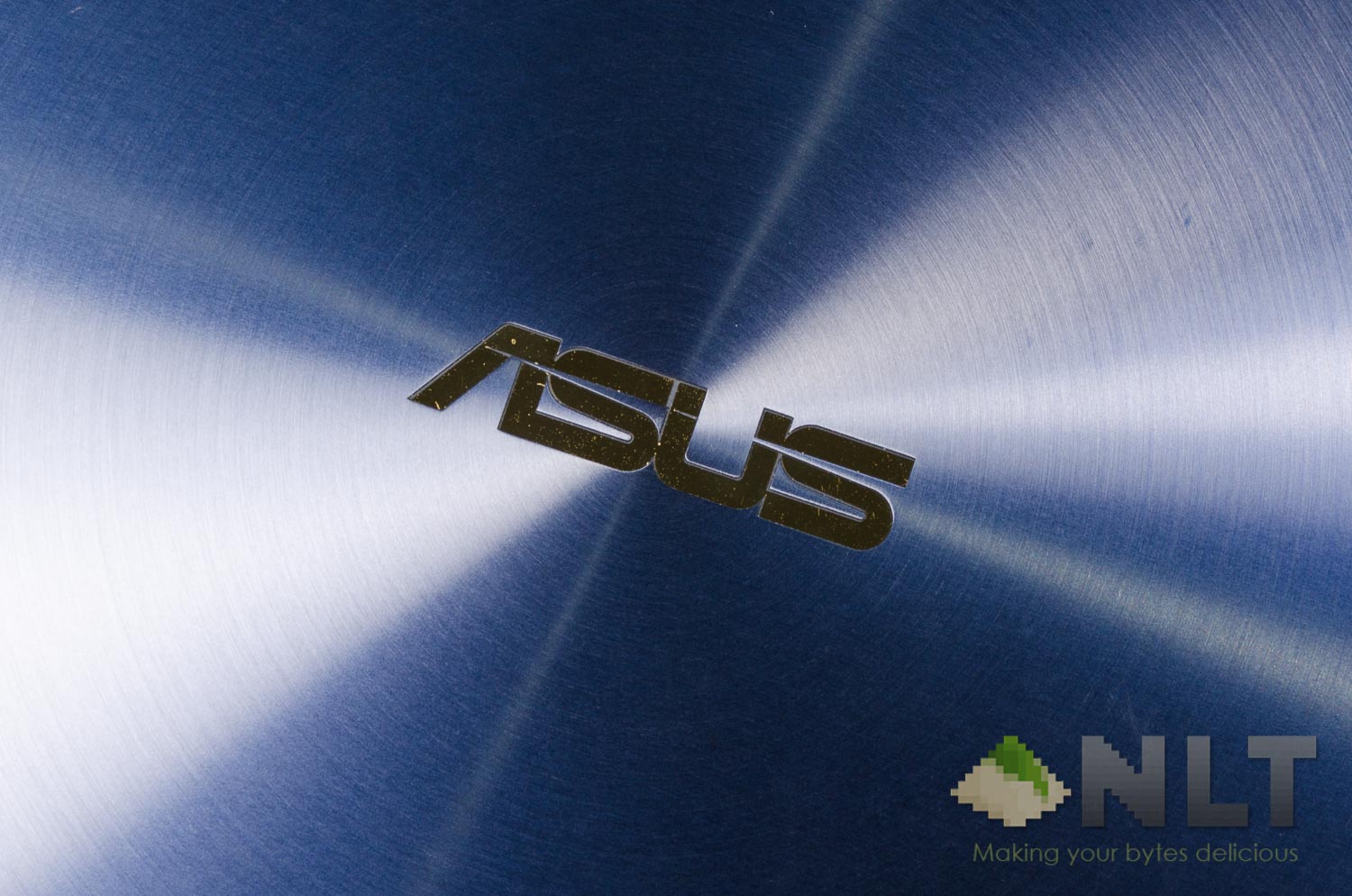
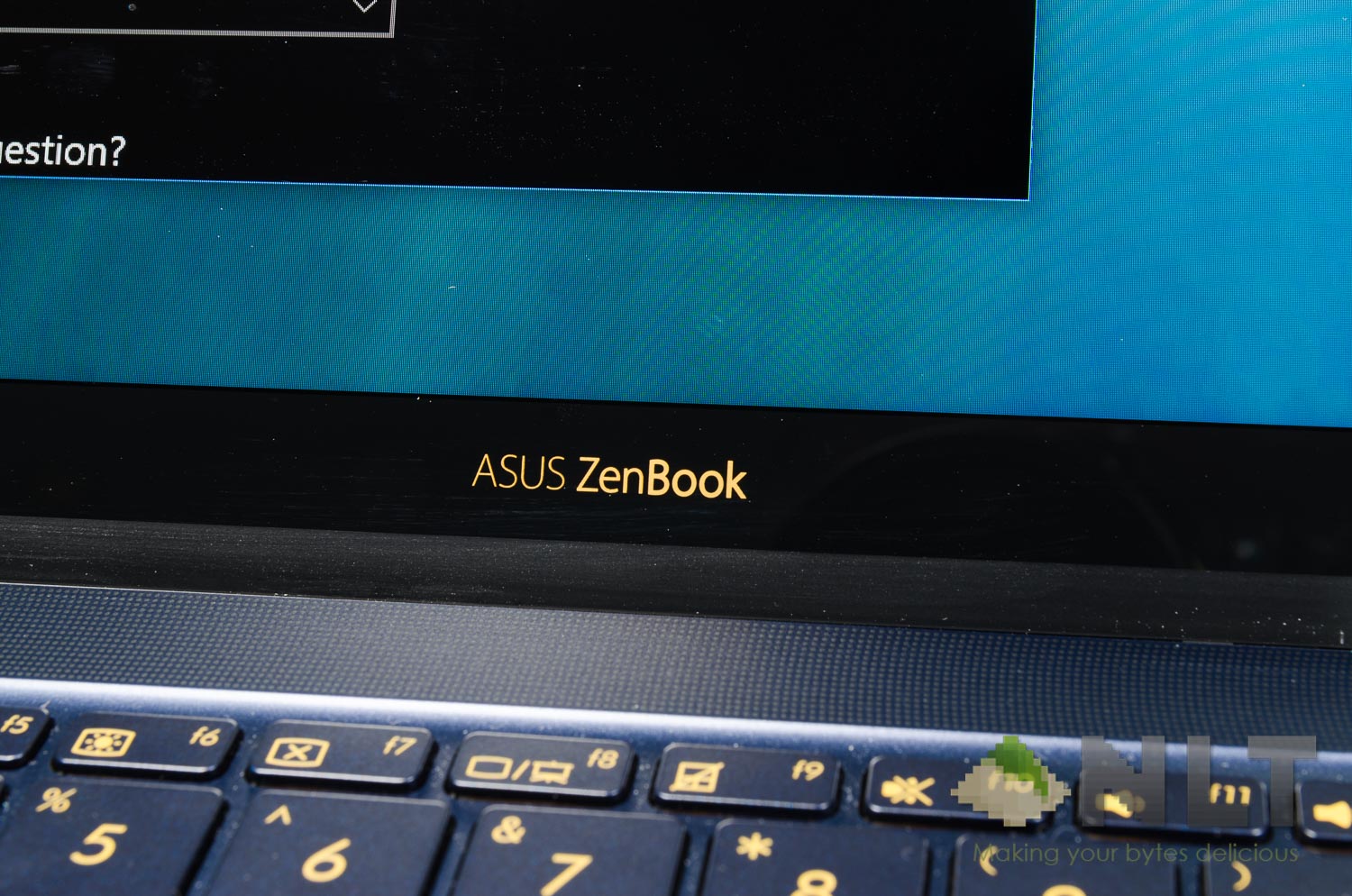
The golden accents are classy, as it’s shiny and reflective yet subtle and only applied on the ASUS logo and around the screen’s edges.
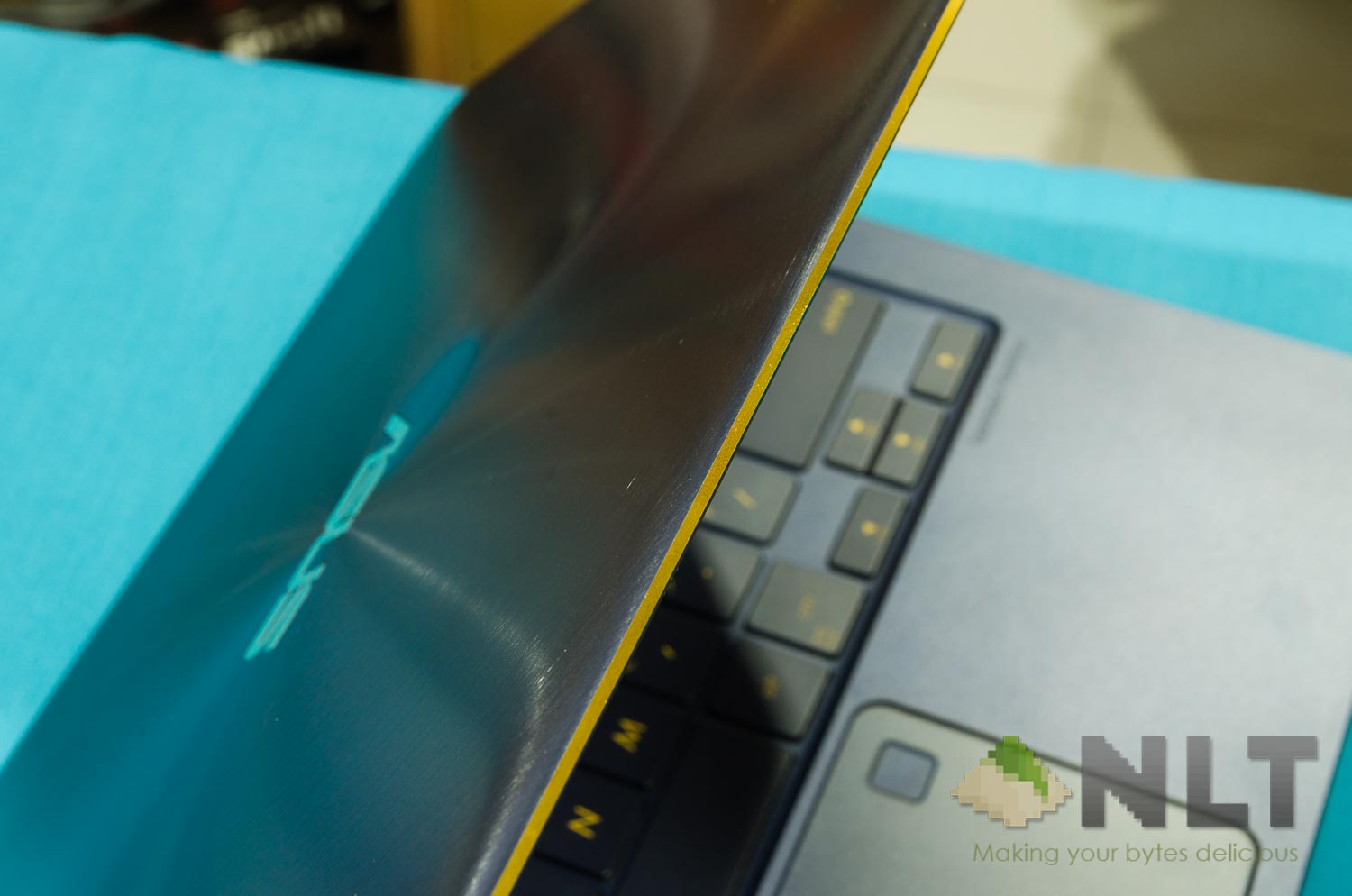
Opening the screen’s lid require only one finger – and the laptop will almost remain at its position while the hinge is opened with one finger alone. Once opened, however, its internal beauty can be quite polarizing.
That NanoEdge display gave ASUS an advantage as they’ve stuffed in a 14-inch screen to a laptop that’s meant for 13-inch displays.
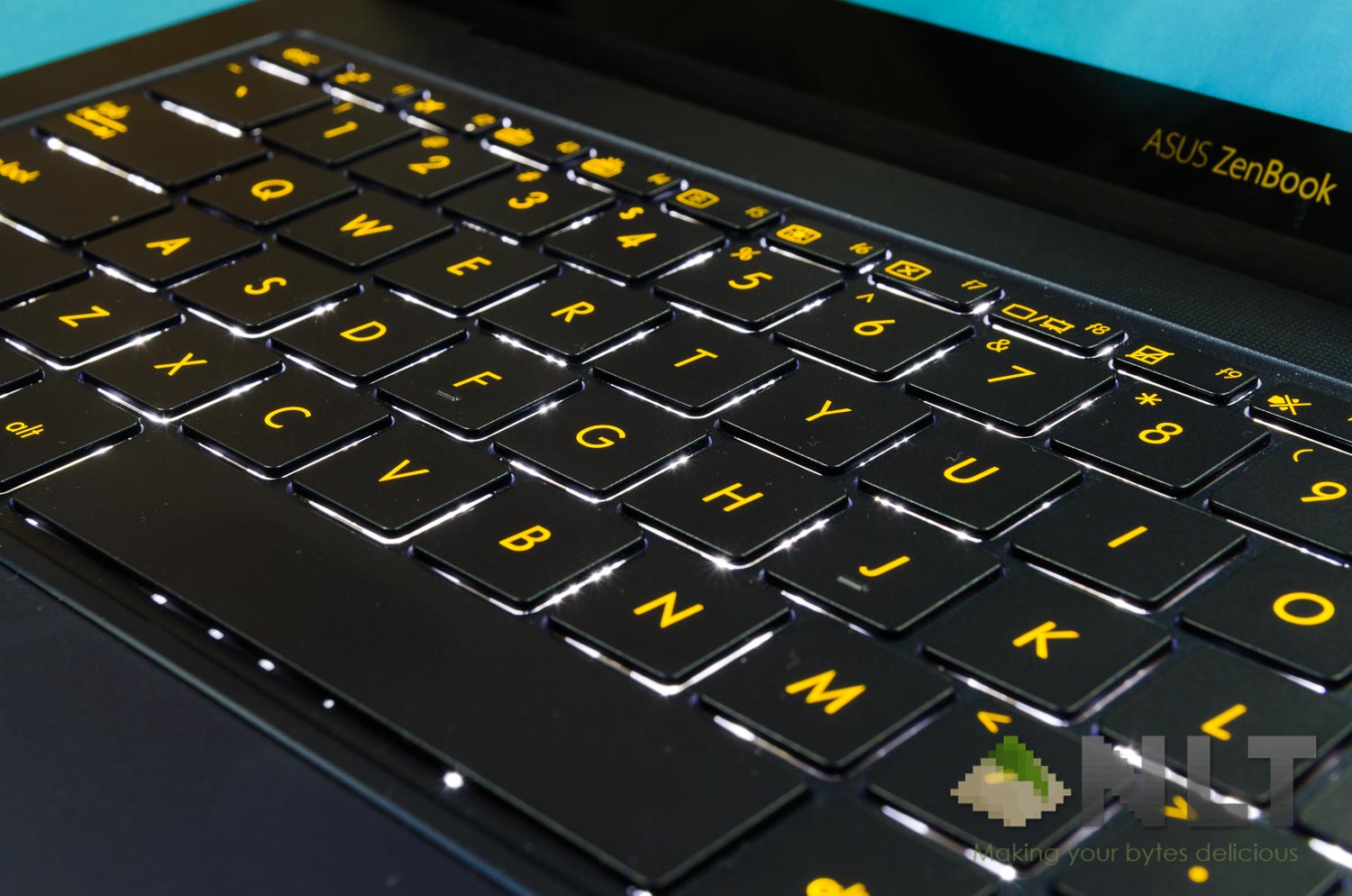
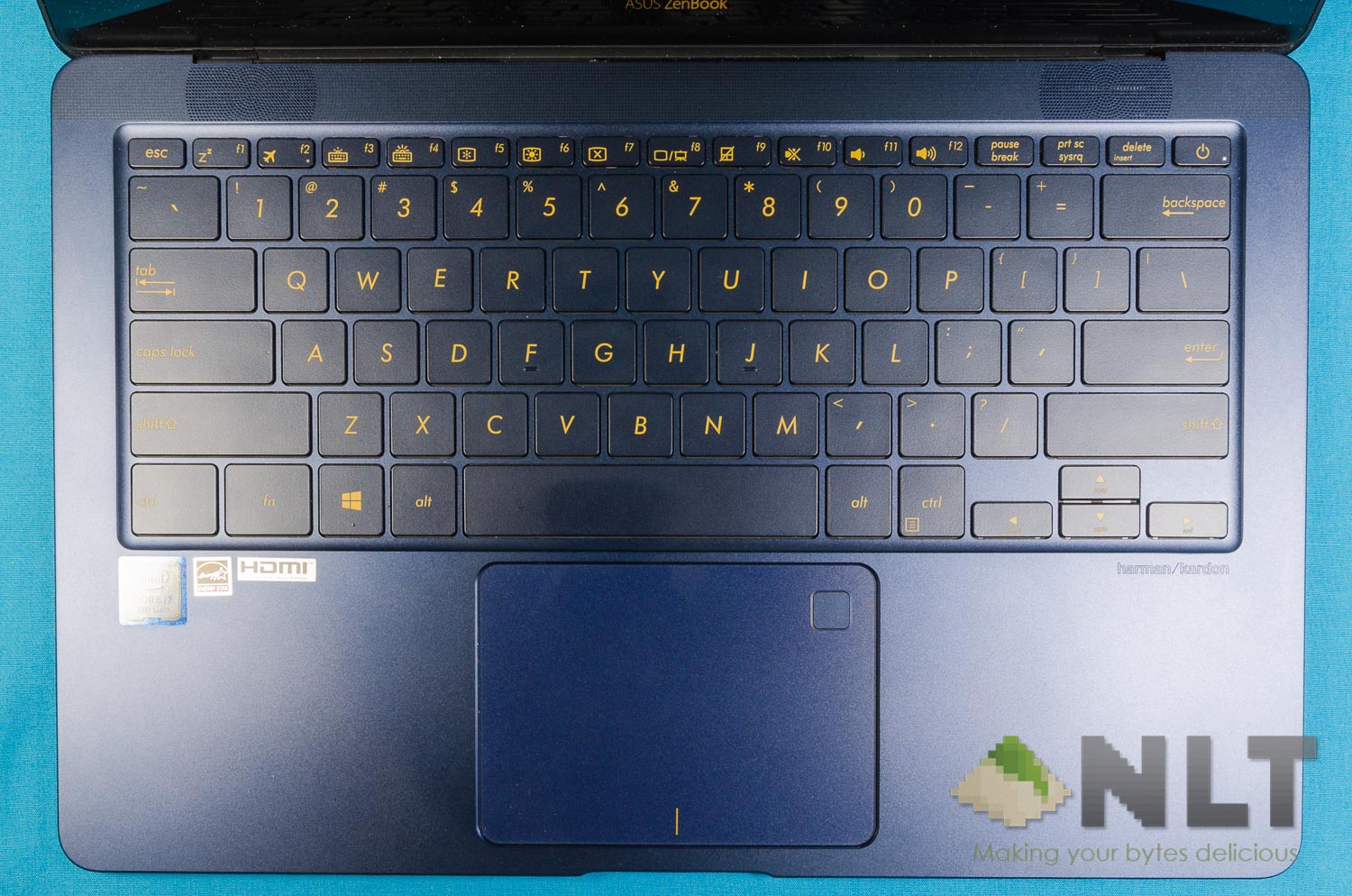
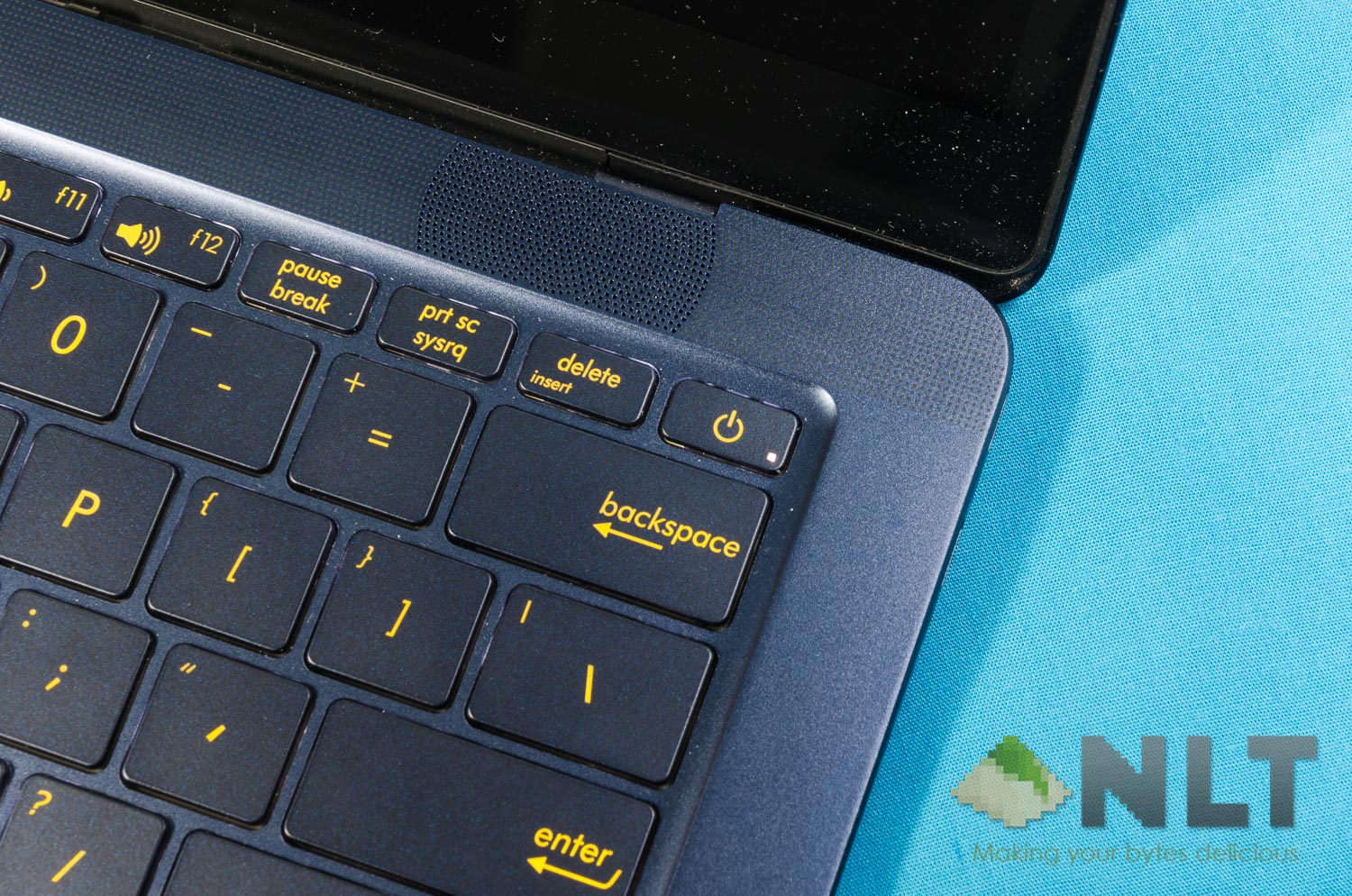
However, take a look at the keyboard. Instead of having transparent legends for the white backlight to shine through, ASUS opted for golden legends too. Which – in my opinion – makes things look rather… messy, as there is a clash of color. Personally speaking, I’d like it to be with transparent or white legends for the white backlight to shine through.
We’ll talk more about the keyboard in the later section.
Ports
The ports that the ZenBook 3 Deluxe has is… something that many people won’t like. You’ll be living the dongle life if you decide to get the ZenBook 3 Deluxe, because this ultrabook only has USB-C. Three of them, actually. And a single 3.5mm combo audio jack.
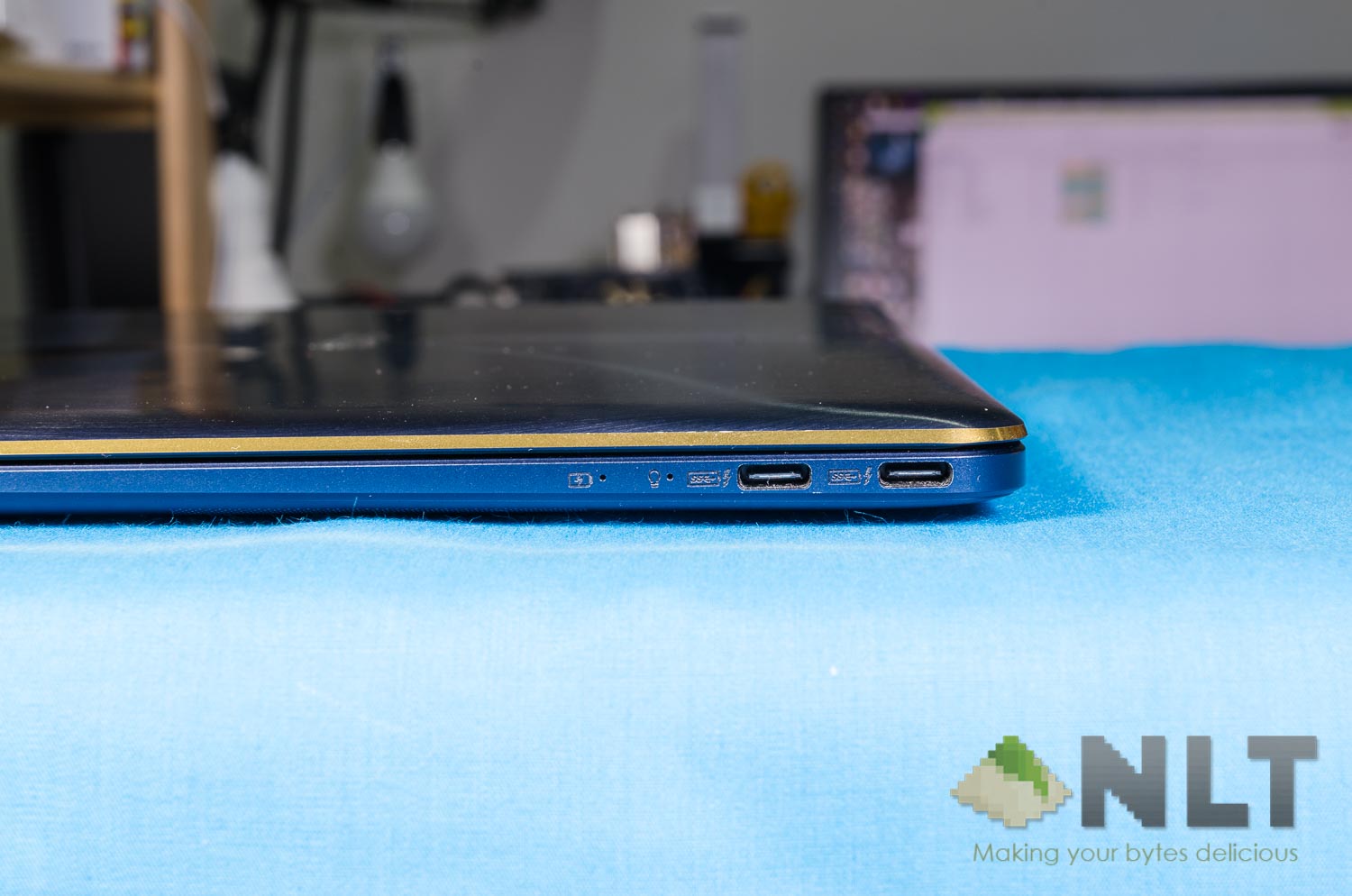
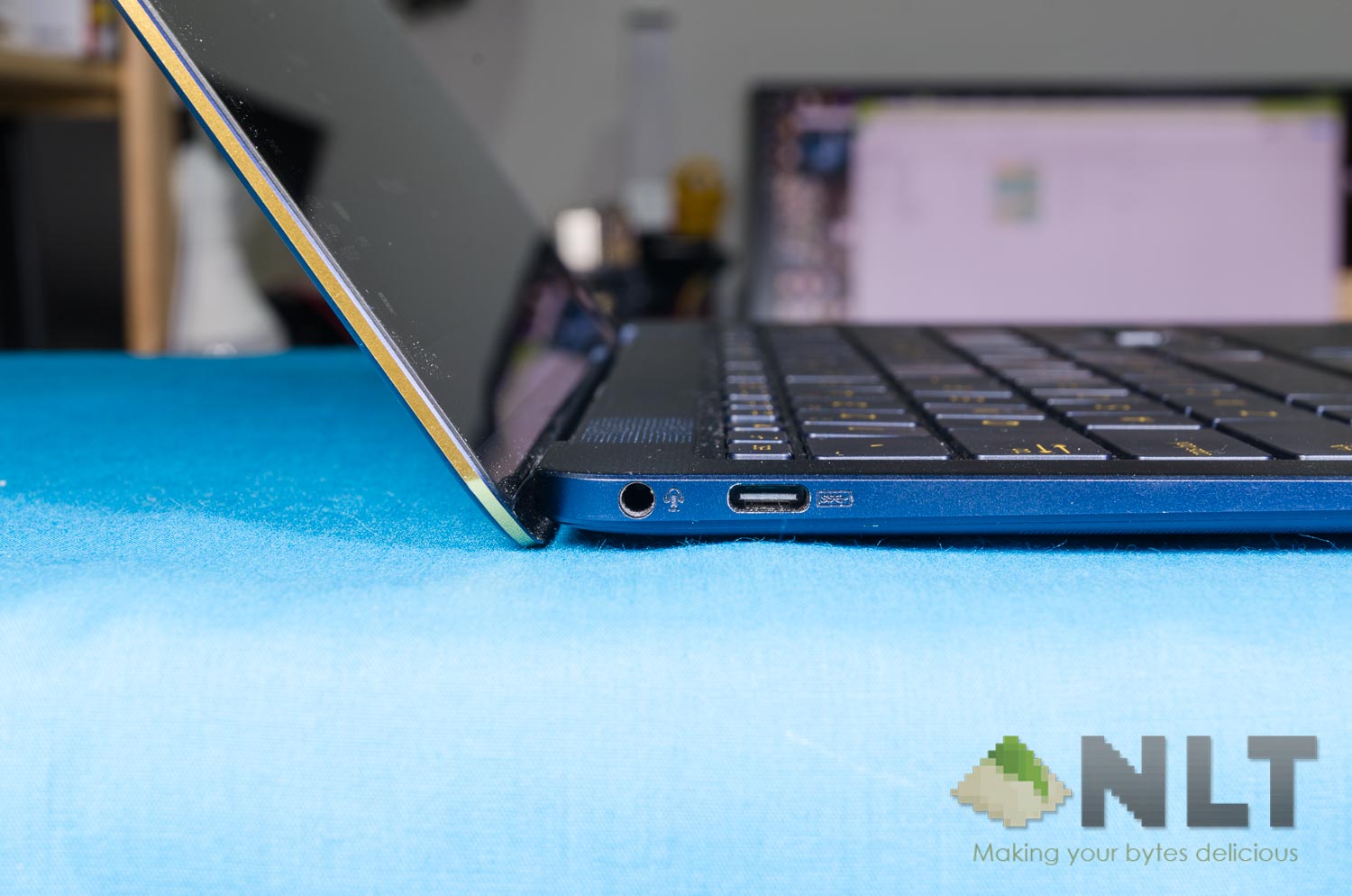
Sure, all of these are high-speed ports and with the two on the right side being active ports. I just find it very unnecessarily thin as it affects the workflow of many people. It’s the time where I start questioning – what’s the point of being just a few more millimeters thin but throws away inconvenience? USB-C isn’t ready to be the replacement of USB-A just yet.
Also, the ports that it has are confusing as heck. The single USB-C port at the left side and one more USB-C port on the right side are actually Thunderbolt 3/USB-C 10Gbps ports, whereas the other USB-C port at the right side is a USB 3.0 5Gbps port.
Keep in mind – those two dongles are definitely going to be with you throughout your journey.
Physically, there is a label on which port does what function – the little lightning bolt symbol. However, only the two USB-C ports on the right side have the symbol – which doesn’t match the illustration on ASUS’s website.
[nextpage title=”Screen”]
Let’s talk about the screen now. Right off the bat, the first thing that caught my attention is the glossy screen. I then thought to myself – hey, does the ZenBook 3 Deluxe have a touchscreen? Because most of the screens on laptops these days are matte.
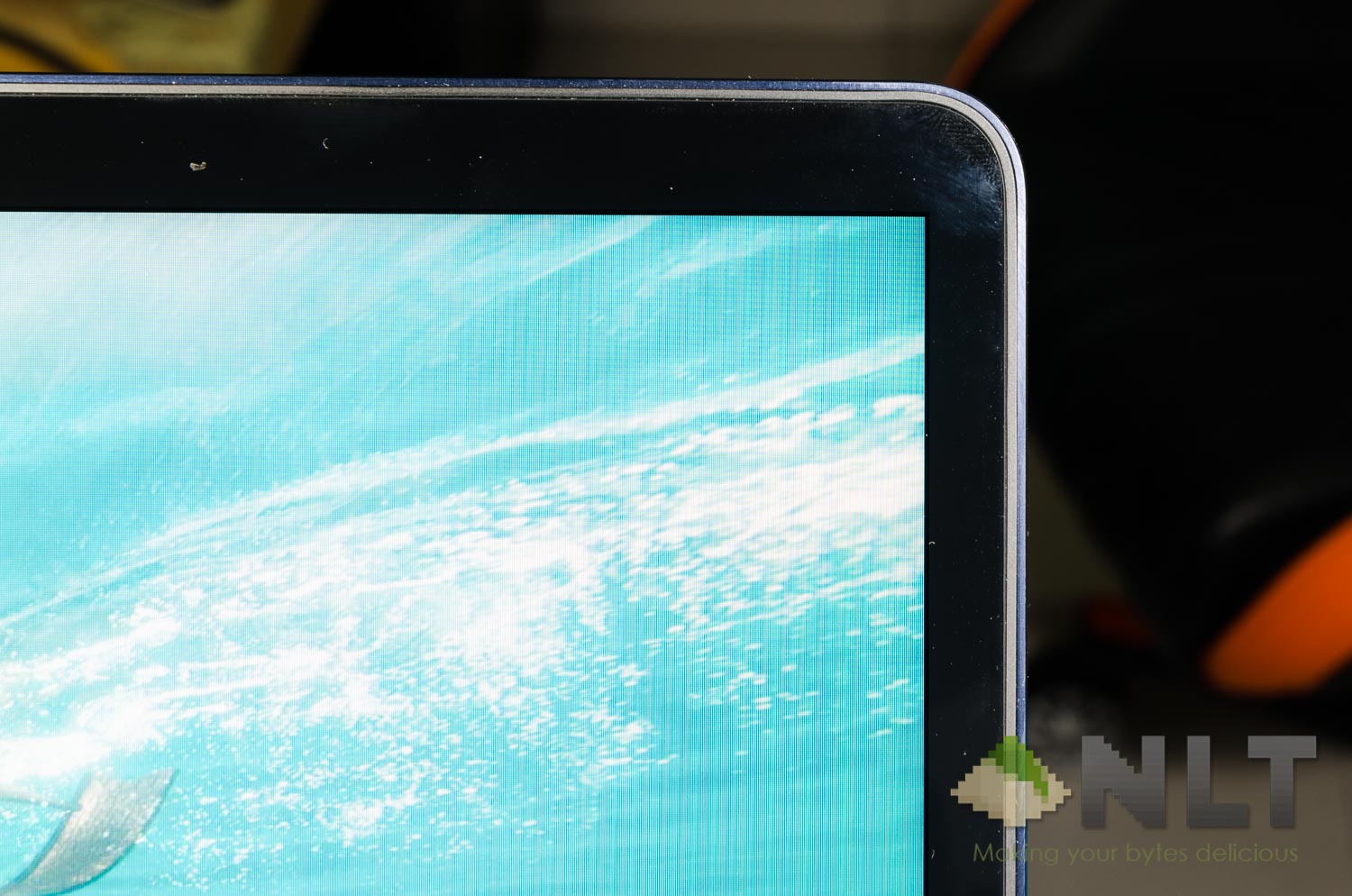
But nope – the ZenBook 3 Deluxe is indeed using a glossy non-touch screen. Bit disappointing, since this extreme glossiness means I’m going to have a terrible time trying to use it outdoors. To their defense, glossy finish on monitors do have better colors than matte.
With ASUS’s latest NanoEdge display technology, those bezels around the edges are definitely something to behold. Its 14-inch 1080p display looks and feels absolutely stunning as the colors really do pop, and smaller bezels mean that ASUS can use a body with a smaller footprint.
In terms of brightness, it can be blindingly bright – but because it’s glossy, reflections will plague the user experience quite drastically – especially in brightly-lit conditions and outdoors.
[nextpage title=”Trackpad & keyboard”]
When it comes to laptops, I believe the trackpad and keyboard are very important. What’s the use if it’s mandatory to bring a keyboard and mouse together when the laptop already has a trackpad and mouse, right?
Trackpad
The trackpad that the ZenBook 3 Deluxe is actually very smooth and usable to the point where I don’t really have much to complain about. It uses Windows drivers and integrates itself right into the OS itself – including that fingerprint scanner that’s at the top right side of the trackpad.
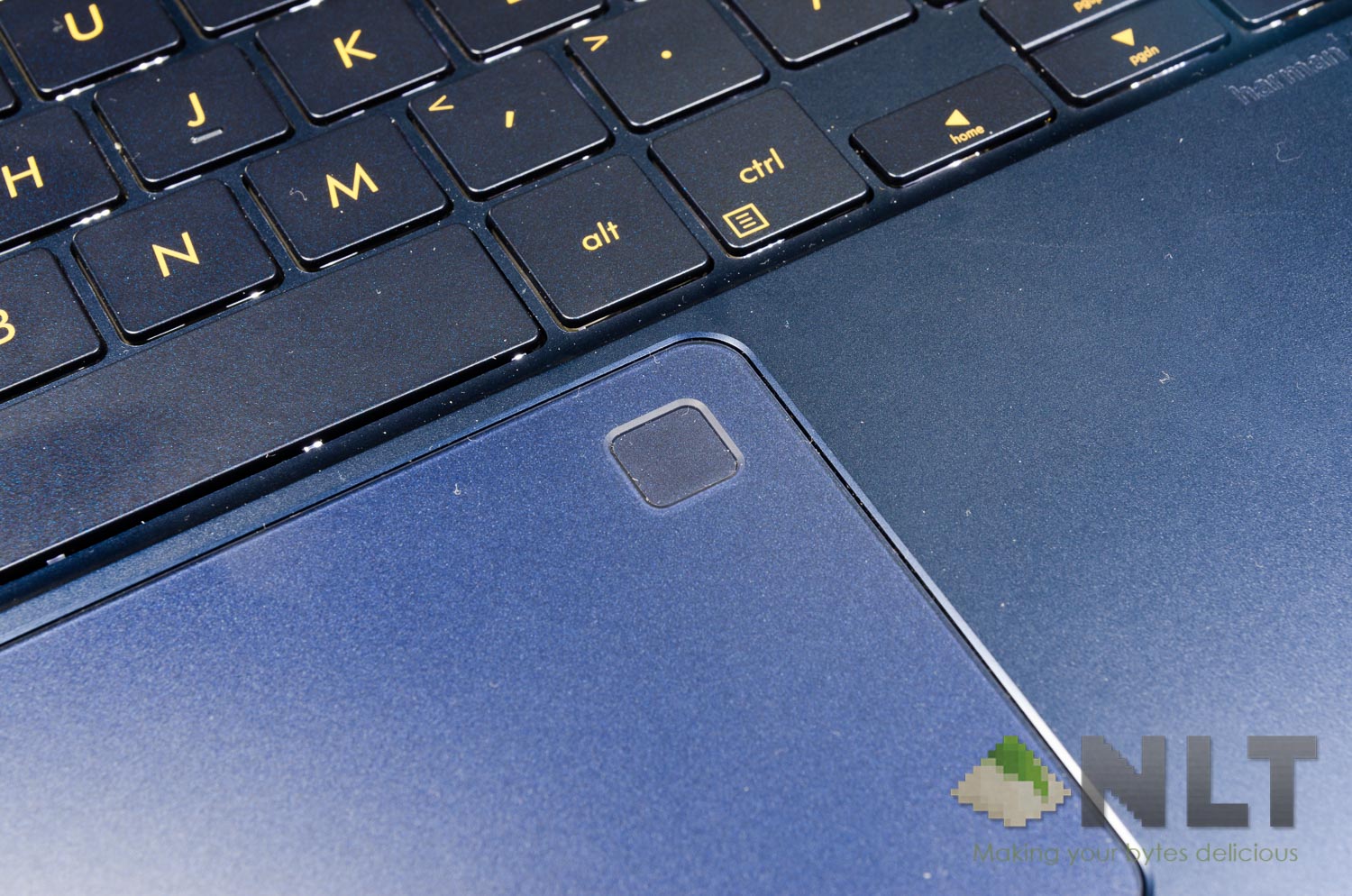
Windows Hello works fine, obviously. Fingerprint scanners on laptops are only going to get more ubiquitous, so be prepared for the future that is finger scanning.
Do you still need a mouse when you’re out and about with the ASUS ZenBook 3 Deluxe? In my opinion, yes – yes you do. The trackpad though is okay to be used, but nothing beats having a dedicated mouse – especially since the ZenBook 3 Deluxe isn’t a touchscreen laptop.
And by the way – make sure you get a Bluetooth mouse like the Logitech MX Anywhere 2S rather than a USB mouse, because you don’t want to carry around a dongle just to connect a USB-based wireless mouse, do you?
Keyboard
Here’s the thing about the ASUS ZenBook 3 Deluxe’s keyboard. In my opinion, it’s terrible. Let me explain one by one – and no, it’s not just because of the horrible golden legends.
The main reason why the keyboard absolutely sucks is the actuation force. Each and every key on the ZenBook 3 Deluxe requires quite a high amount of force to actuate – but once actuated, the entire key just collapses and bottoms out right away.
It just doesn’t feel relaxing or fun to type. I got tired of this keyboard pretty much halfway through this review and returned to my MacBook Air’s keyboard.
With such horrible actuation force, what’s up with the new power button placement on ASUS laptops? Same goes to the VivoBook S15, actually.
[nextpage title=”Performance & Upgradeability”]
Let’s talk performance first. Here’s the list of hardware that the ZenBook 3 Deluxe has:
- Intel i7-7500U
- Intel HD Graphics 620
- 16GB LPDDR3 2133MHz RAM (soldered)
- 1TB Gen. 3 PCIe x4 NVMe SSD
From the specs above, we obviously know that the ZenBook 3 Deluxe is not meant for gaming – so let’s just skip that segment entirely.
As you might have seen on the spec list above, the ZenBook 3 Deluxe comes with a 1TB PCIe NVMe SSD. With great speed obviously comes with a heavy price tag – and with that RM8,299 price tag, at least a third of that price tag is for this NVMe SSD alone.
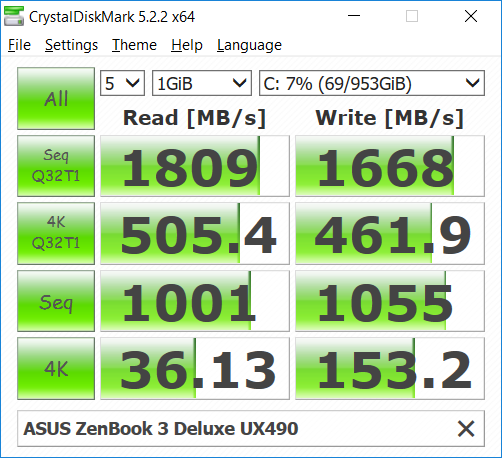
With this form factor, the Intel Core i7-7500U coupled with 16GB of RAM is actually pretty sufficient for some creative work on Adobe’s software suite – but the lack of a dedicated graphics card make it absymal to work on heavier stuff. Take After Effects or Premiere Pro as examples.
Upgradeability
It uses T5 Torx screwdrivers and once these screws were removed, the entire backplate pops off easily. Easy to work with, actually.
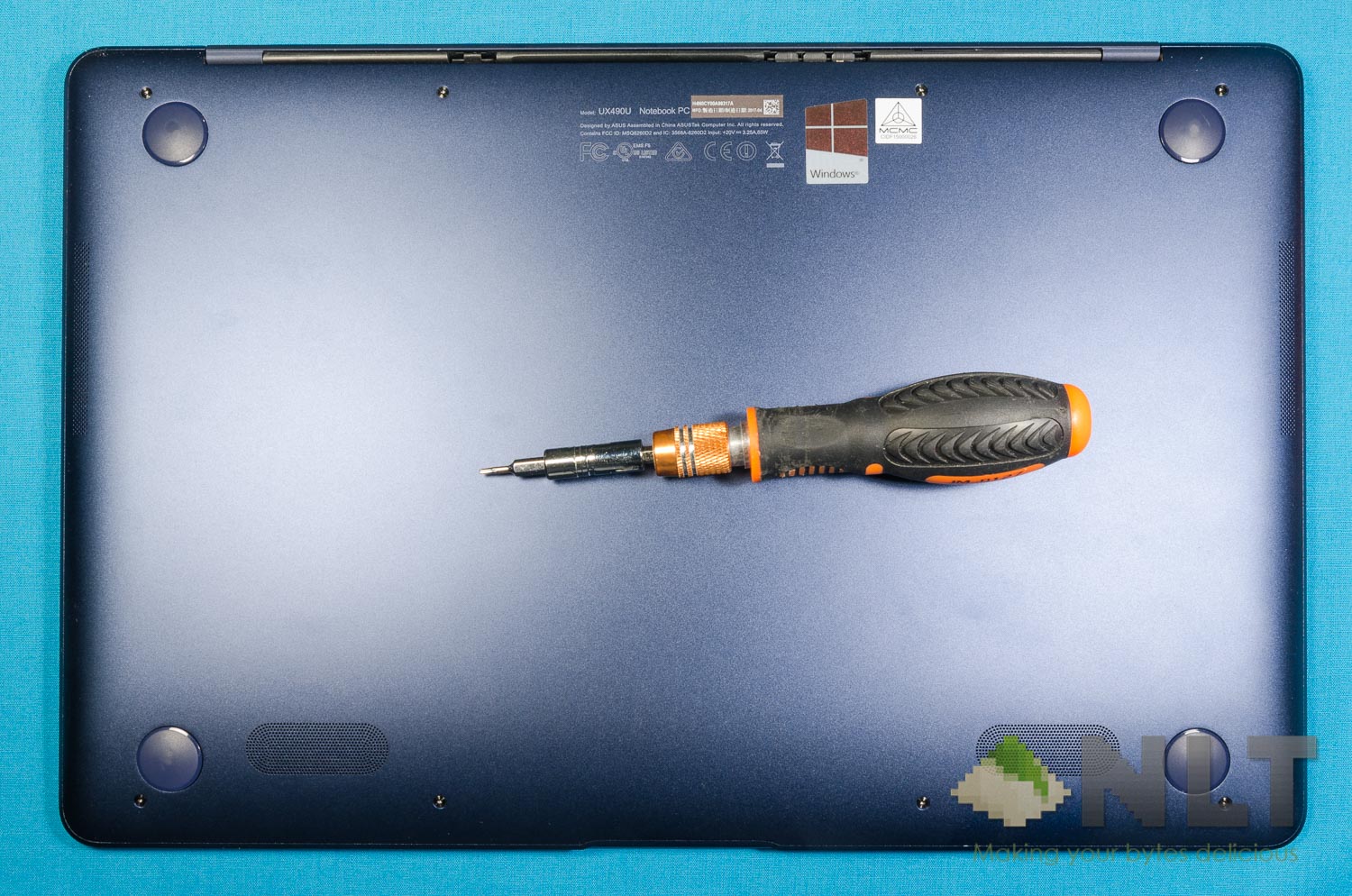
Once opened, I don’t expect any of the parts to be upgradeable, to be honest. To my surprise, the NVMe SSD is actually connected via an M.2 slot. So I thought to myself – why not remove the NVMe SSD and have a look at it?
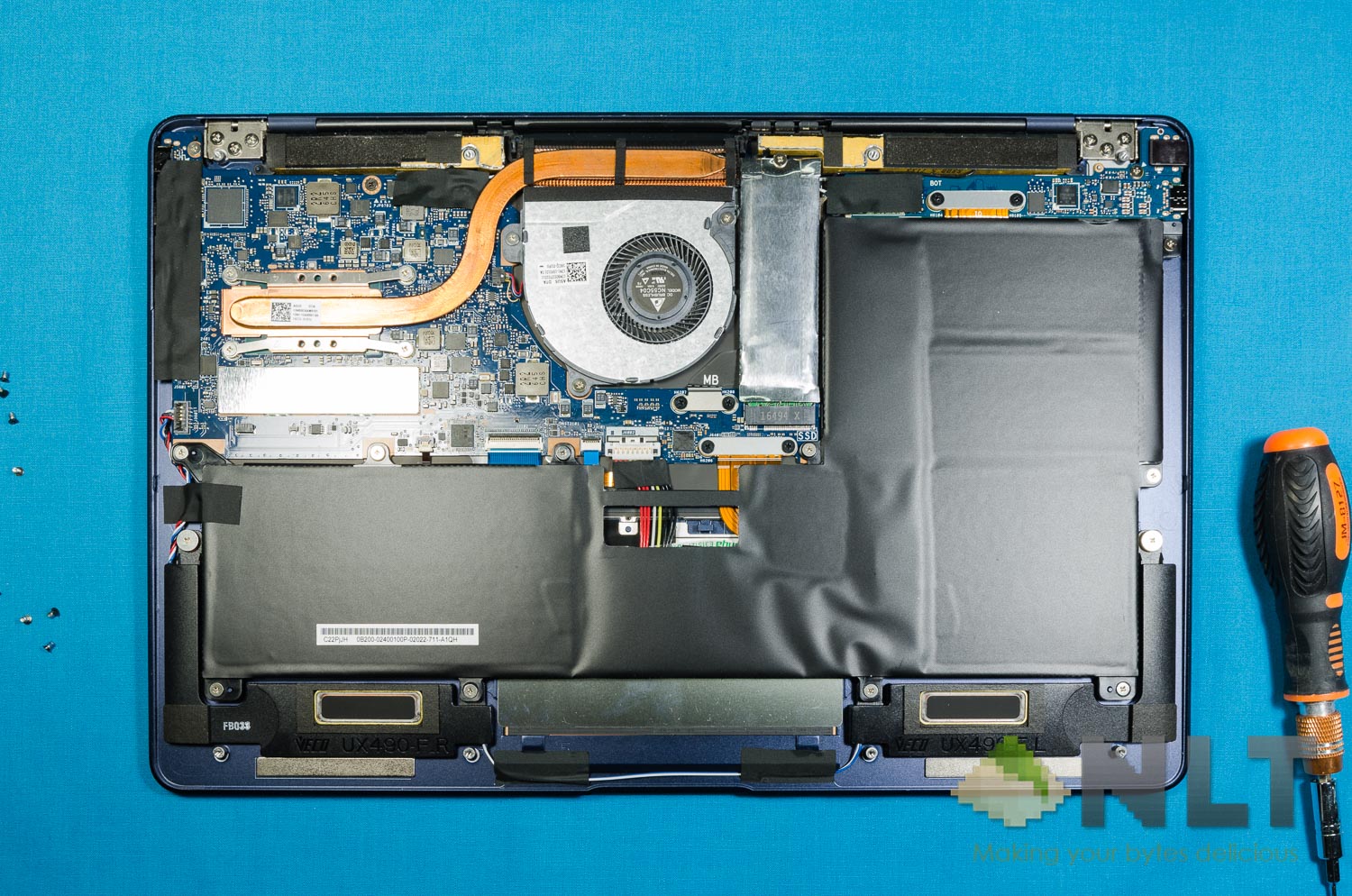
The M.2 2280 SSD is wrapped with a piece of aluminium – presumably for better shielding from the surrounding electronics. It’s not going to be a heatsink as the SSD isn’t thermally in contact with the aluminium wrap anyway. It’s just an aluminium sock that’s screwed on the motherboard together with the M.2 SSD, per se.
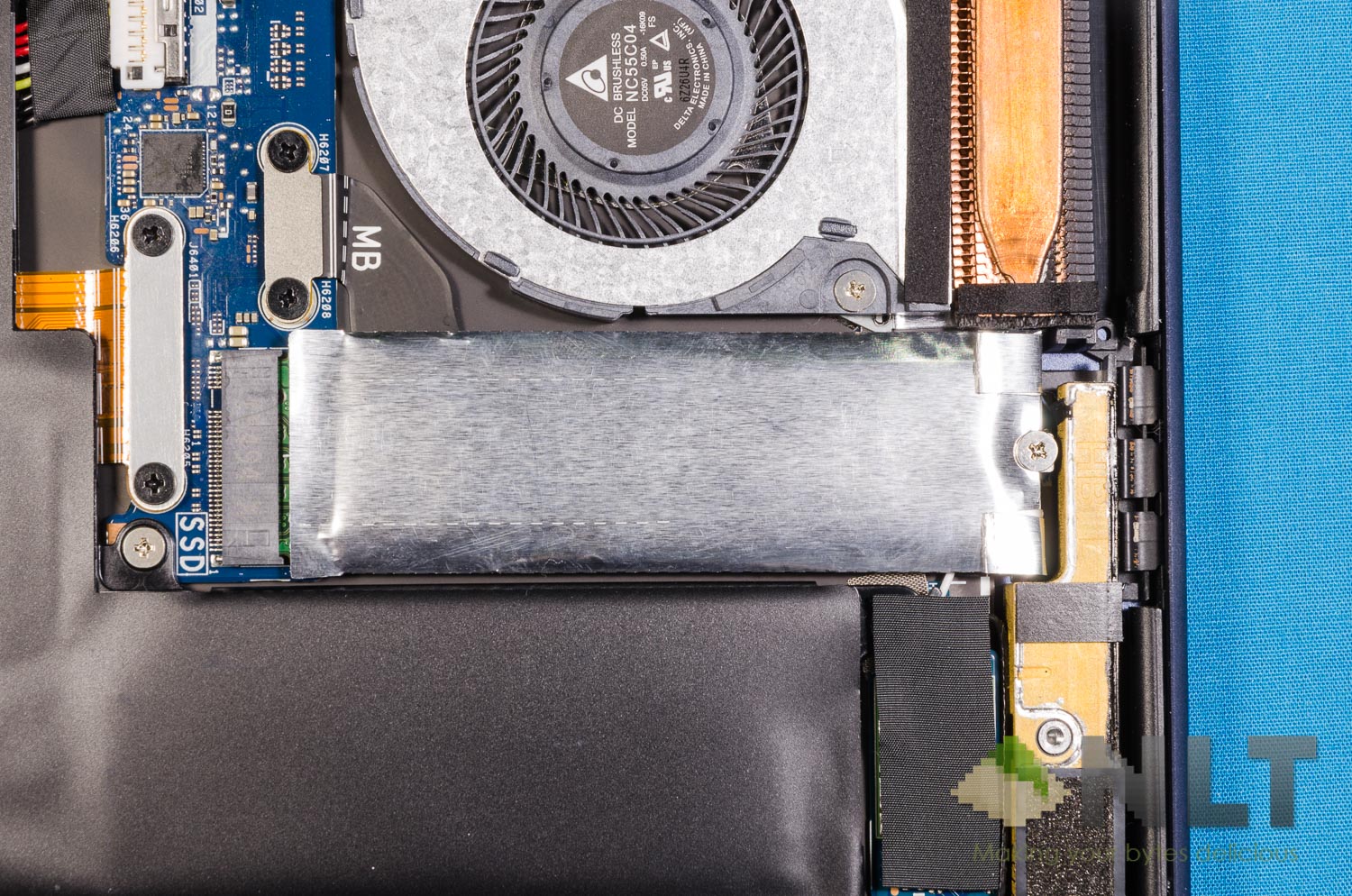
Removing the sock reveals that the SSD ASUS opted for the ASUS ZenBook 3 Deluxe is actually a Samsung MZVLW1T0HMLH 1TB SSD which is manufactured with MLC NAND flash.
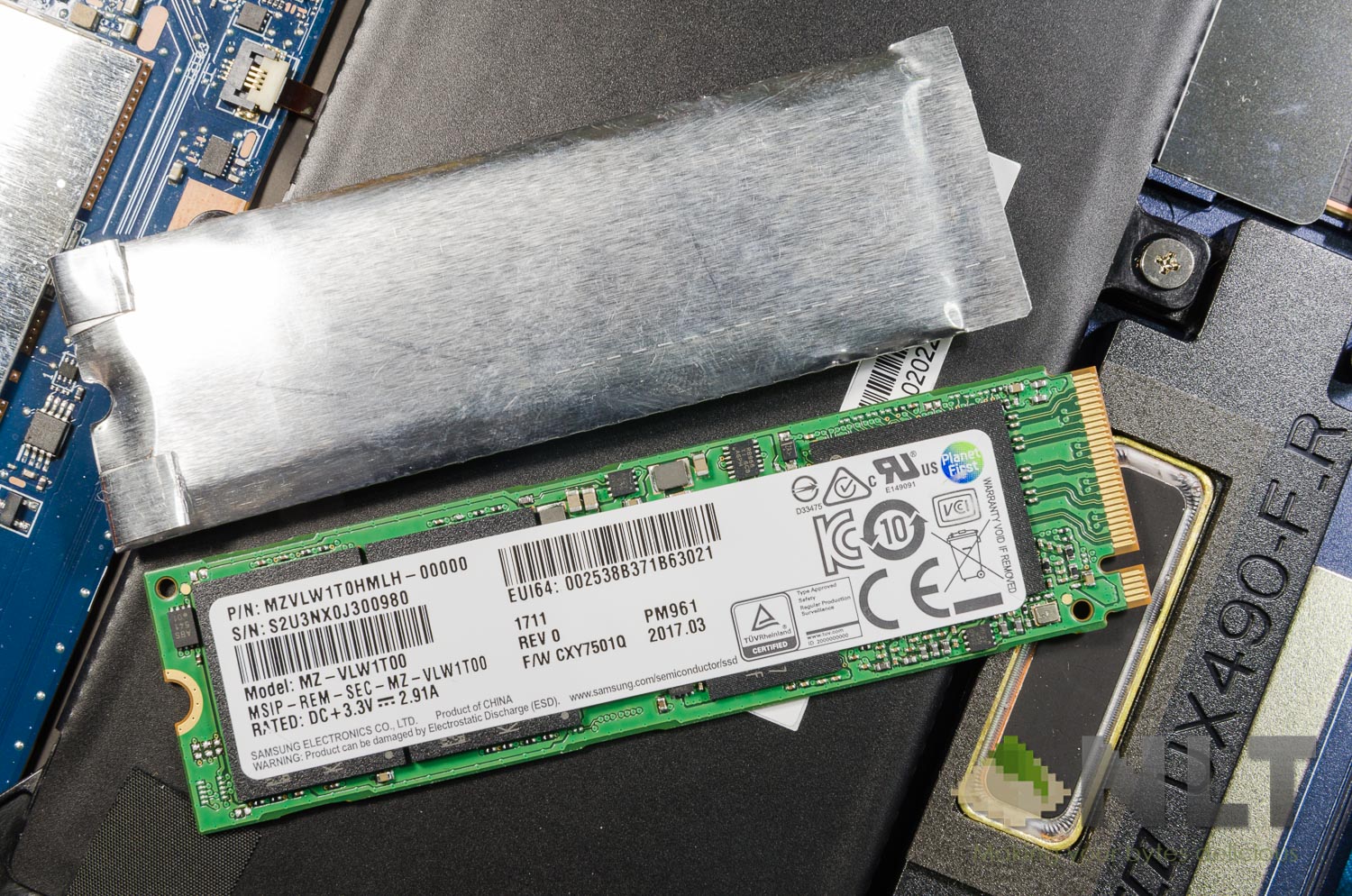
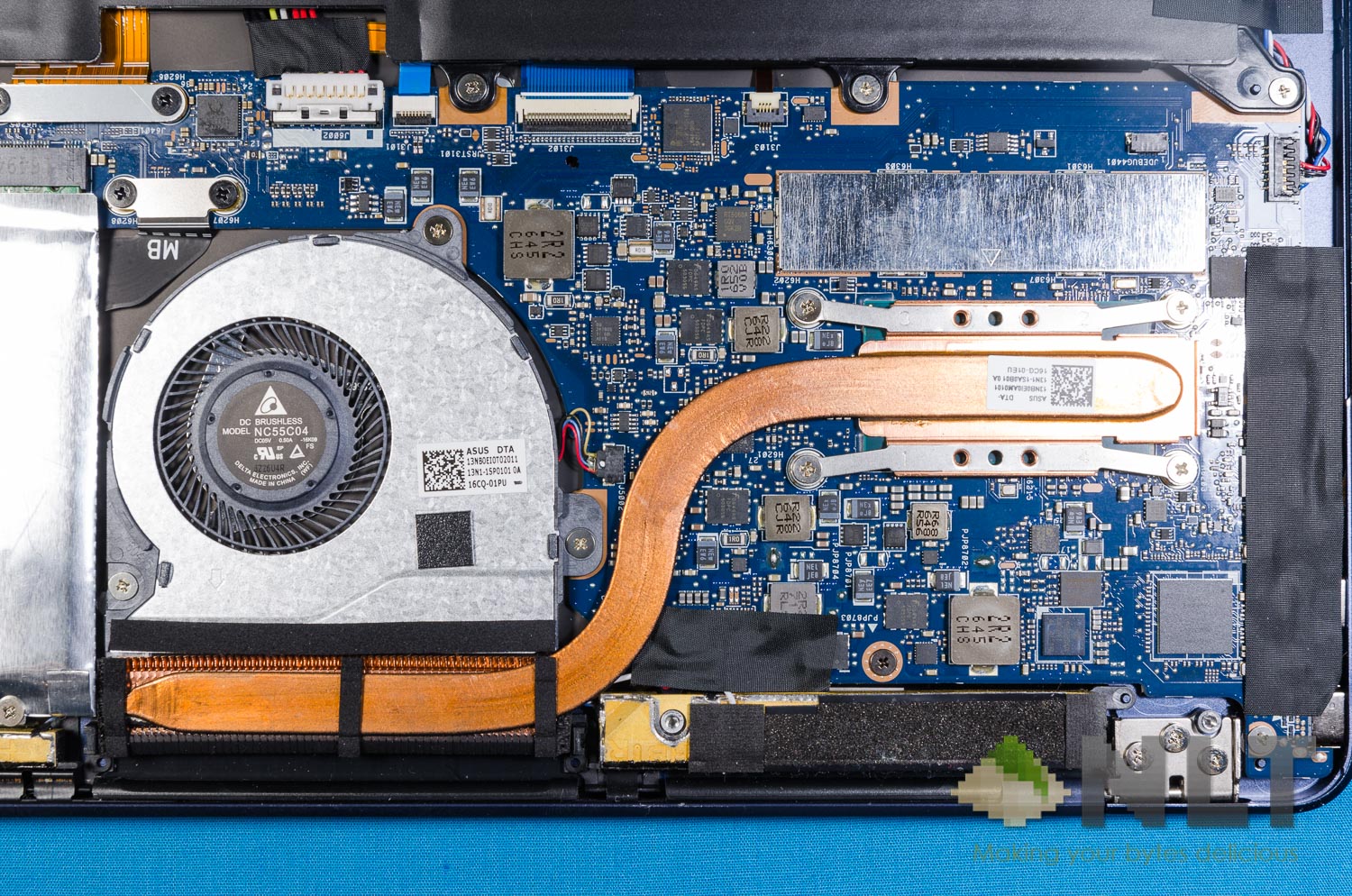
Other parts of the ASUS ZenBook 3 Deluxe is pretty simple to access and clean up too. The processor is where most of the heat will be – and once again, it did burn my lap when the laptop is in direct contact with my skin.
[nextpage title=”Battery”]
In terms of battery life, the ZenBook 3 Deluxe does a pretty good job. Lasts for at least 6 hours or so on heavy usage as per usual. Nothing out of the ordinary for today’s tech, actually.
There seems to be a heat issue somewhere underneath the power button.That heat is not something to be dismissed, as it did burn me after a short direct contact with my skin. This happened while it’s running on battery, by the way.
Charger
The charger is tiny and comes with quite a few different output ratings. Firstly, it can output 65W in total, then 45W, 27W, and finally at 15W. Not sure what’s the use of these lower wattages, though.
Again for a laptop with such specs, it’ll require 65W. Charging times, however, is quite fast too. It takes slightly more than an hour to charge from near-zero to a completely full 100%.
I just plugged the ZenBook 3 Deluxe’s charger into whichever USB-C port that’s available and it charges instantly – pretty much like how the latest MacBook Pro works.
[nextpage title=”Wrapping up the ASUS ZenBook 3 Deluxe review”]
All in all, my final words for the ASUS ZenBook 3 Deluxe is this – I don’t see a point in getting this laptop, actually. Firstly, to fully utilize what’s offered in this laptop, you’ll definitely have to get an external GPU. That by itself will cost a lot more, and do not offer the full performance that is expected.
Then there’s the screen. I have no idea why they’ve opted for glossy screen this time around. If it’s a touch screen like the ZenBook Flip, then understand. The older ZenBook UX305F from 2 years ago was gorgeous – and it uses a matte screen!
Thirdly, the price. Seriously, I have no idea who would pay RM8,299 for an ultrabook. Maybe back in the days where ultrabooks are scarce and MacBook Air is the only underpowered ultraportable laptop we can ever get.
Times have changed, and the niche market for such ultrabooks have disappeared.
There’s a promotion now where you can get it for RM7,959 now, actually.
- Pros
- Lightweight
- Thin bezels
- Decent battery life
- Cons
- Glossy non-touch screen
- Bad keyboard
- Insane price
- Too thin to be point ports have to be sacrificed
- USB-C only
Like our Facebook Page here at NasiLemakTech.com for more news and in-depth reviews! Also, join our Facebook Group for insightful information and memes!
Subscribe to our YouTube channel too!