













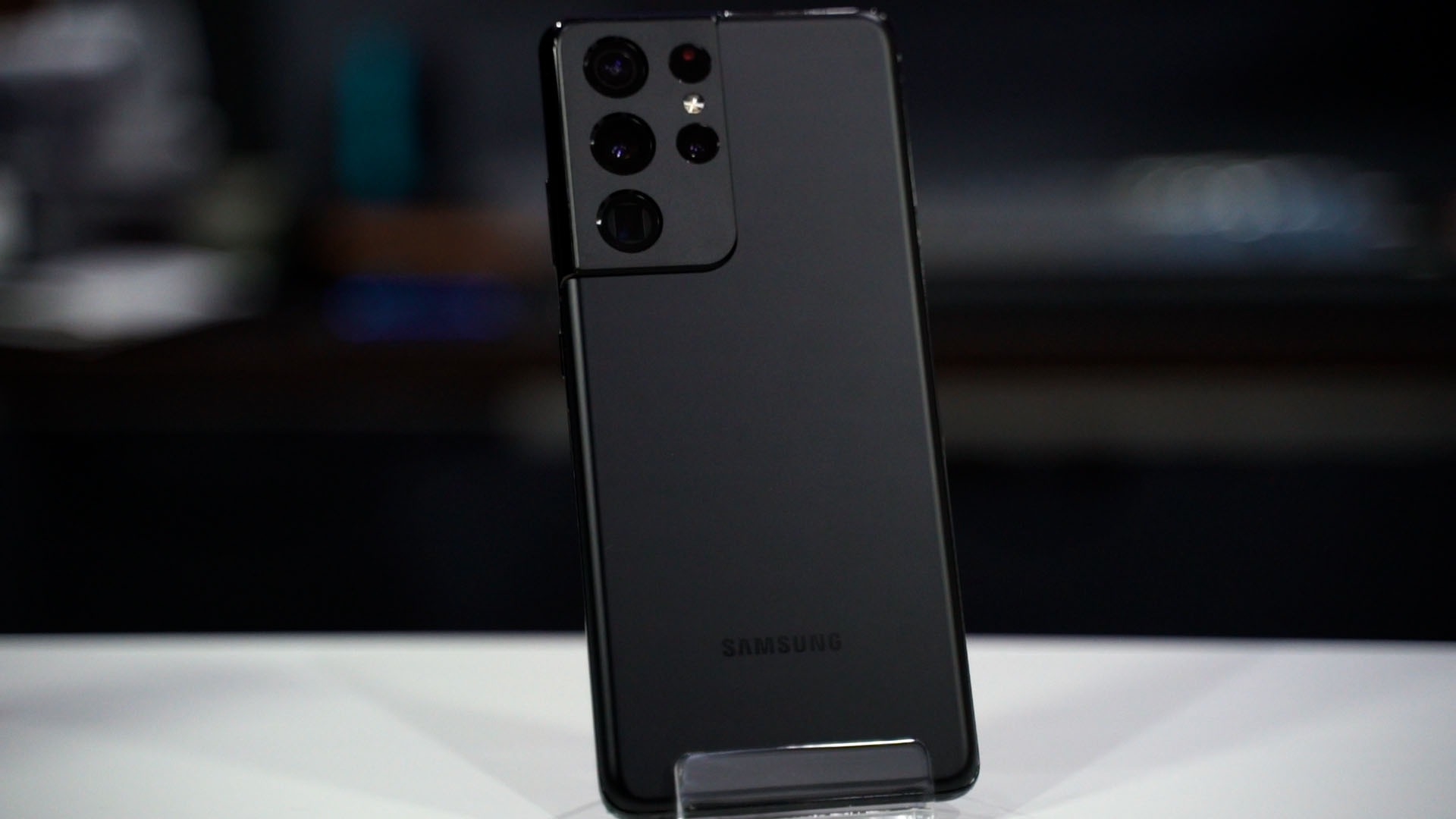

The Galaxy S21 Ultra boasts an extensive array of cameras and a lot of amazing features to go alongside it. In our initial review of the Galaxy S21 Ultra, we didn’t talk much about the cameras. So, in today’s review, we’re going to revisit the Galaxy S21 Ultra and talk about its cameras only.
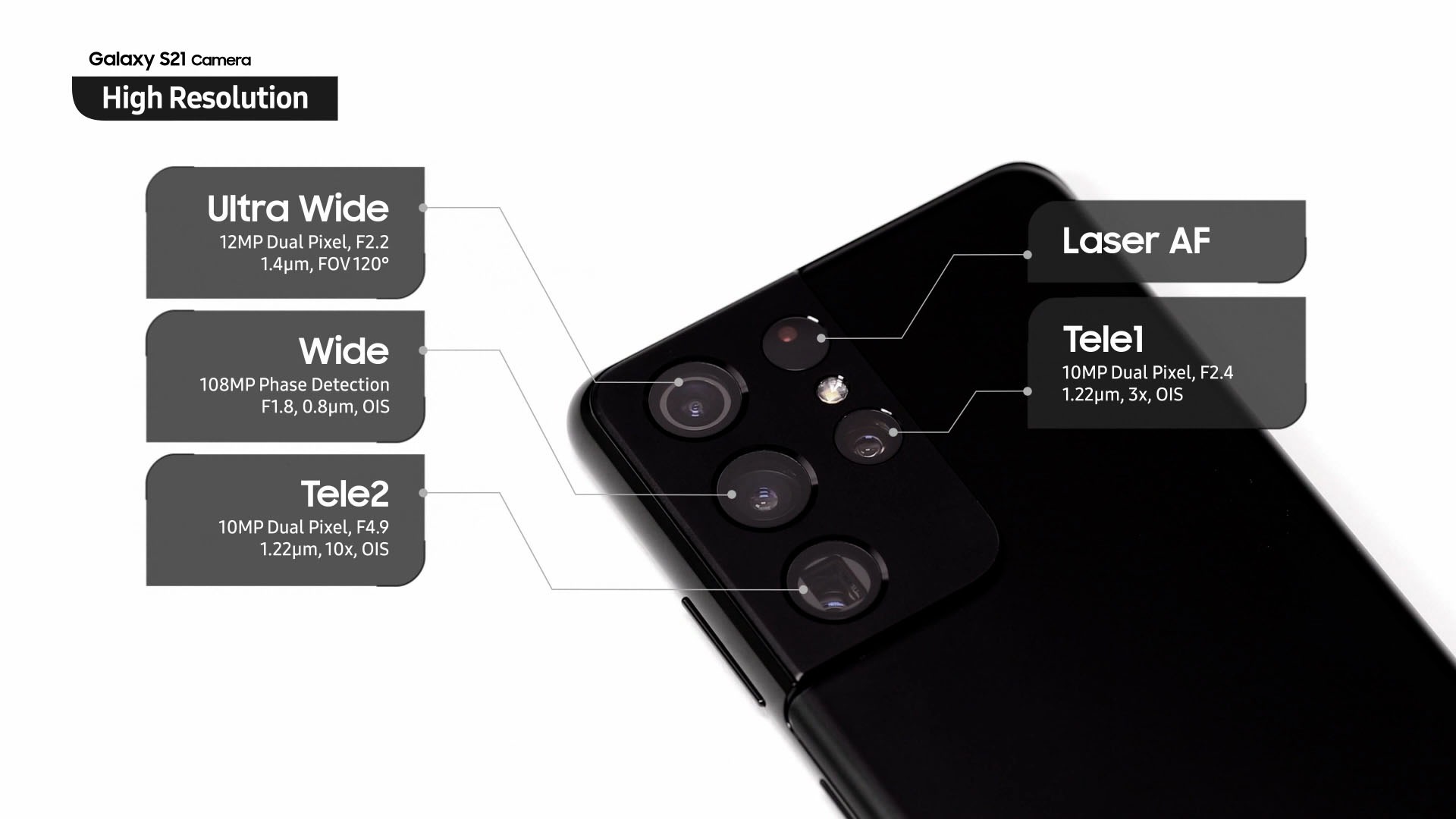
So, the Galaxy S21 Ultra. It has a total of 4 different cameras. We have the usual main camera, ultrawide angle camera, and two telephoto cameras. One for 3x optical zoom, another one for 10x optical zoom. All of these cameras can autofocus and also has another laser autofocus module to assist in fast focusing.
Space Zoom
And let’s start off with Samsung’s biggest claim – Space Zoom. With the recent stock market comes a new word that is also applicable to the Galaxy S21 Ultra – to the moon. Yes, we zoomed from 0.6x all the way to 100x to take this picture of the moon. Sorry, I don’t remember that zoom level I used to take each of these shots.
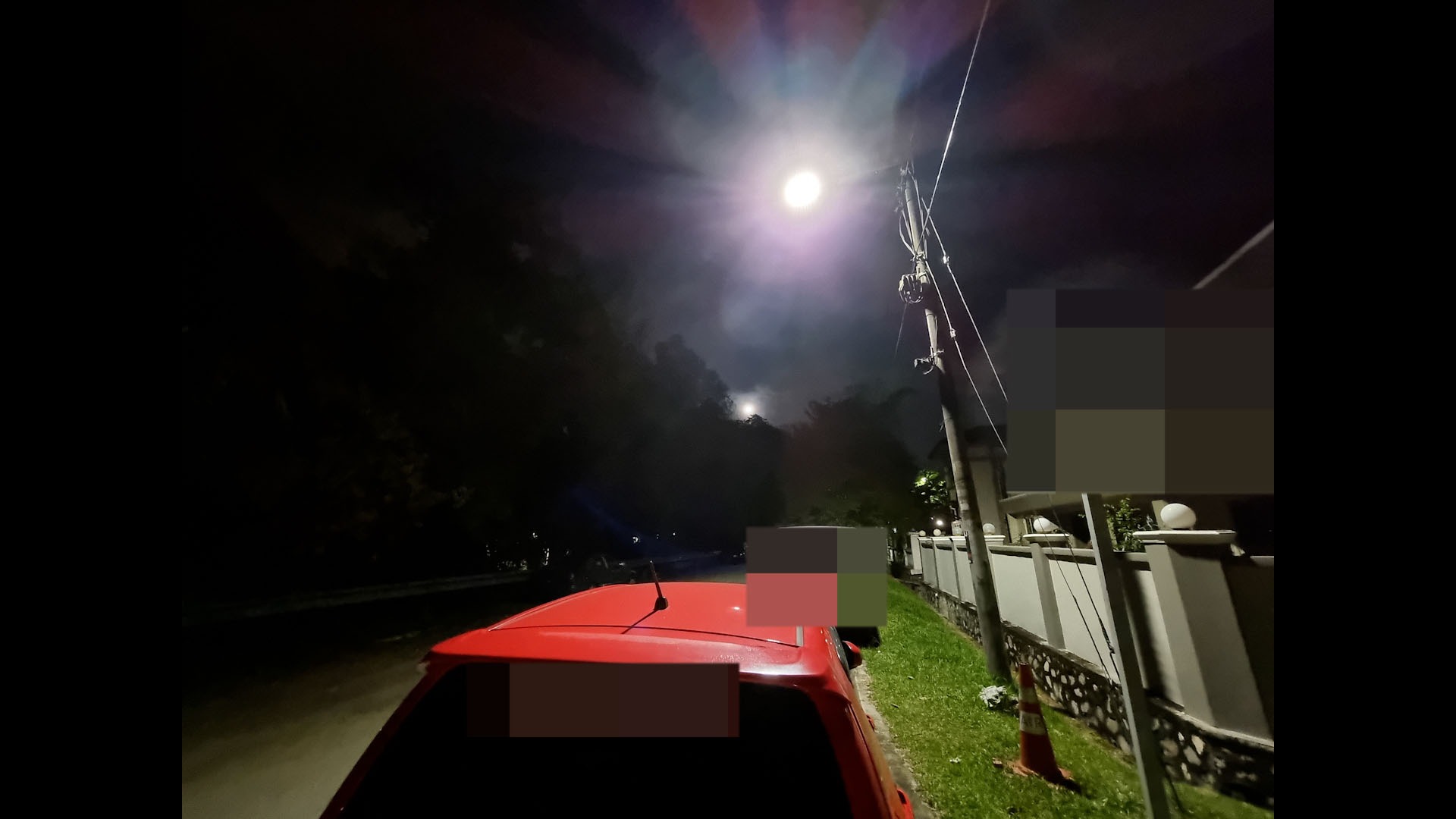
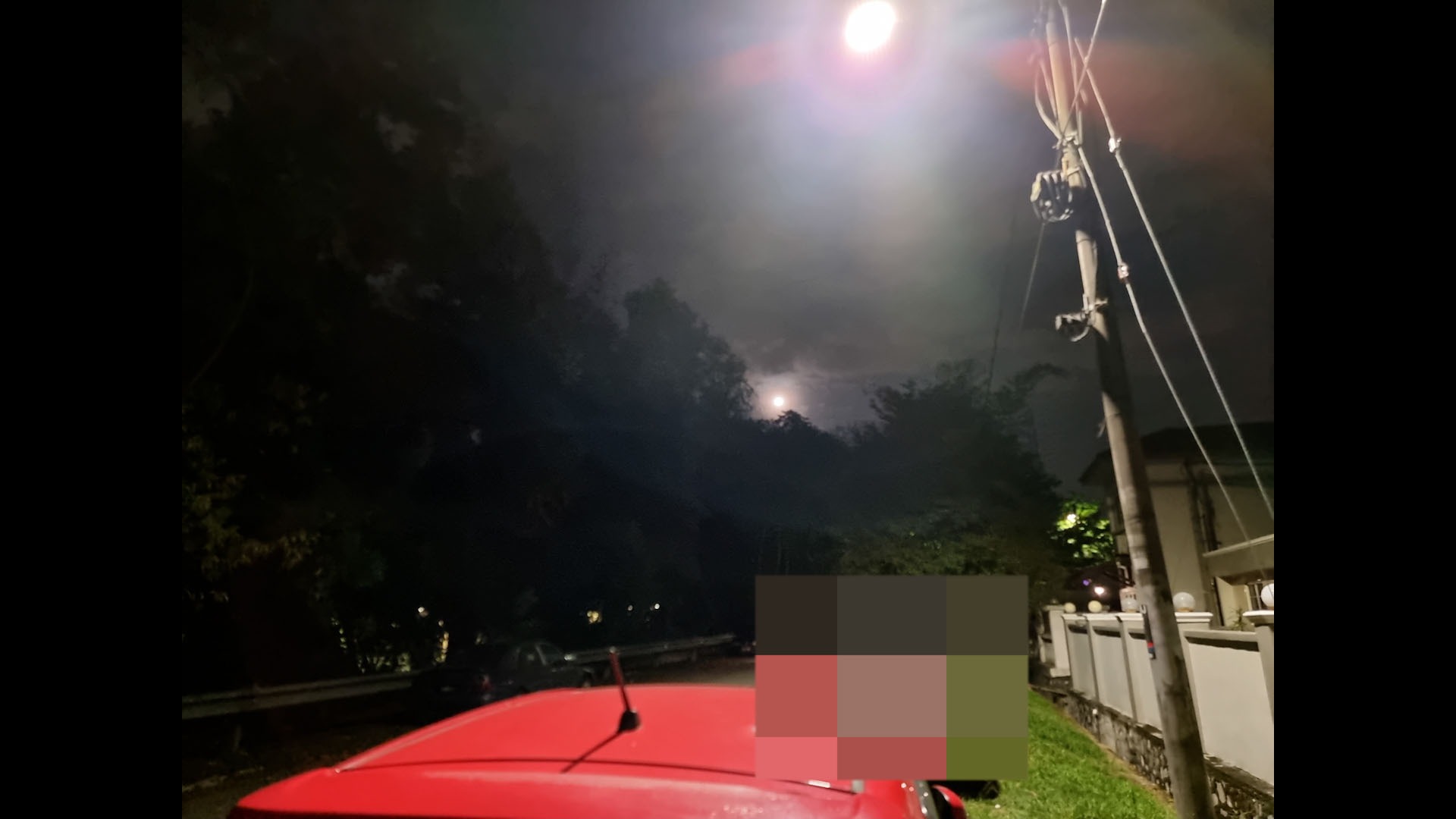
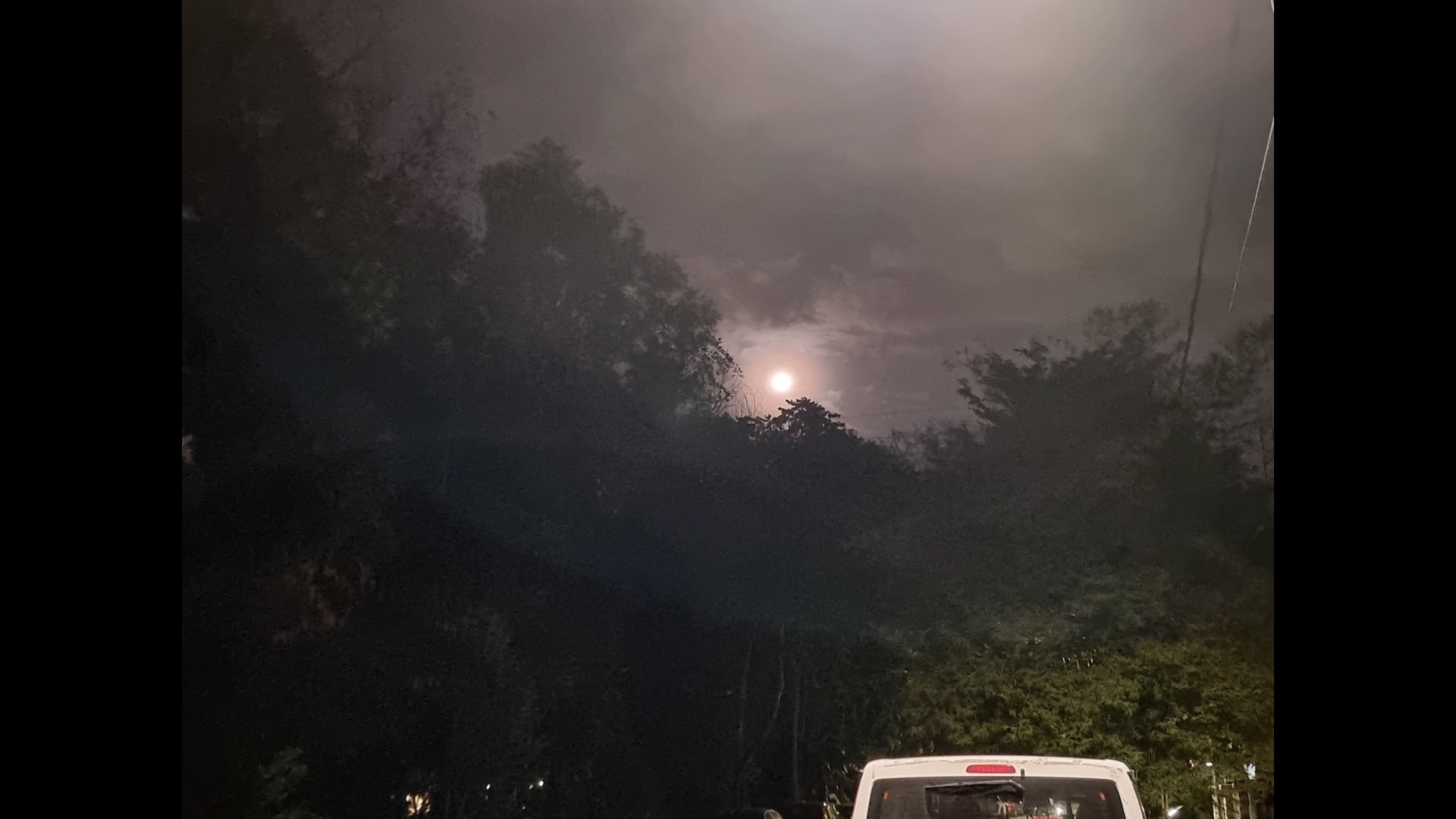
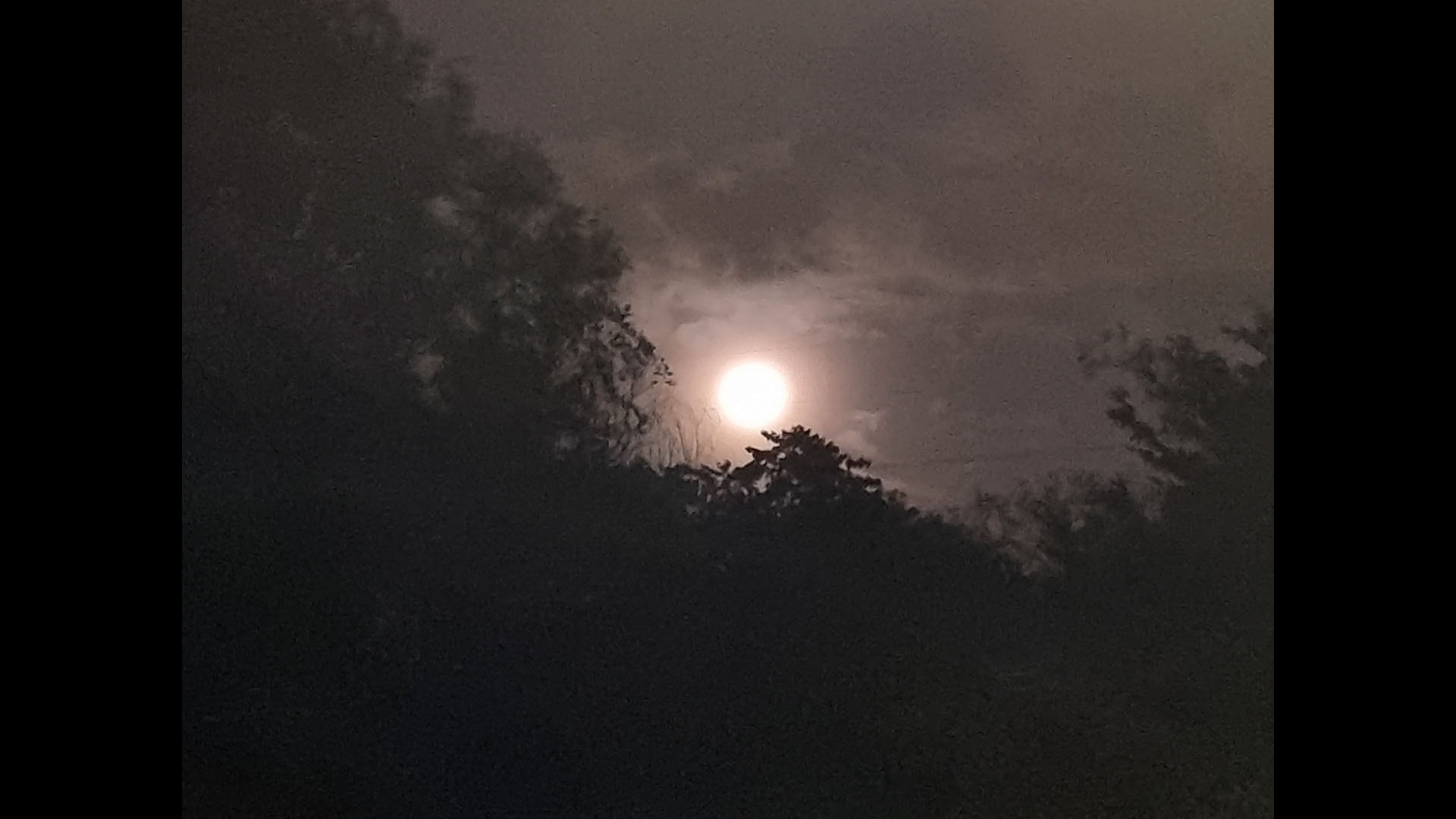
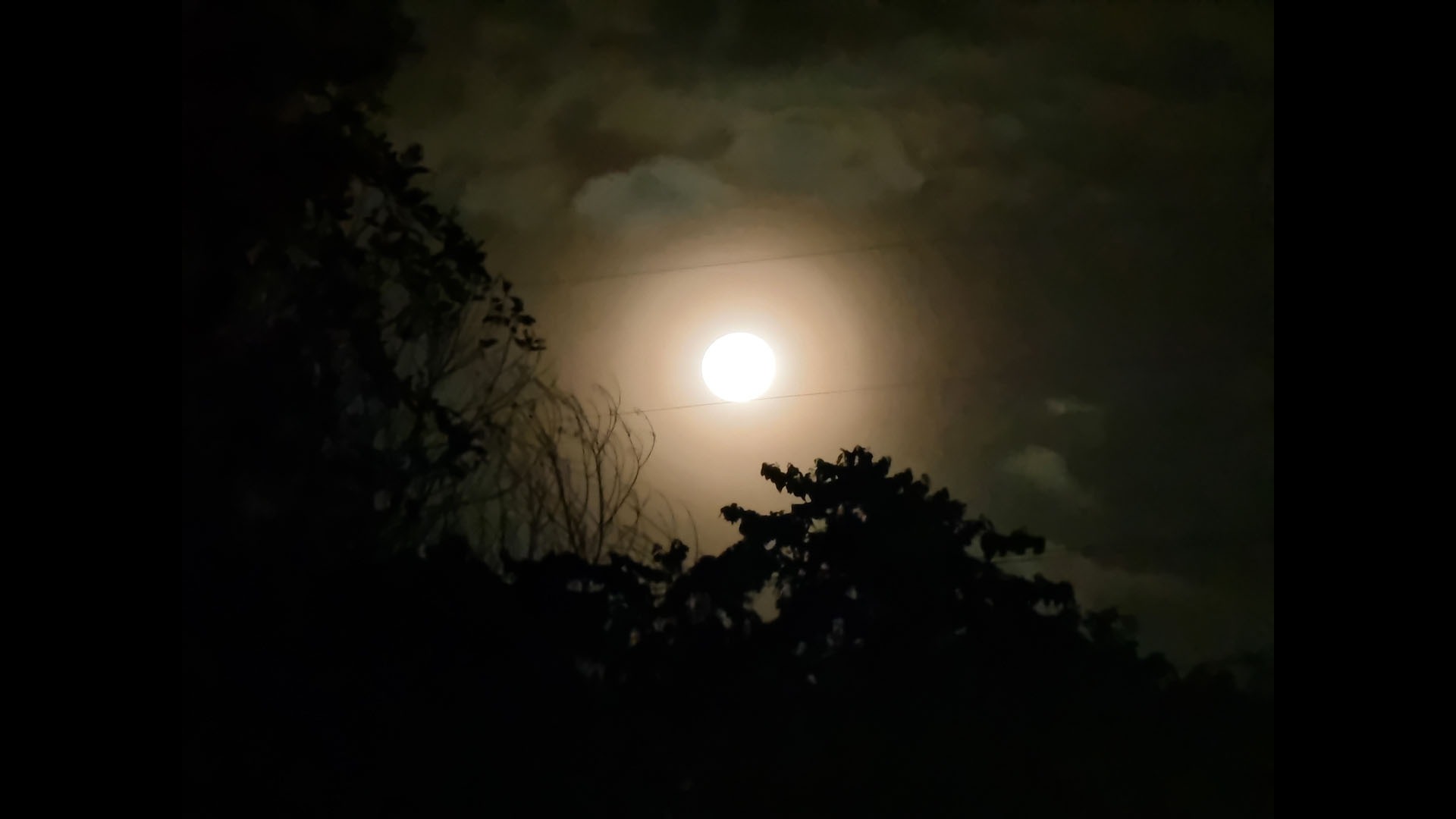
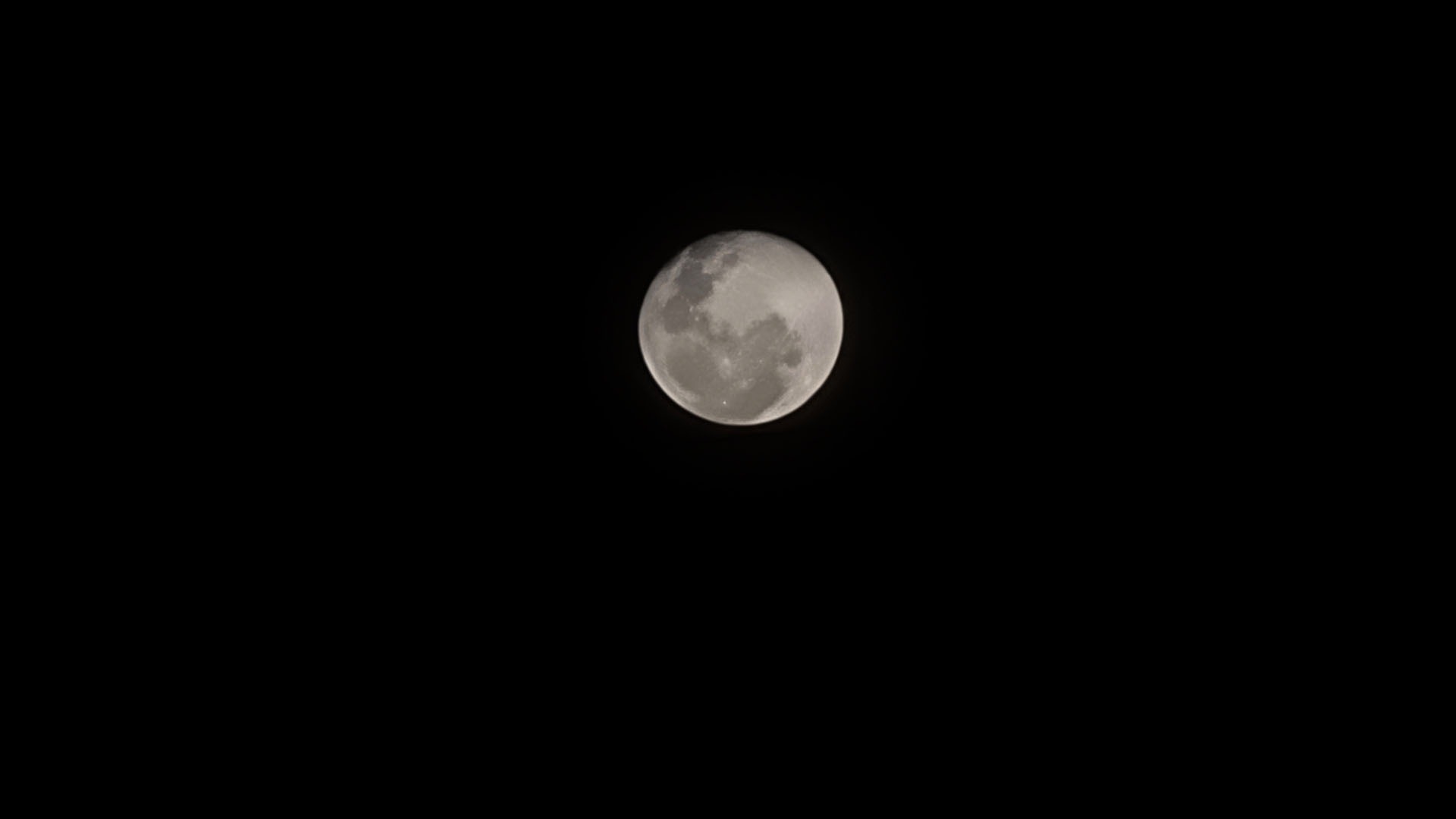
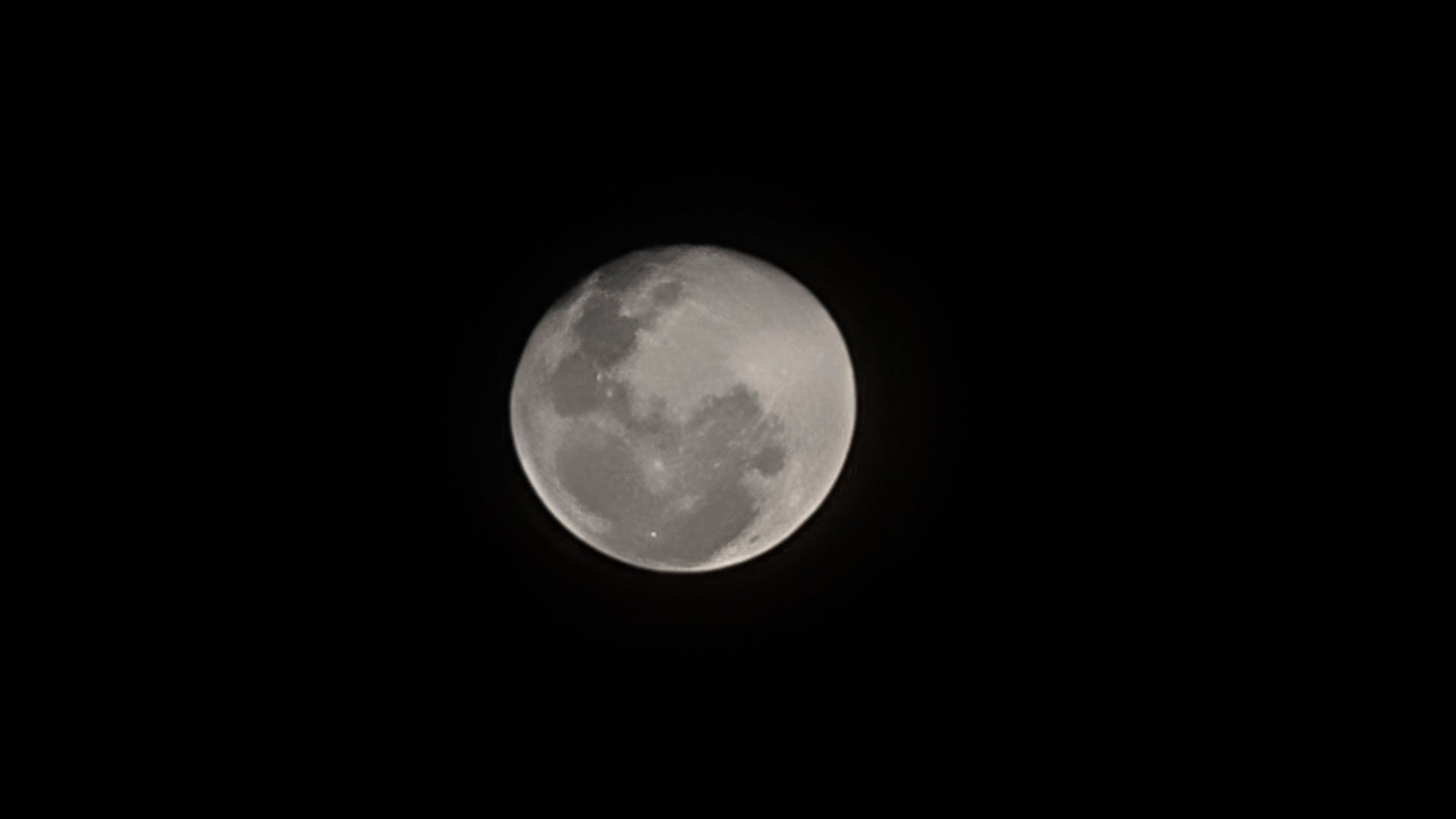
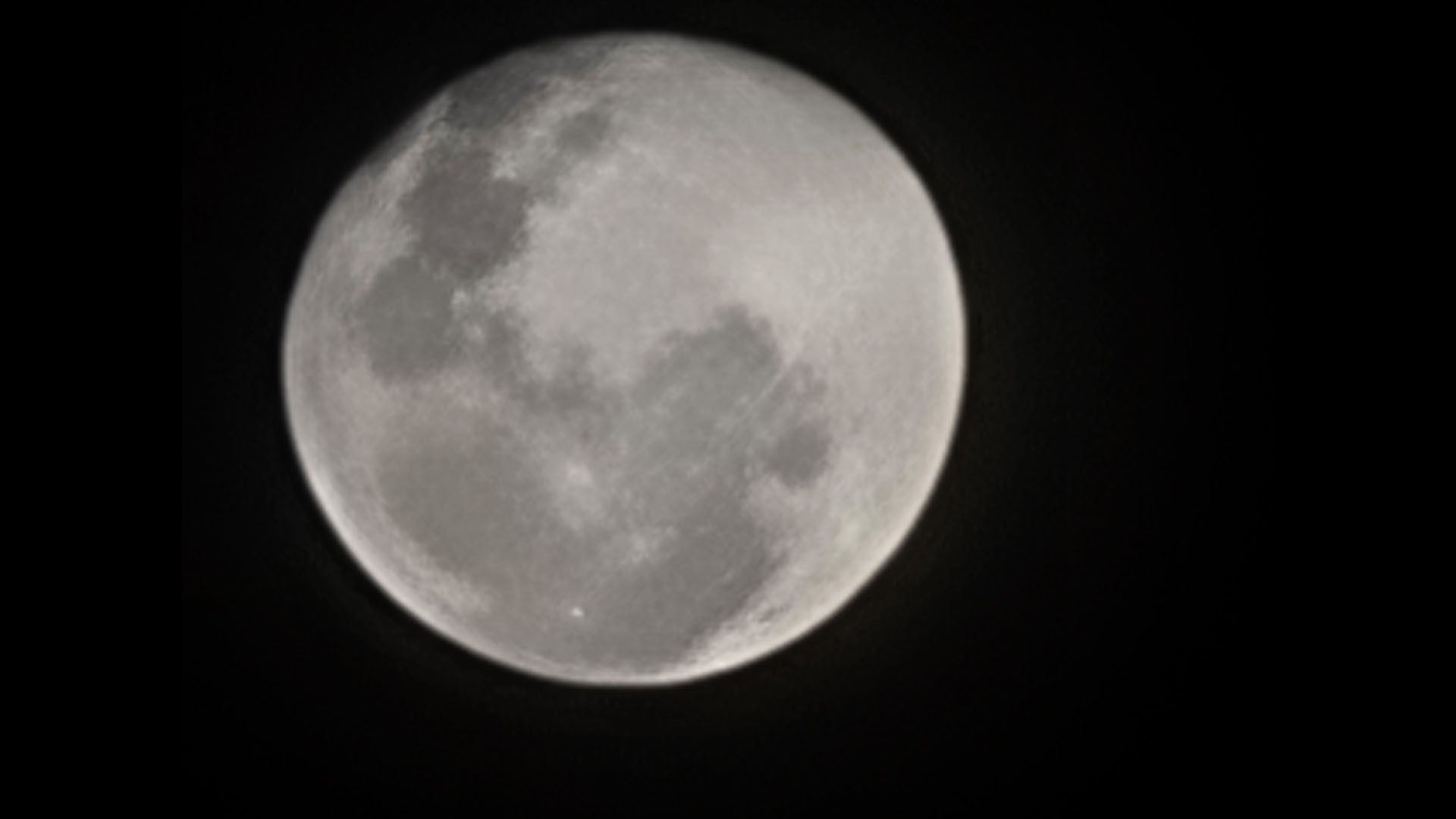
Now, there has been a lot of debate whether the moon pictures coming out of the 100x zoom on the Galaxy S21 Ultra is fake or not because there was already another smartphone that is using fake images to create pictures of the moon.
I won’t go into the history of that, but Raymond Wong from Input ran a full investigation to determine if the Galaxy S21 Ultra is faking the moon pictures or not.
I’m not going to go into detail about what and how this happened because Raymond Wong from Input went deep to answer the question if the Galaxy S21 Ultra is faking the moon pictures or not. I highly recommend you read the article that he did because it also covers the history of that other smartphone that is faking the moon pictures.
In short, he took a full-frame mirrorless camera with a telephoto lens to capture a picture of the moon, then compare it with the Galaxy S21 Ultra. And from what he found out, the pictures are basically identical.
So how did Samsung took such an image of the moon without faking it? The answer is AI. Now, Raymond also asked Samsung about this moon picture thing for more information which you can read the article for that – but what I really want to highlight here is that Samsung uses image stacking to create a clear picture with a balanced exposure.
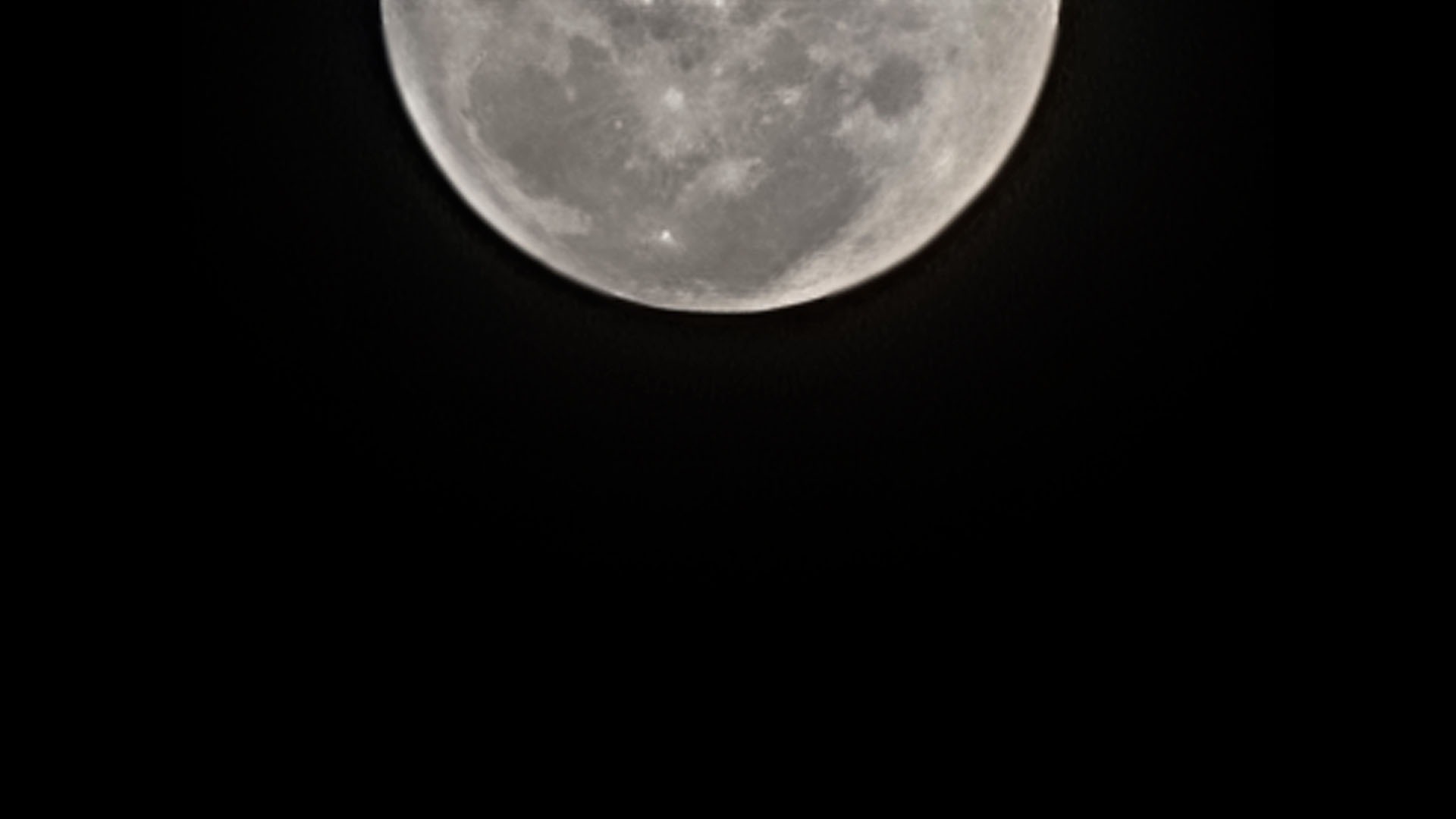
We can confirm that Samsung is indeed using image stacking via multi-frames because we still have to hold the phone for a few more seconds after pressing the shutter button because if you don’t, you get these pictures with the moon shifted away from the center of the frame.
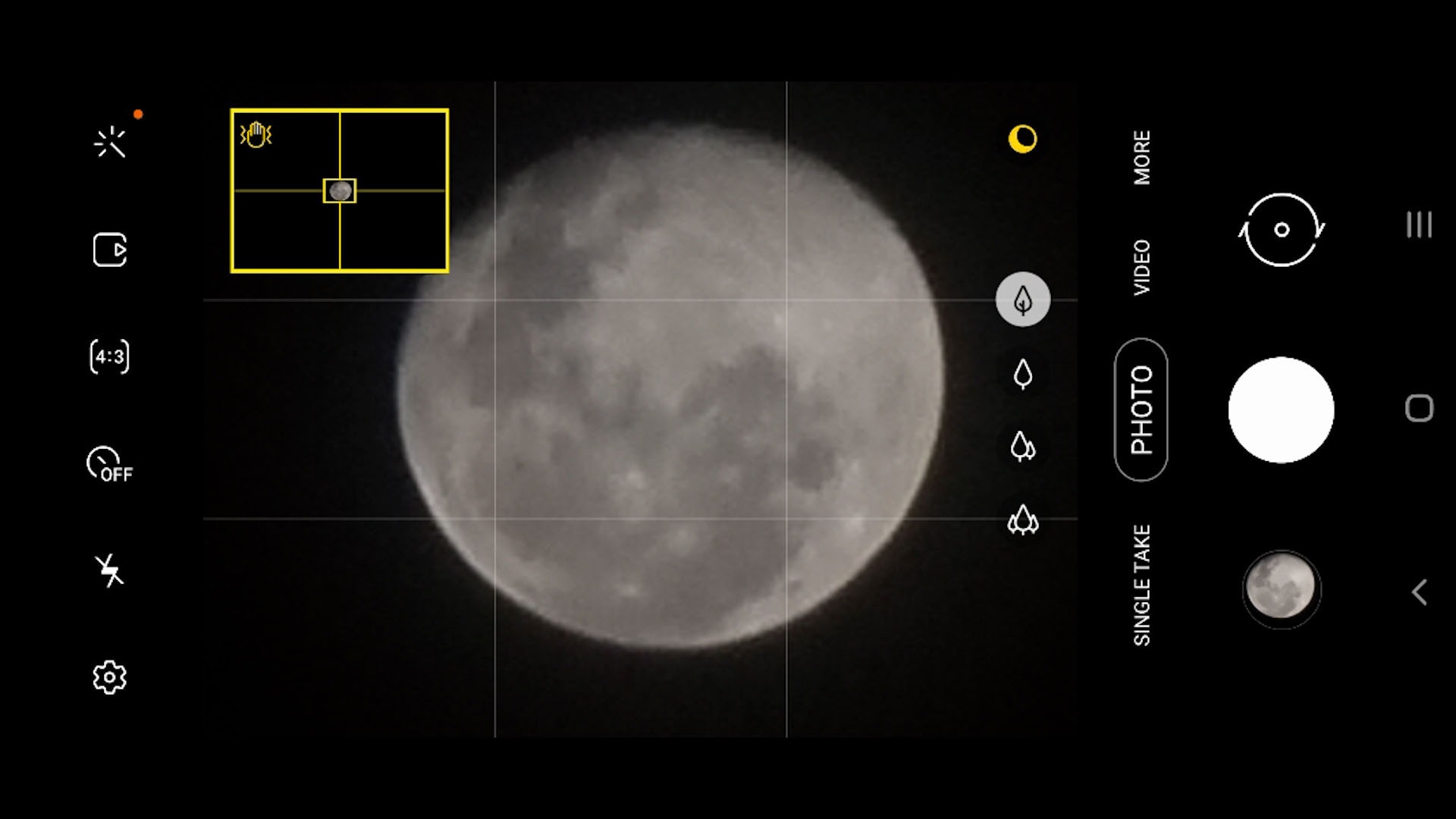
Still, I’m impressed by what Samsung is able to do with the space zoom this time.
Night mode
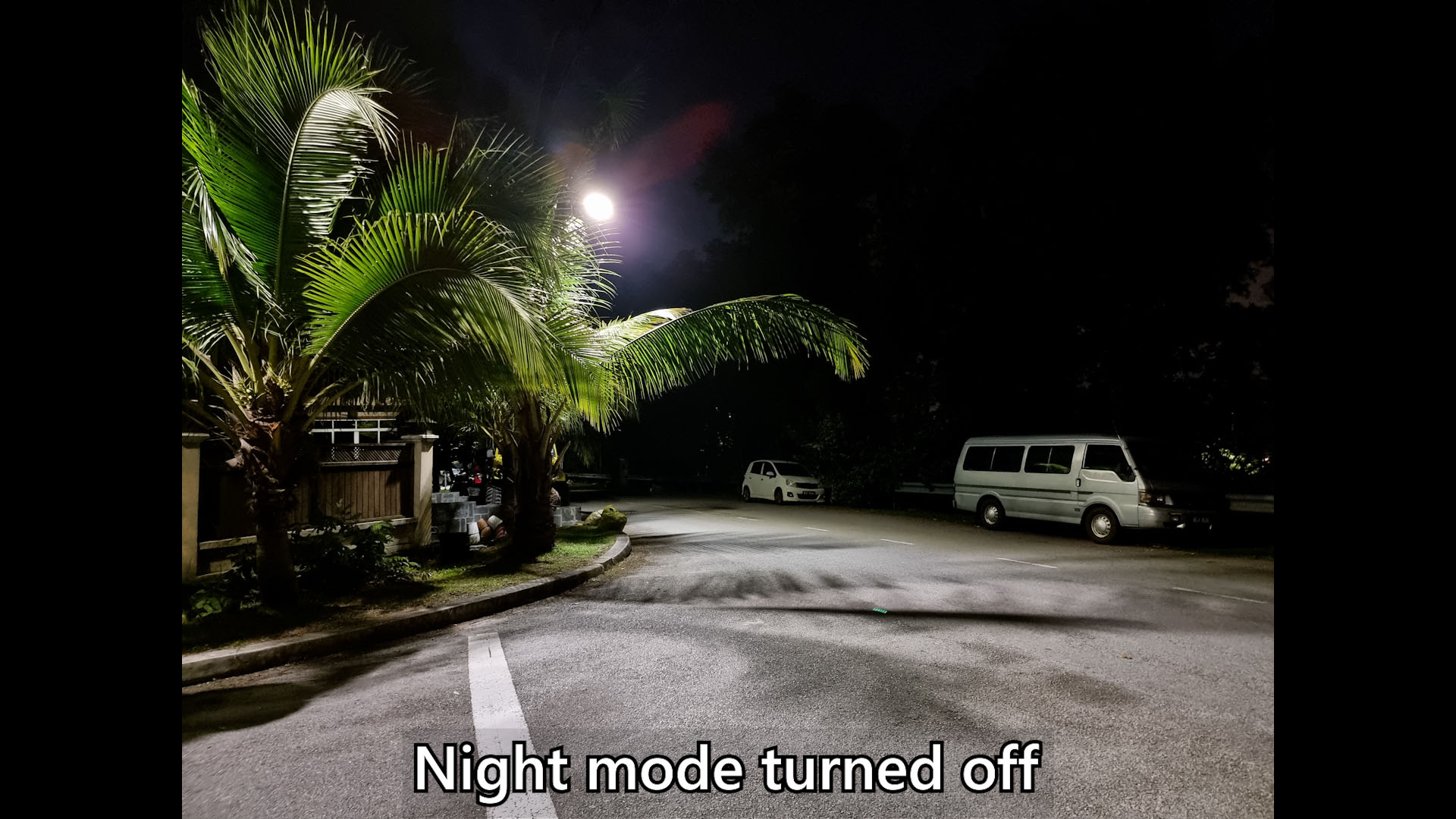
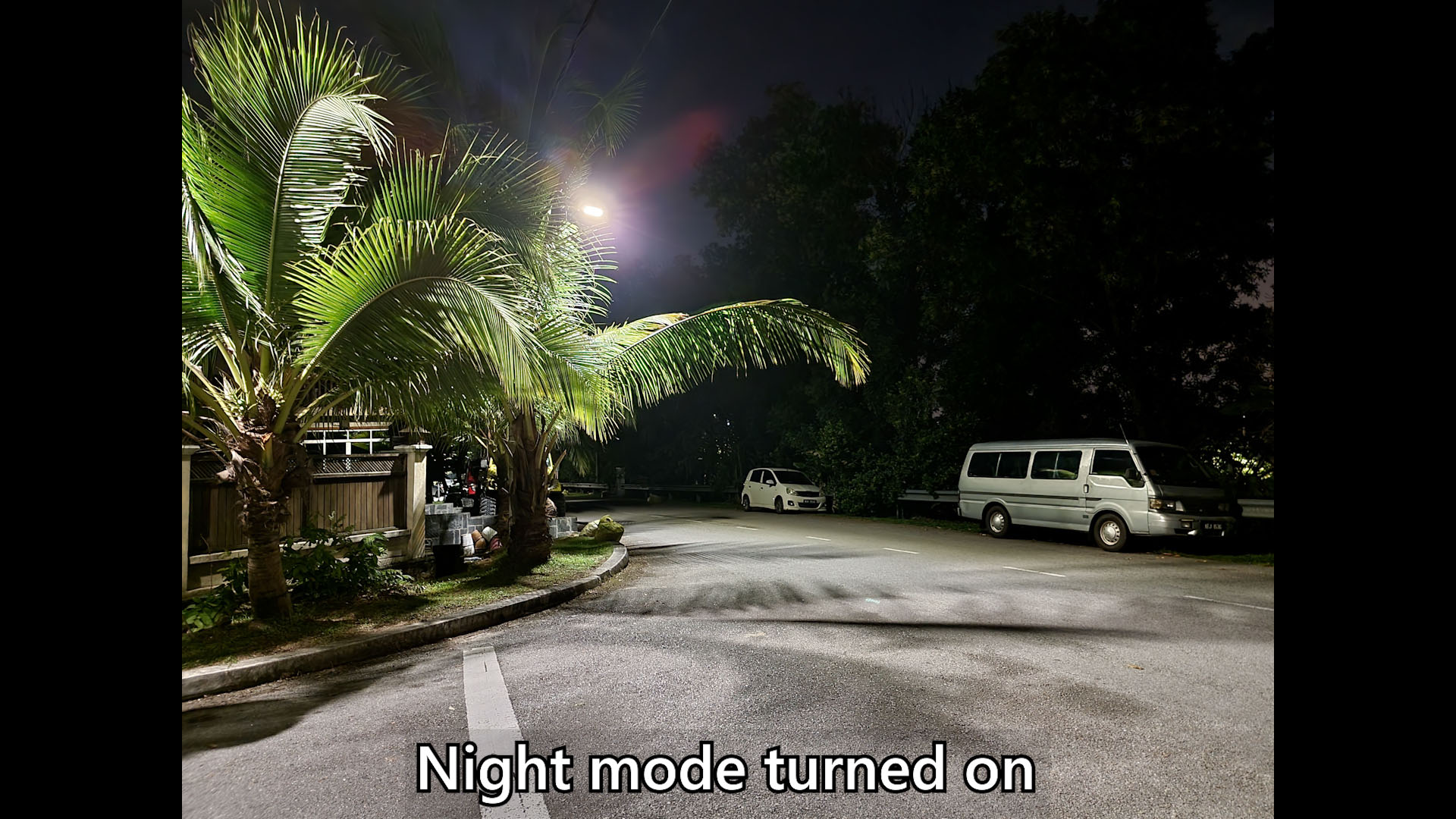
Night mode has also improved, as seen in this comparison shot here.
But, generally, I don’t like to waste a few seconds standing there like a statue just to take a shot. I like my phone cameras to be a point and shoot – and these are the results. I honestly think that Samsung phones are still the best as point and shoot cameras. It’s just quick and easy to produce good pictures.
Focus Enhancer a.k.a. “macro mode”
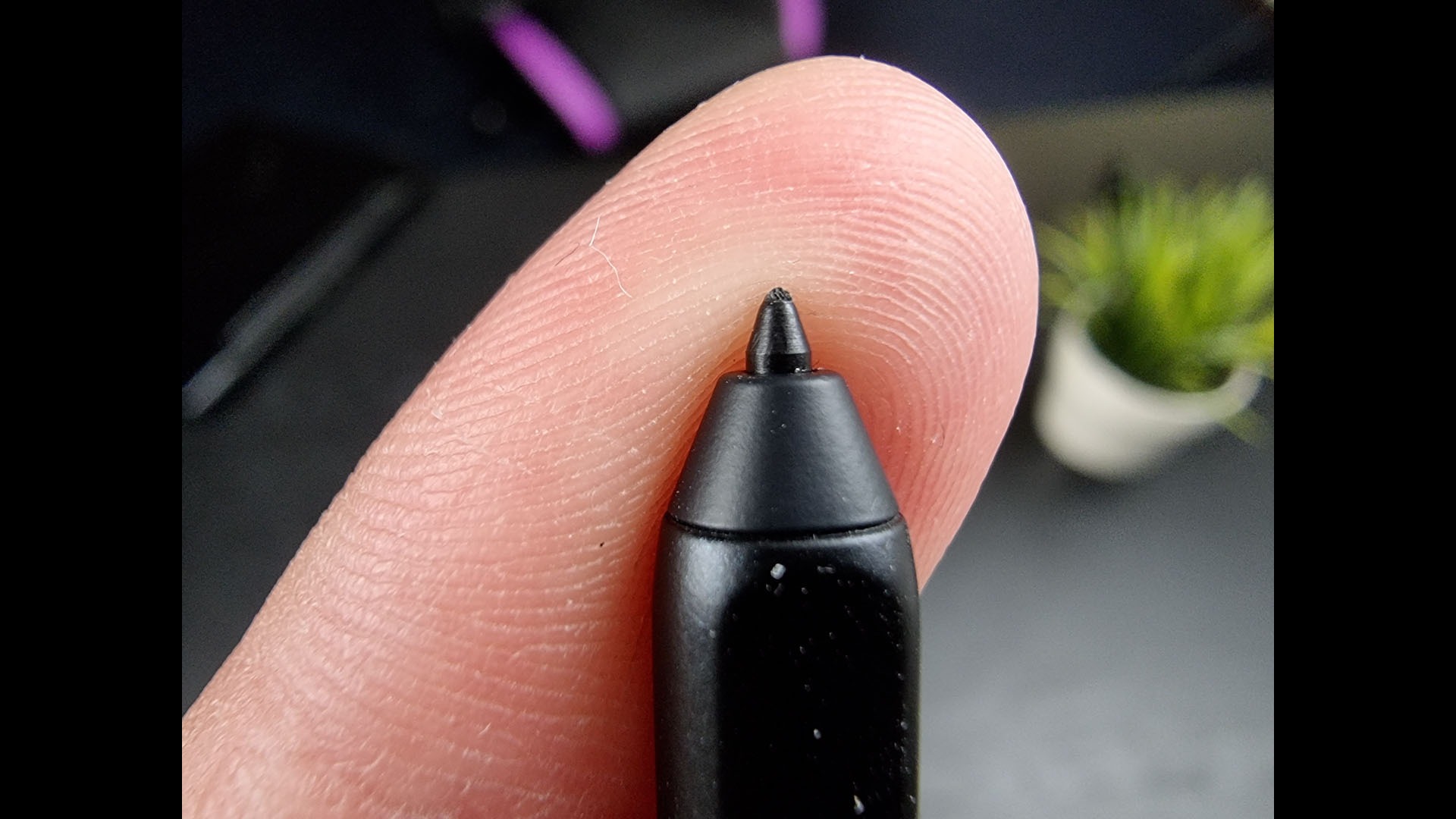
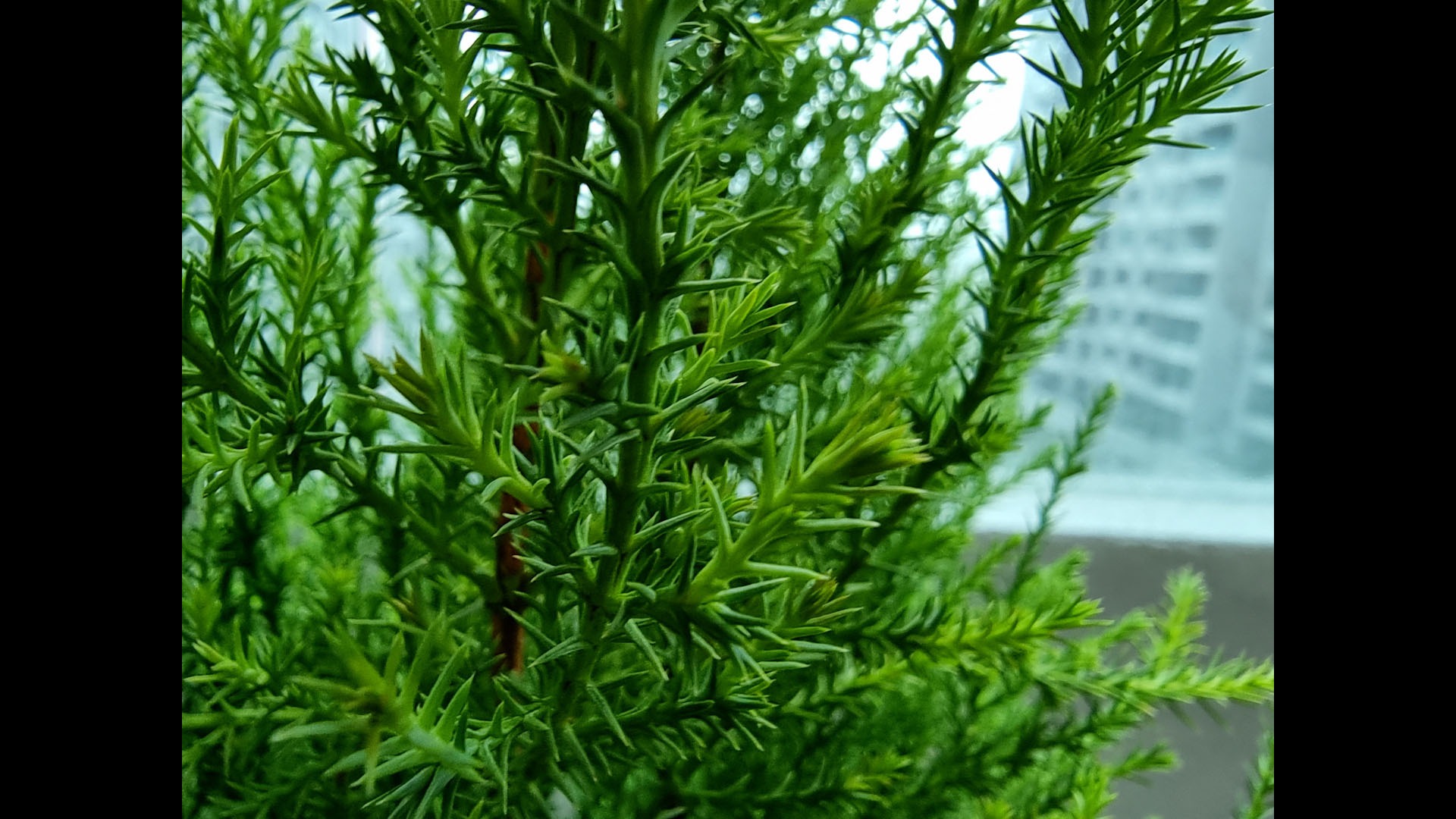
And on the other end of the Space Zoom spectrum is the new “macro mode”. I’m putting quotation marks here because the macro mode isn’t exactly macro mode. It’s actually Samsung’s new “focus enhancer” mode, which shifts into the new autofocusing ultrawide angle camera with distortion removal and it’s cropped.
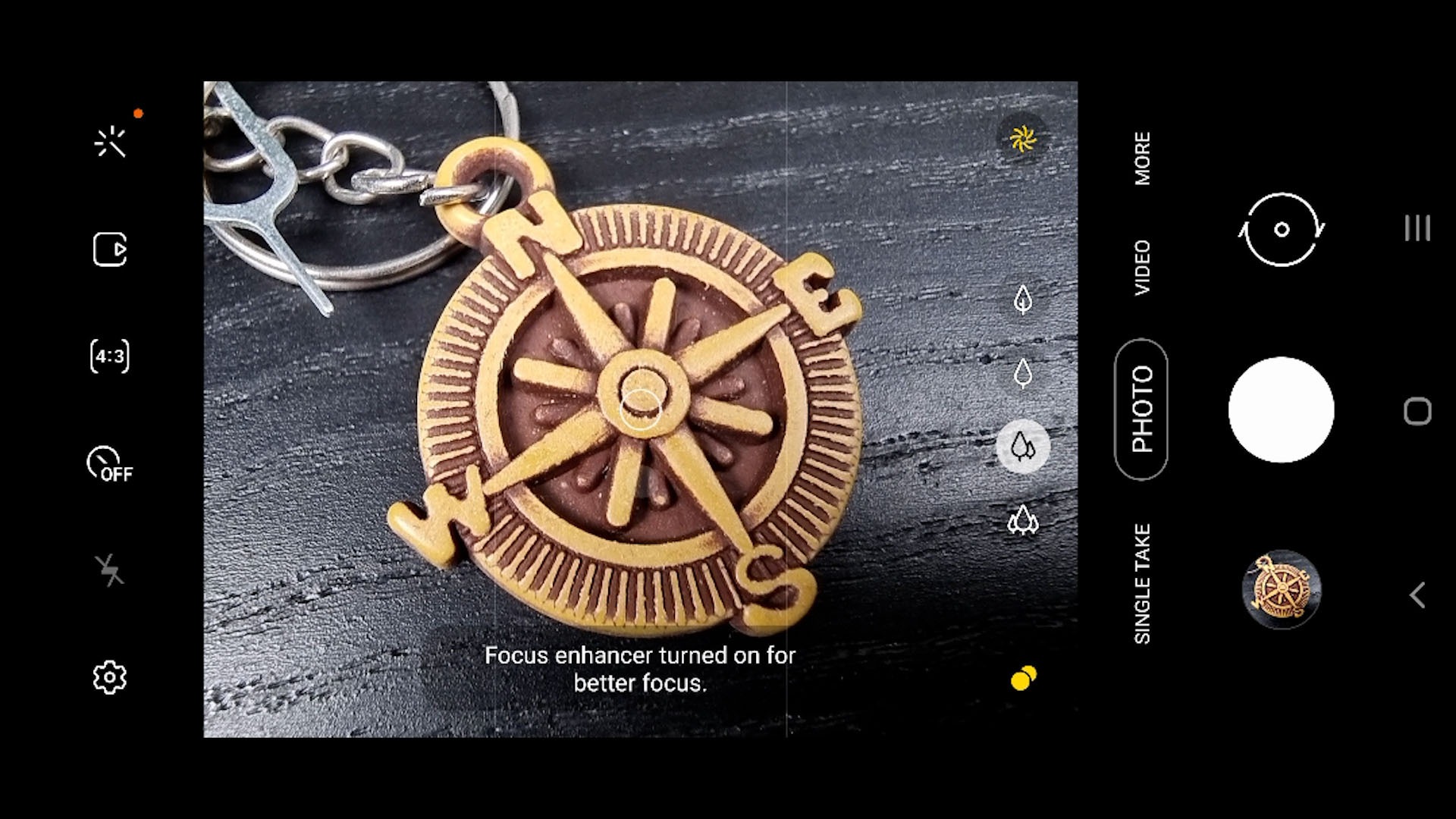
But, there’s nothing wrong here because it’s the results that matter – and Samsung did a really good job in producing macro shots.

However, I do wish Samsung adds a dedicated “macro” mode into the camera app because currently, the focus enhancer mode is quite spotty in grabbing focus if the background is a little busy. I have to put my finger to block out the background so that the camera can get the focus.
Single Take 2.0
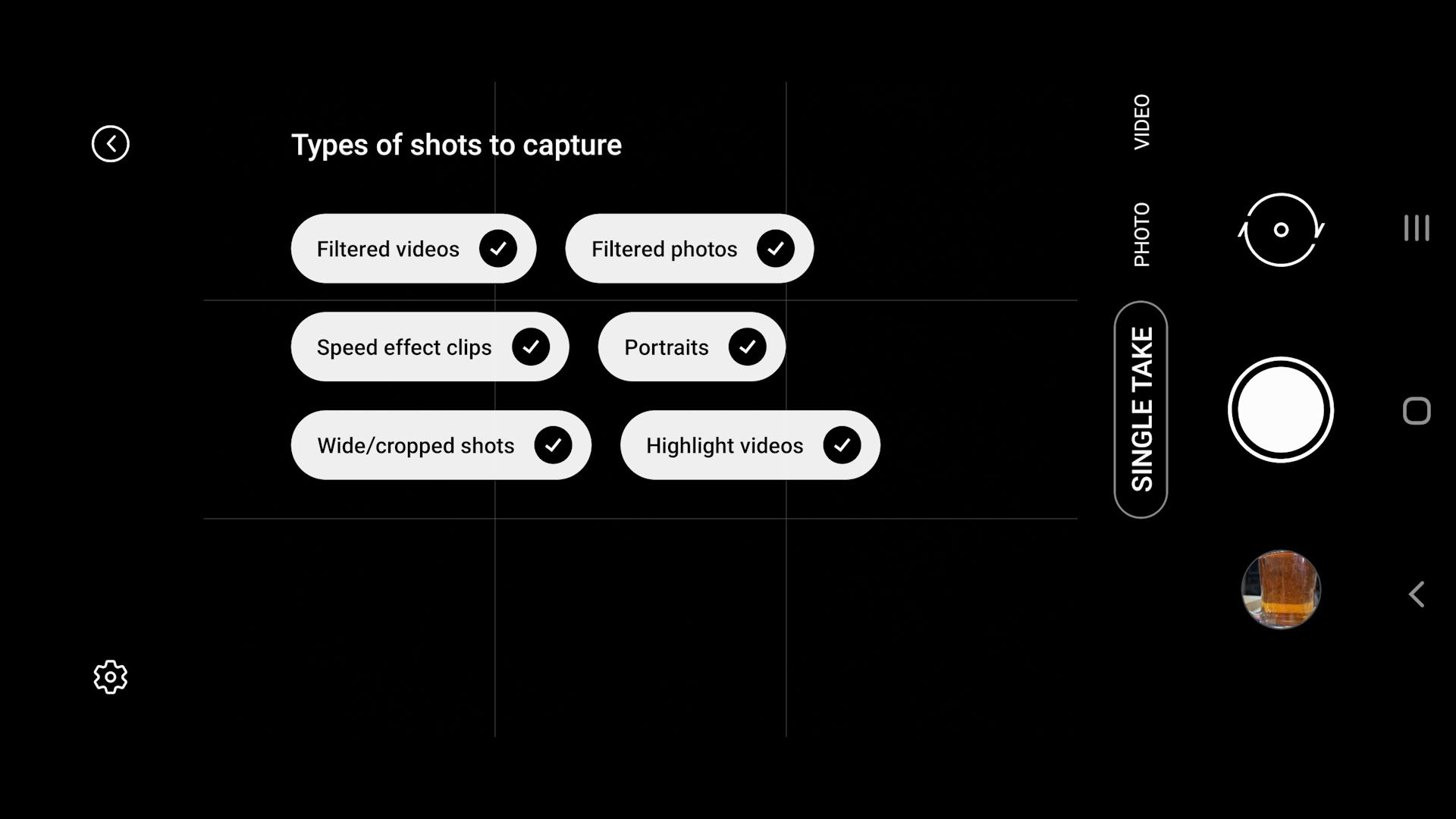
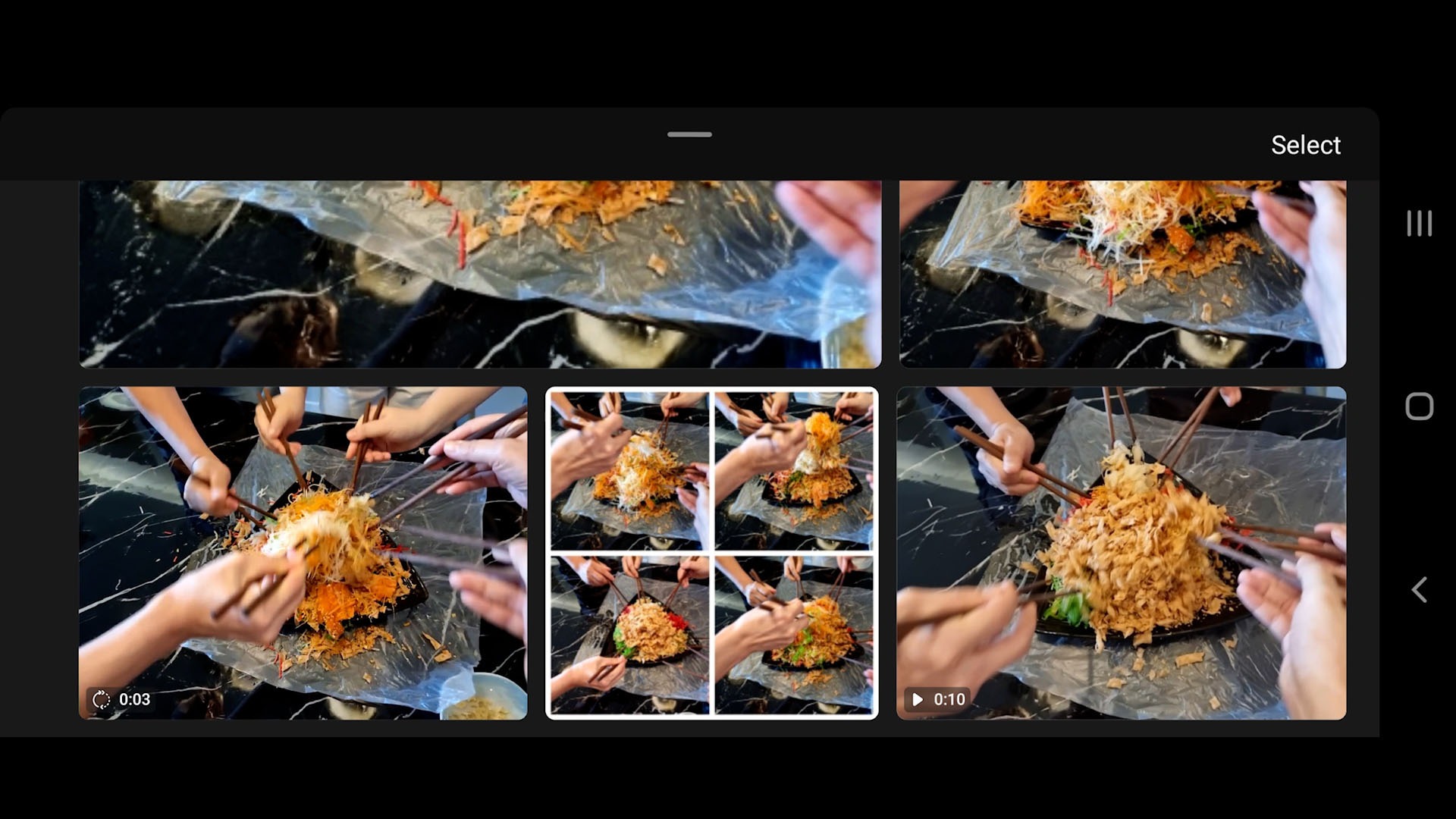
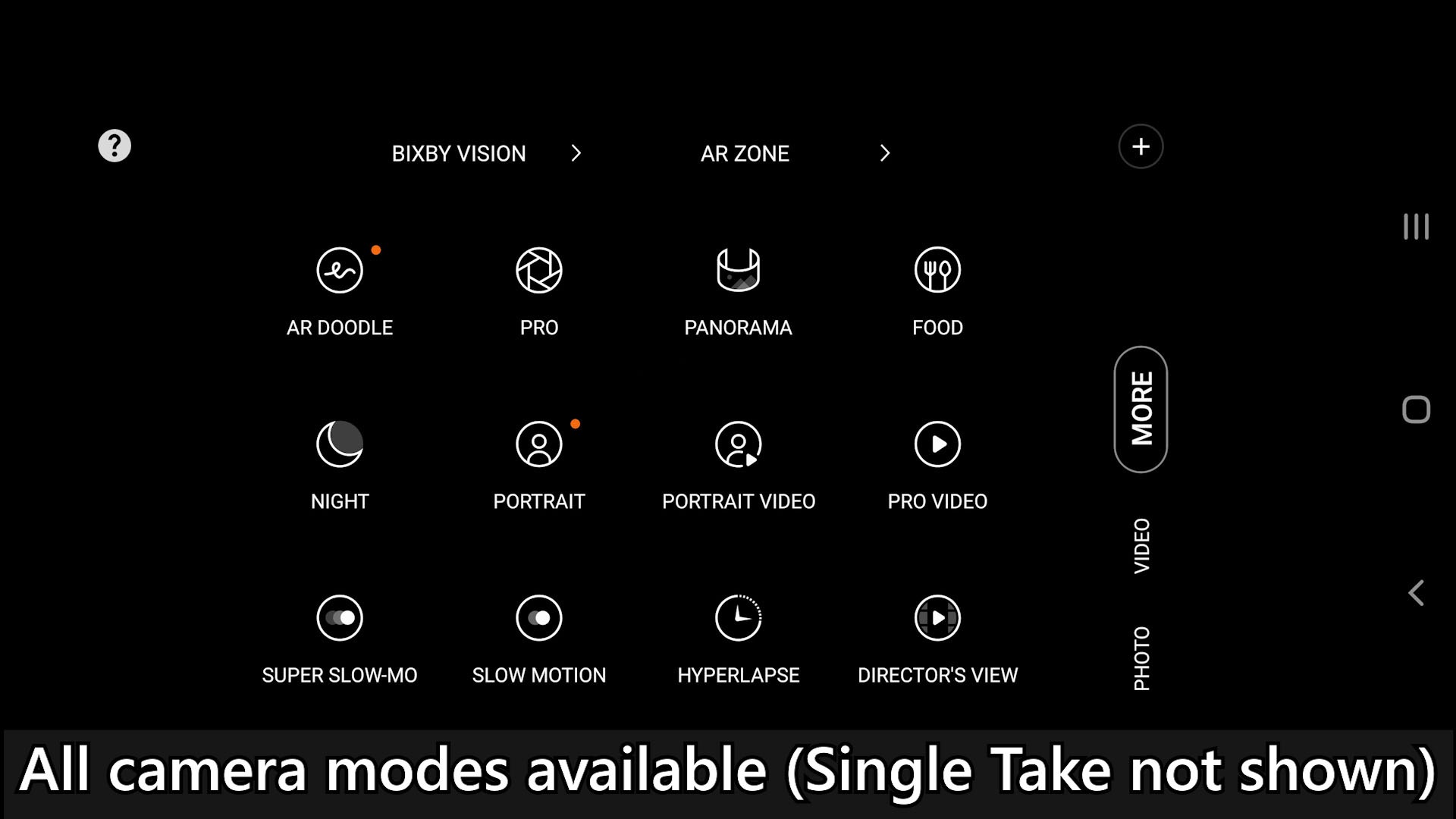
Then also comes the new Single Take 2.0. Now, you can customize how much time the Single Take captures, and also what type of results you want – whether you want cropped shots, portraits, filtered photos, or videos – that’s all up to you.
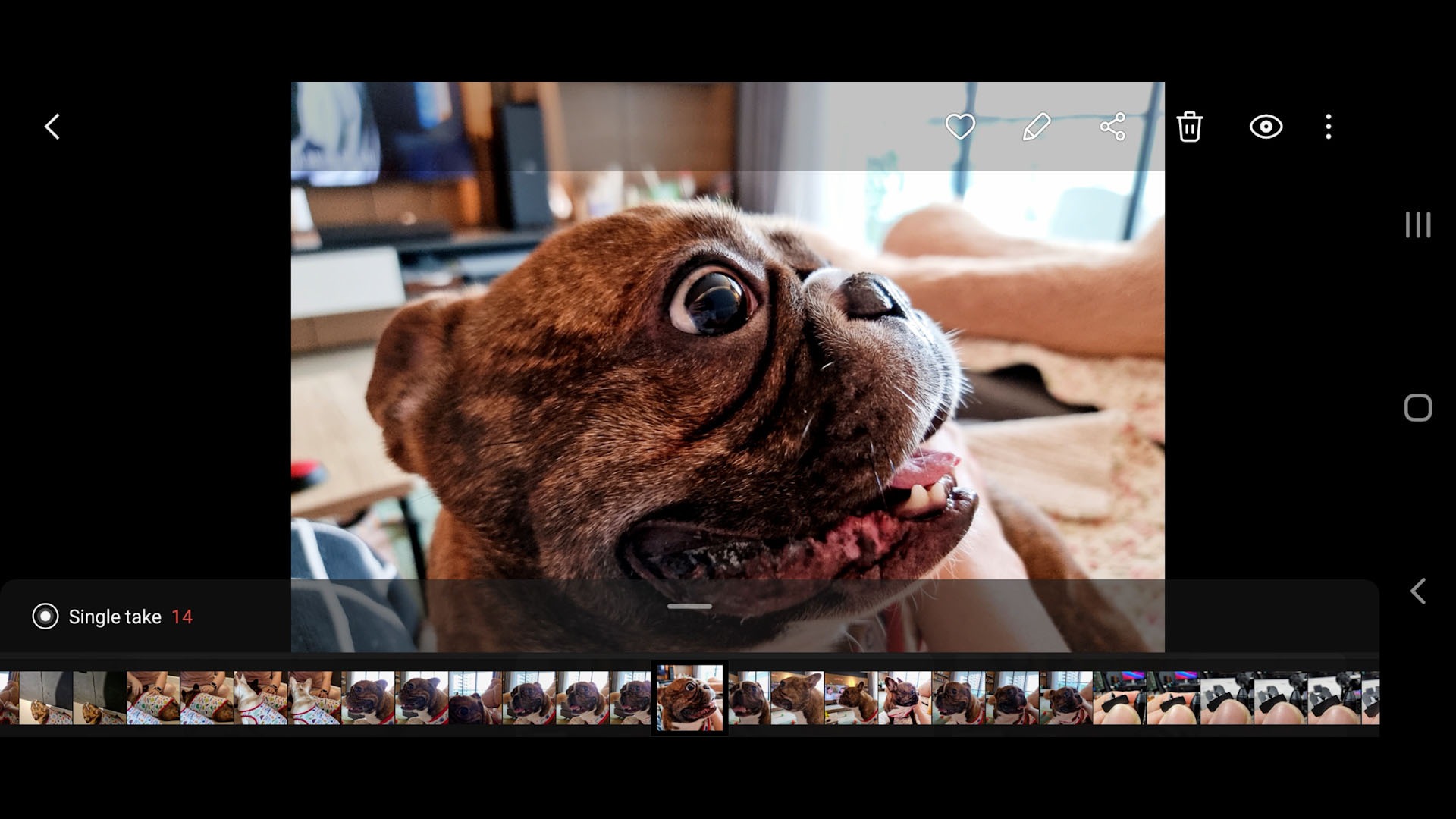
And I also realized that Single Take 2.0 is a great tool to help capture our times with our pets. These doggos move around way too much with their saliva flying all over – but I love them, and I want to take pictures and videos of them. And Single Take 2.0 serves that purpose really well. It captures a lot of random photos and videos but I can discard whichever that I don’t want.
Single Take 2.0 is also useful for lou sang – no idea how to explain what it is, but it’s some sort of ritual whereby every Chinese New Year, we get together and mix this dish together.
New Object Eraser feature
Oh – before I forget, there’s also a new Object Eraser feature. Essentially, it does the same thing as Adobe Photoshop’s content-aware fill. It’s still in beta, which is why it’s nested within the Labs menu inside the gallery.
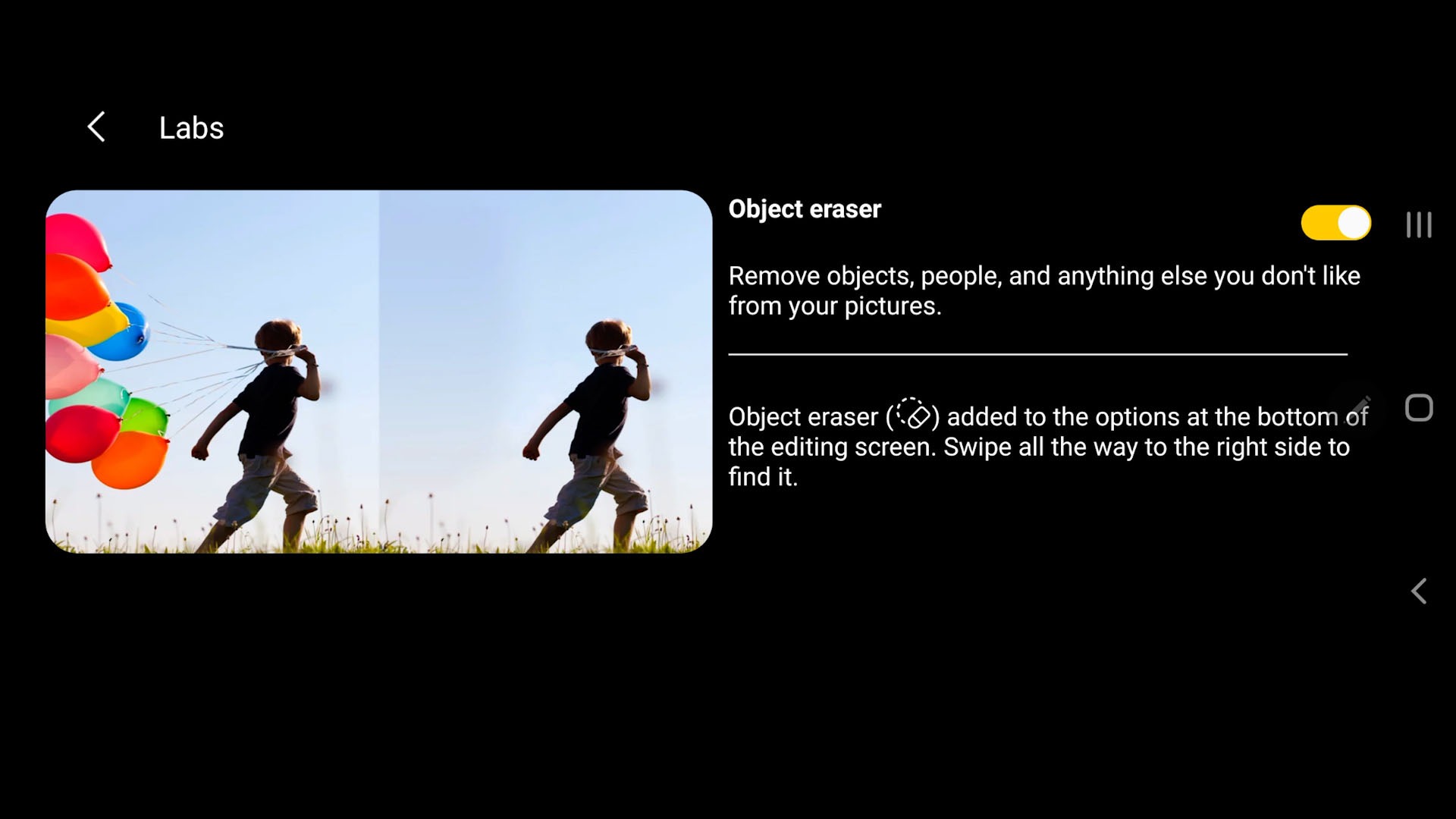
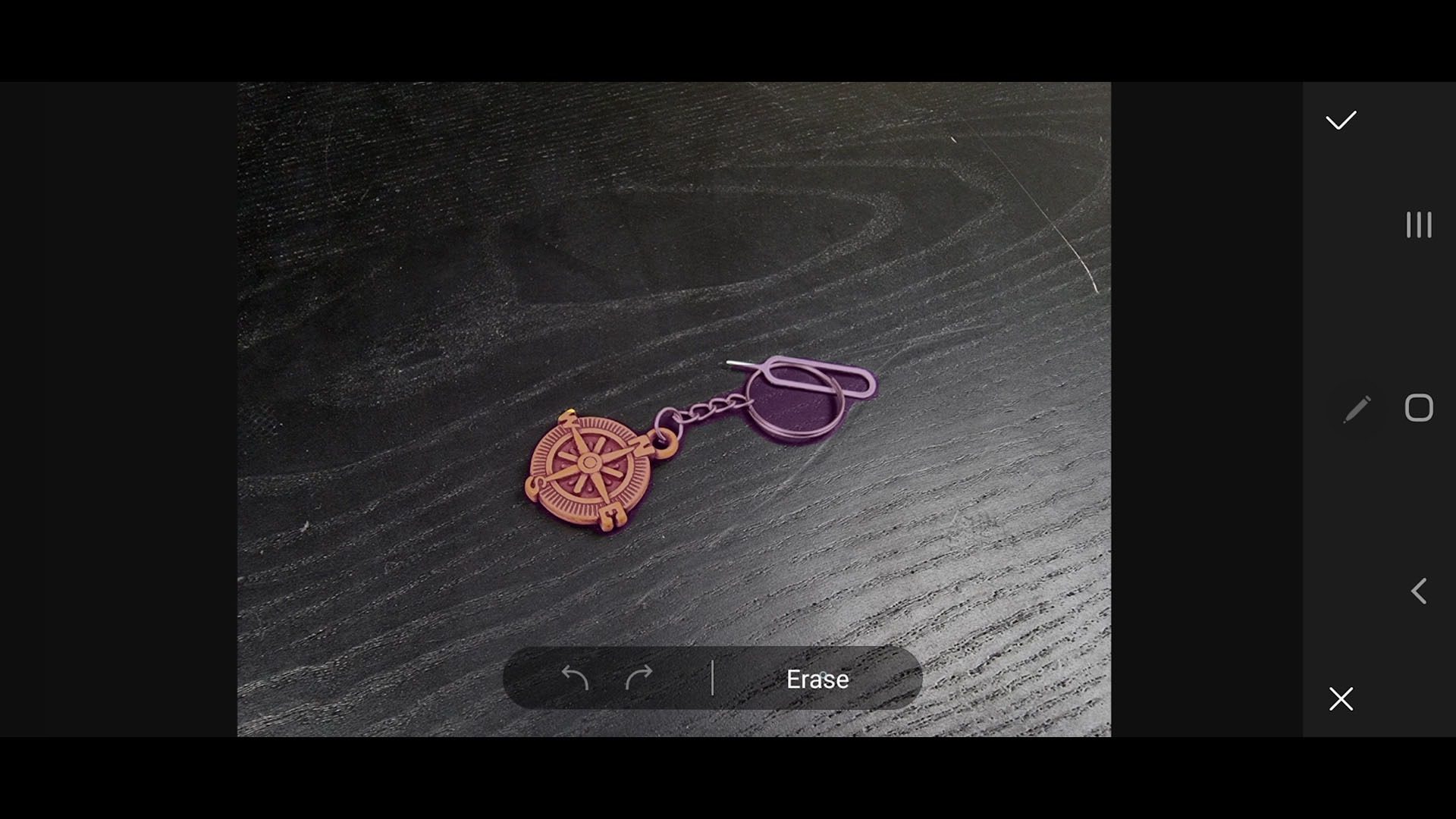
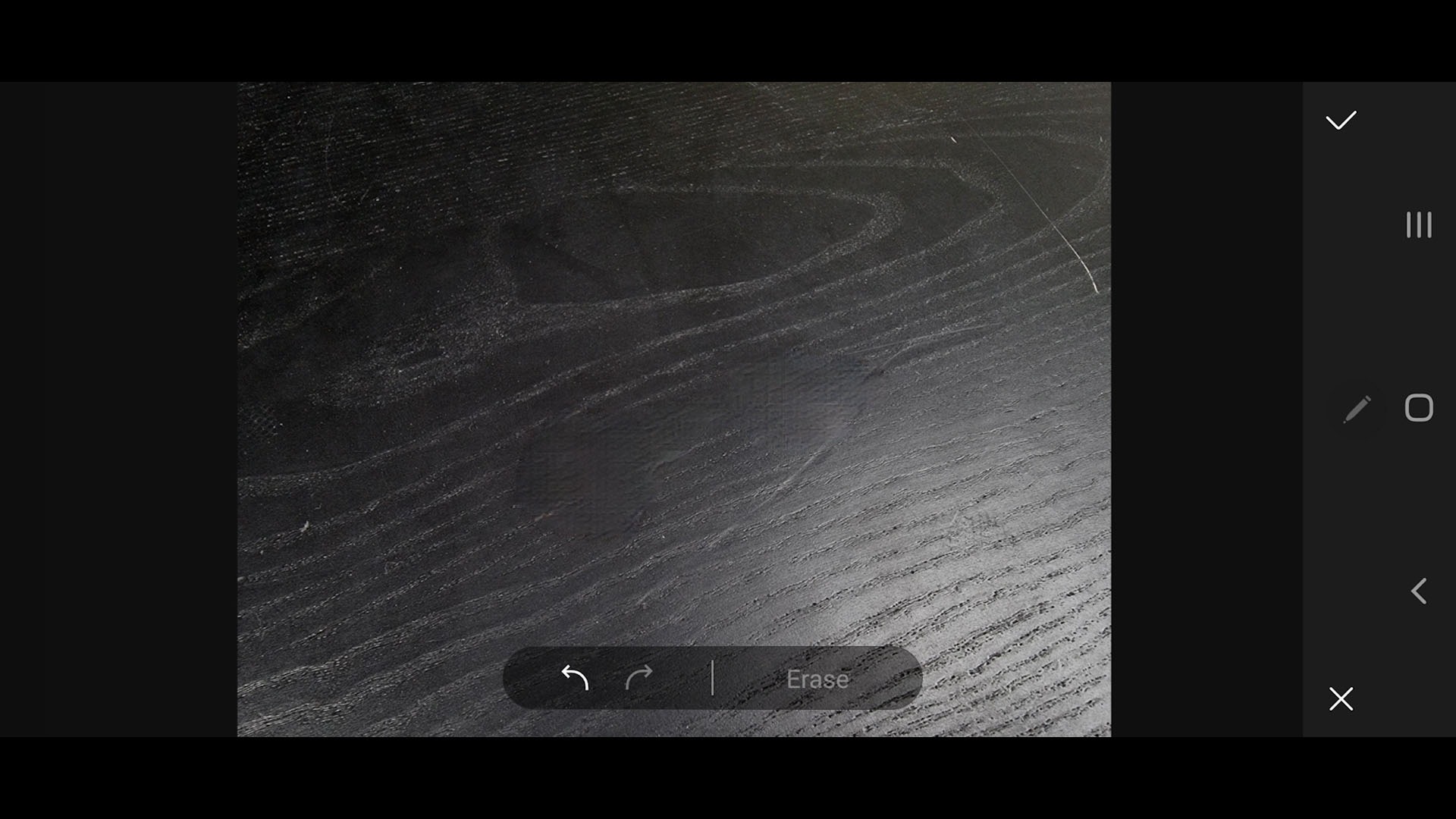
Once you enable the feature, you can tap on an object and it’ll patch out that thing that you want to remove. It’s understandably not perfect – it’s pretty good on certain surfaces.
Are these camera features and improvements useful?
Well, most of it – yes. They might look like parlor tricks at first but they turned out to have some really useful applications. Personally, I don’t like to stand in the same position for a few seconds just to take a single shot – so I still like my phone to be a point-and-shoot camera.
And the Samsung Galaxy S21 Ultra is still a fantastic quick point and shoot camera phone, honestly.
We’re not done, though
Even if this is the end to our camera review of the Galaxy S21 Ultra, we’ll be revisiting it once again with the video capabilities of this phone once again.
Like our Facebook Page here at NasiLemakTech.com for more news and in-depth reviews! Also, join our Facebook Group for insightful information and memes!
Subscribe to our YouTube channel too!