














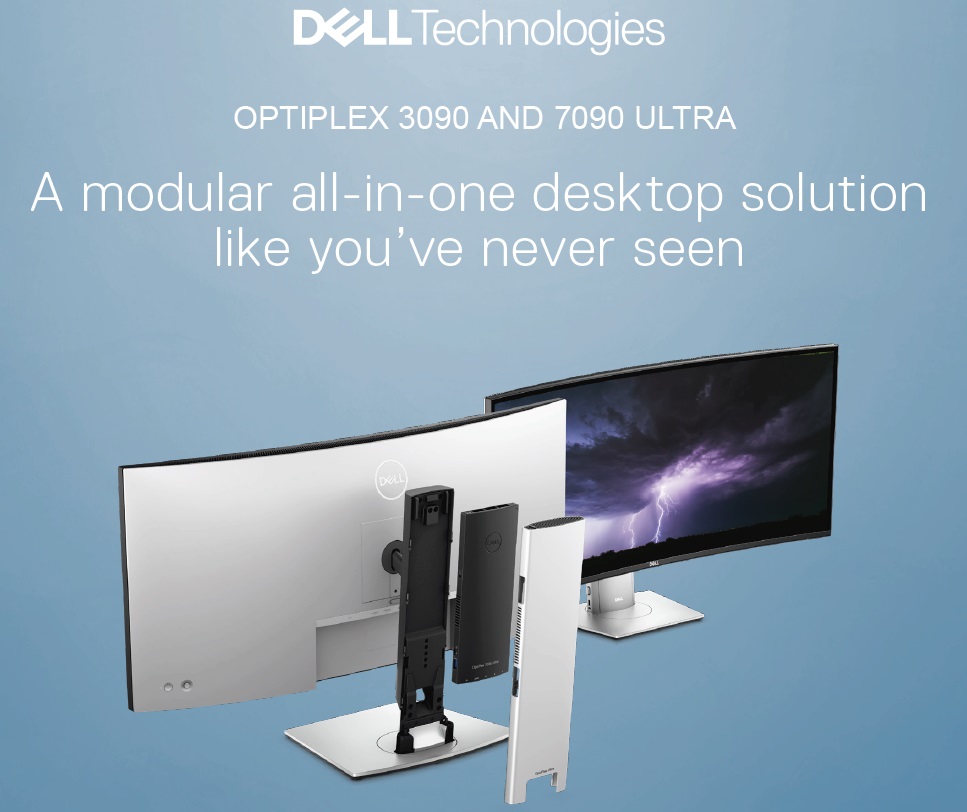

I absolutely love the original OptiPlex 7070 Ultra when it was first announced and I was even more blown away when we reviewed it. The idea of having upgrade path flexibility while having a form factor of an AiO PC is amazing. The execution that Dell did for that product is also unprecedented. And now, we have new OptiPlex PCs, namely the OptiPlex 3090 Ultra and 7090 Ultra.
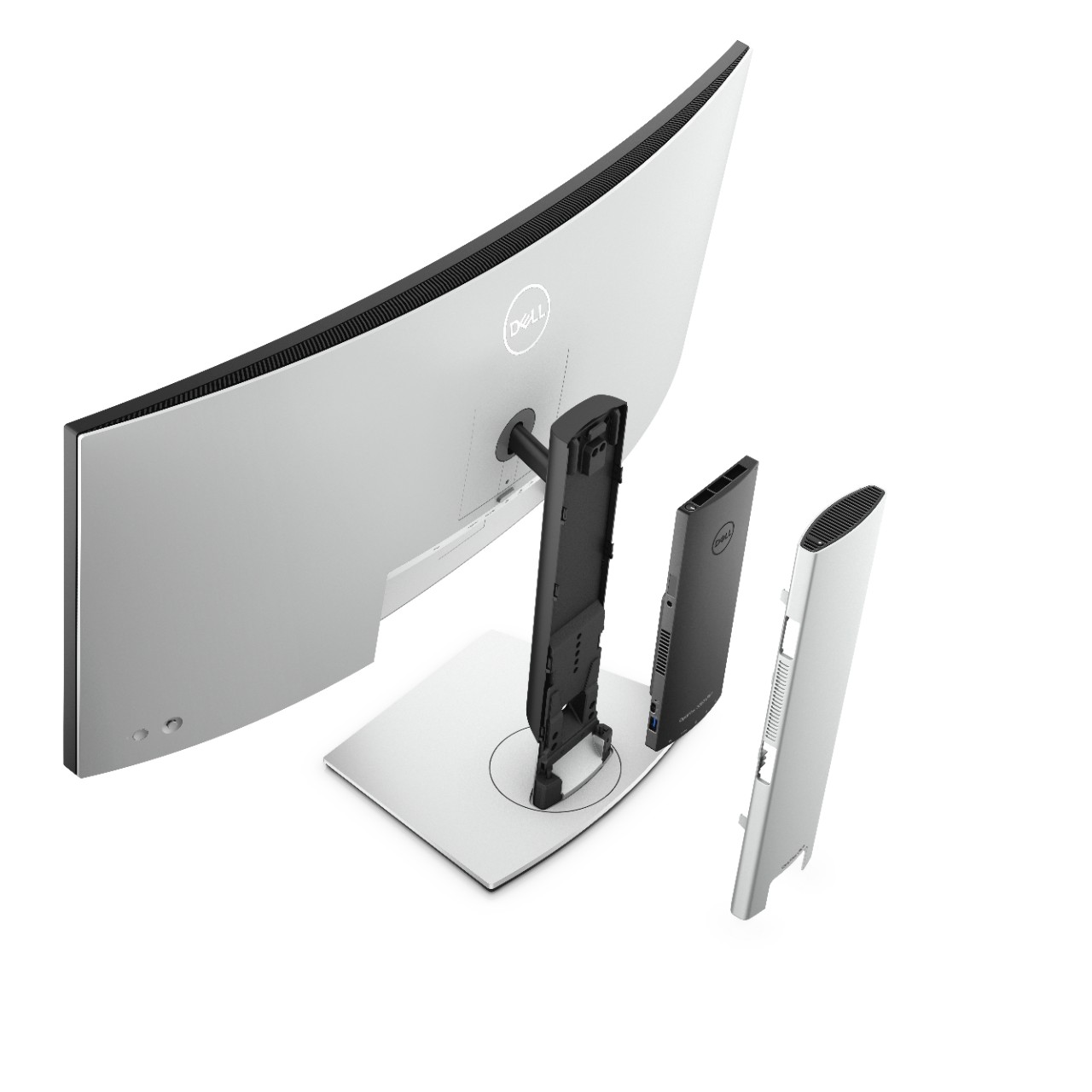
With a special design that targets system integration as the main focus, it is shaped similarly to most of the stand of Dell’s monitor so that users can snap on them directly on the backside or into the hollow part of the monitor stand and essentially have an All-in-One PC ready to go and serve business needs. Due to the superior size and performance it provides, I could see this being super popular in places like offices and libraries.
Here is a quick rundown of the important specs for both models.
|
OptiPlex 3090 Ultra |
OptiPlex 7090 Ultra |
|
|
CPU |
Up to 11th Gen Intel Core i5-1145G7 |
Up to 11th Gen Intel Core i7-1185G7 vPRO |
|
RAM |
Up to 64GB DDR4 3200MHz |
Up to 64GB DDR4 3200MHz |
|
GPU |
Intel UHD or Xe Graphics |
Intel UHD or Xe Graphics |
|
Storage |
Up to 2TB SATA HDD or Up to 2TB NVMe SSD with optional Self Encryption feature |
Up to 2TB SATA HDD or Up to 2TB NVMe SSD with optional Self Encryption feature or Intel Optane H20 with Solid State Storage |
|
Connectivity (Side) |
USB 3.2 Gen 2 Type-A with Power Share x1 USB 3.2 Gen 2 Type-A x1 Universal Audio Jack |
USB 3.2 Gen 2 Type-A with Power Share x1 Thunderbolt 4 x1 Universal Audio Jack |
|
Connectivity (Back) |
USB 3.2 Gen 2 Type-A with SmartPower On x2 USB 3.2 Gen 2 Type-C x1 Ethernet DisplayPort 1.4 x1 |
USB 3.2 Gen 2 Type-A with SmartPower On x2 USB 3.2 Gen 2 Type-C x1 Ethernet DisplayPort 1.4 x1 |
|
Network |
Intel 802.11ax + Bluetooth 5.1 |
Qualcomm 802.11ac + Bluetooth 5.0 or Intel 802.11ax + Bluetooth 5.1 |
With a large range of compatible monitors that support the snap-on mechanism of the NUC to choose from, users get to enjoy a full desktop experience without sacrificing precious workspace. Heck, you can even remove it and bring them to other places or give it an upgrade in the future since it is also partially user-serviceable for some parts. There are also lots of different monitor stands that are both compatible with the monitors and the OptiPlex as well if you happened to not like the stock stand very much.
As we mentioned before, since the OptiPlex 7090 Ultra is the premium model, it features Dell Optimizer that learns and adapts to your way of working to improve your productivity and experience over a period of time. You can find out more about it here.
Like our Facebook Page here at NasiLemakTech.com for more news and in-depth reviews! Also, join our Facebook Group for insightful information and memes!
Subscribe to our YouTube channel too!